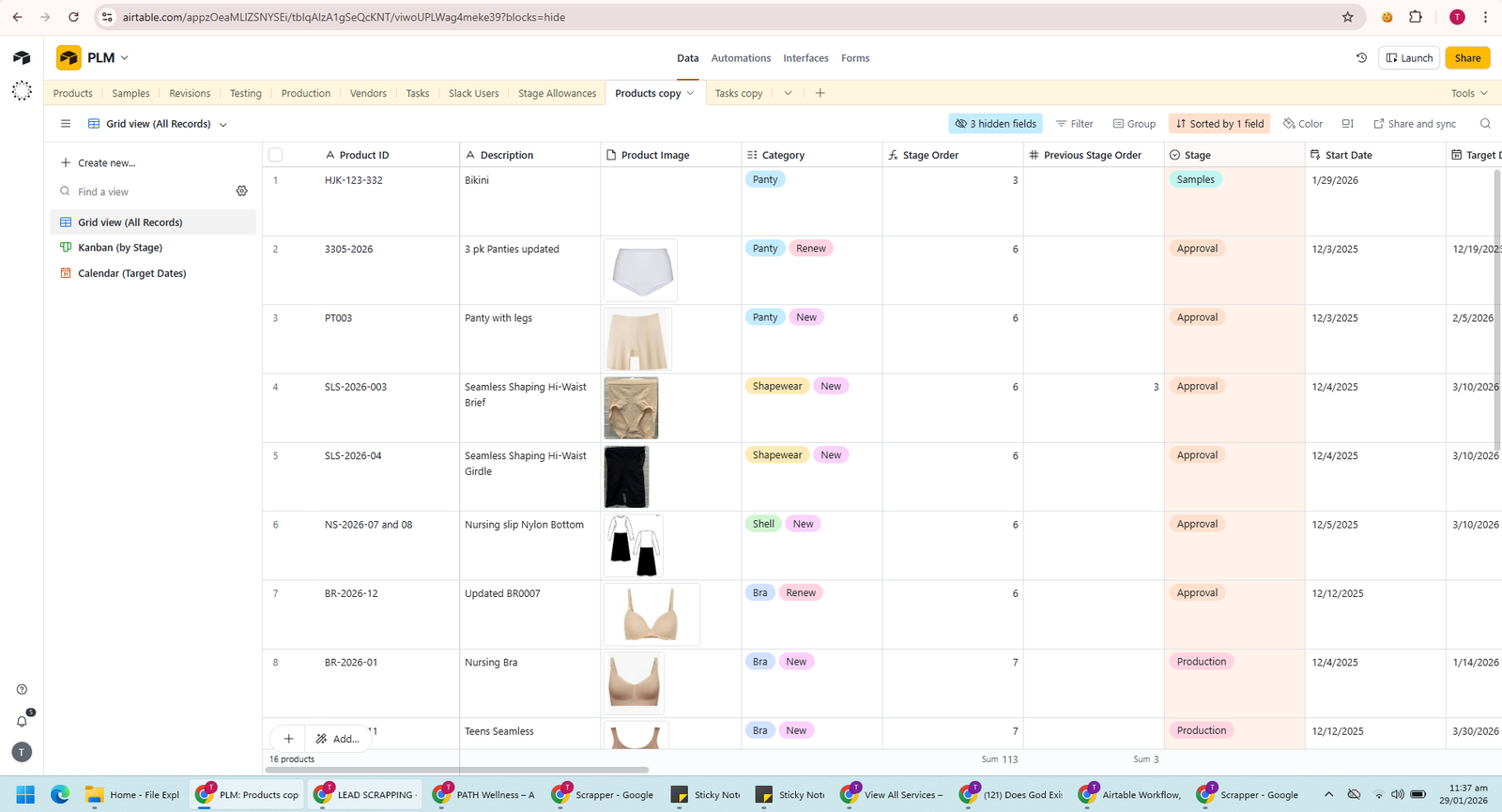
.png)
Dashboard
Sponsor Investment Dashboard
A centralized dashboard providing a clear overview of deals, investments, contacts and key financial metrics.
PROJECT DETAILS
Every project below is built into this single static HTML page. The selected project is displayed through the link from the portfolio page.
FINANCE AUTOMATION
A centralized finance portal for reviewing cash movement, reports, contacts, email activity and automated processes.
A centralized dashboard providing a clear overview of deals, investments, contacts and key financial metrics.
.png)
A centralized CRM workspace for managing investor details, contact information and communication activity.
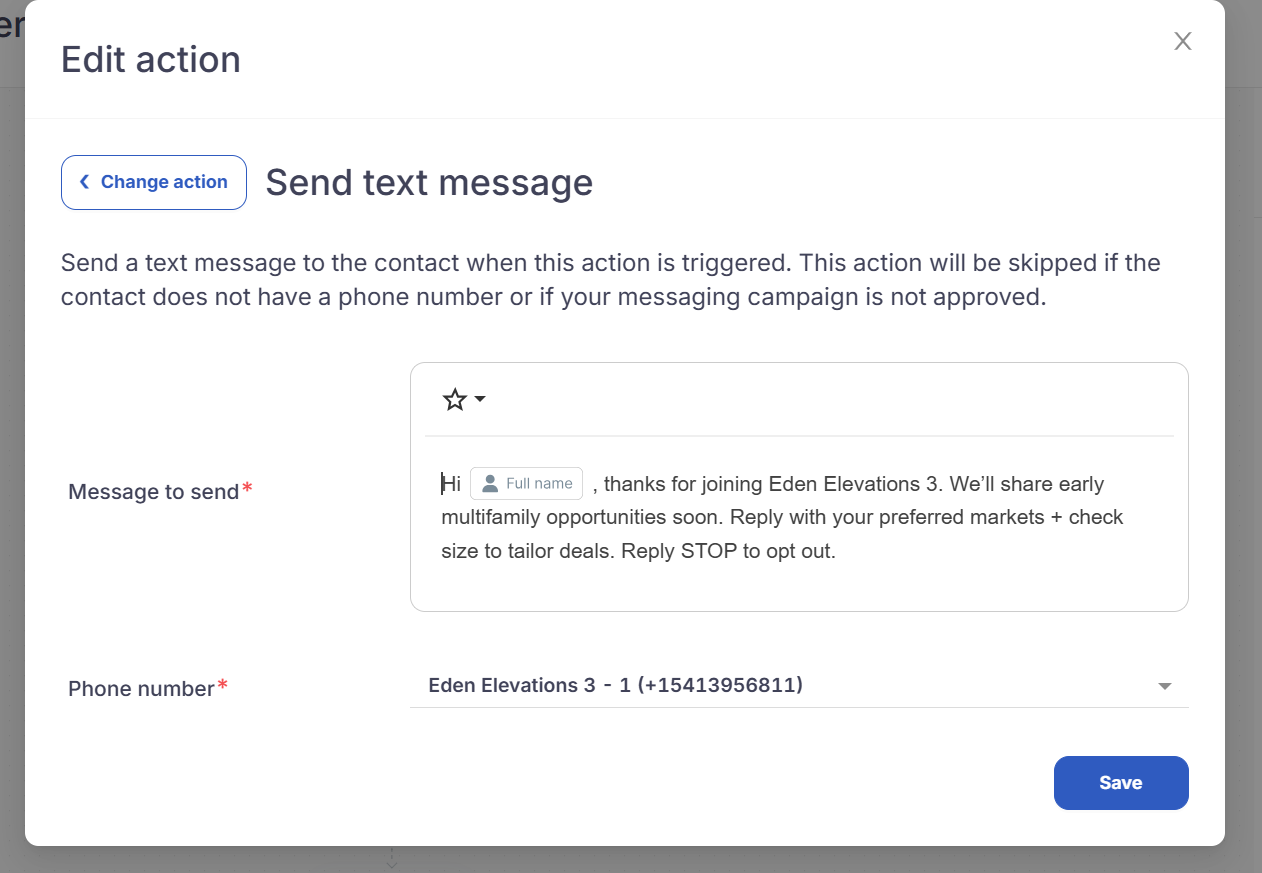
An automated welcome message designed to engage new investors and collect their preferred markets and investment criteria.
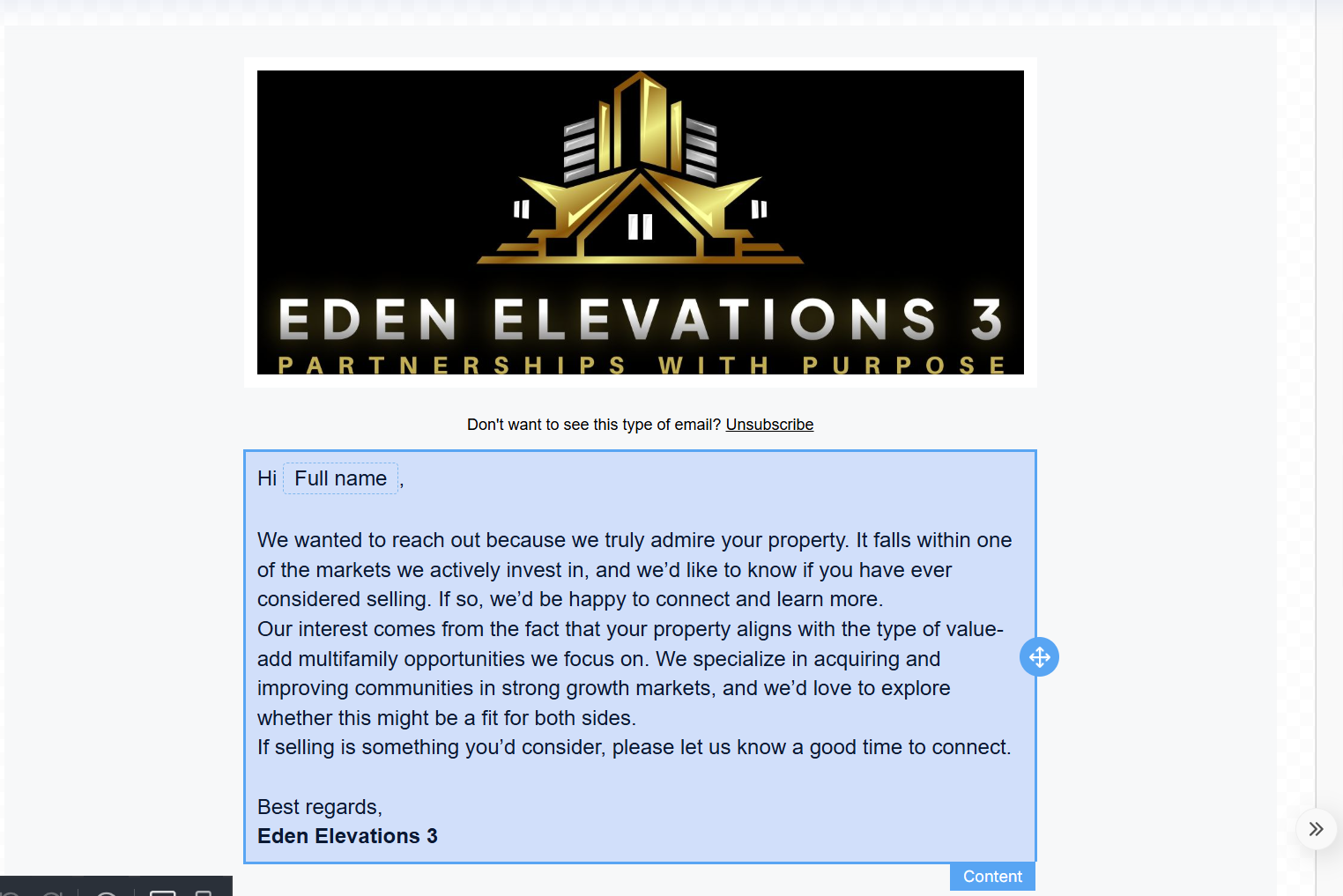
A personalized real estate outreach campaign created to connect with property owners and generate acquisition opportunities.
.png)
An investment reporting portal for generating monthly account statements and reviewing investor financial activity.
.png)
A multi-step automation that checks the investor pipeline stage and sends relevant follow-up emails automatically.
.png)
An automated workflow using timed reminders, internal notifications and conditional investor stage checks.
.png)
An automated process that monitors opportunity stages and sends targeted reminders based on investor progress.
CRM AUTOMATION
A complete GoHighLevel system for managing leads, tracking opportunities, automating customer communication and creating appointment workflows.
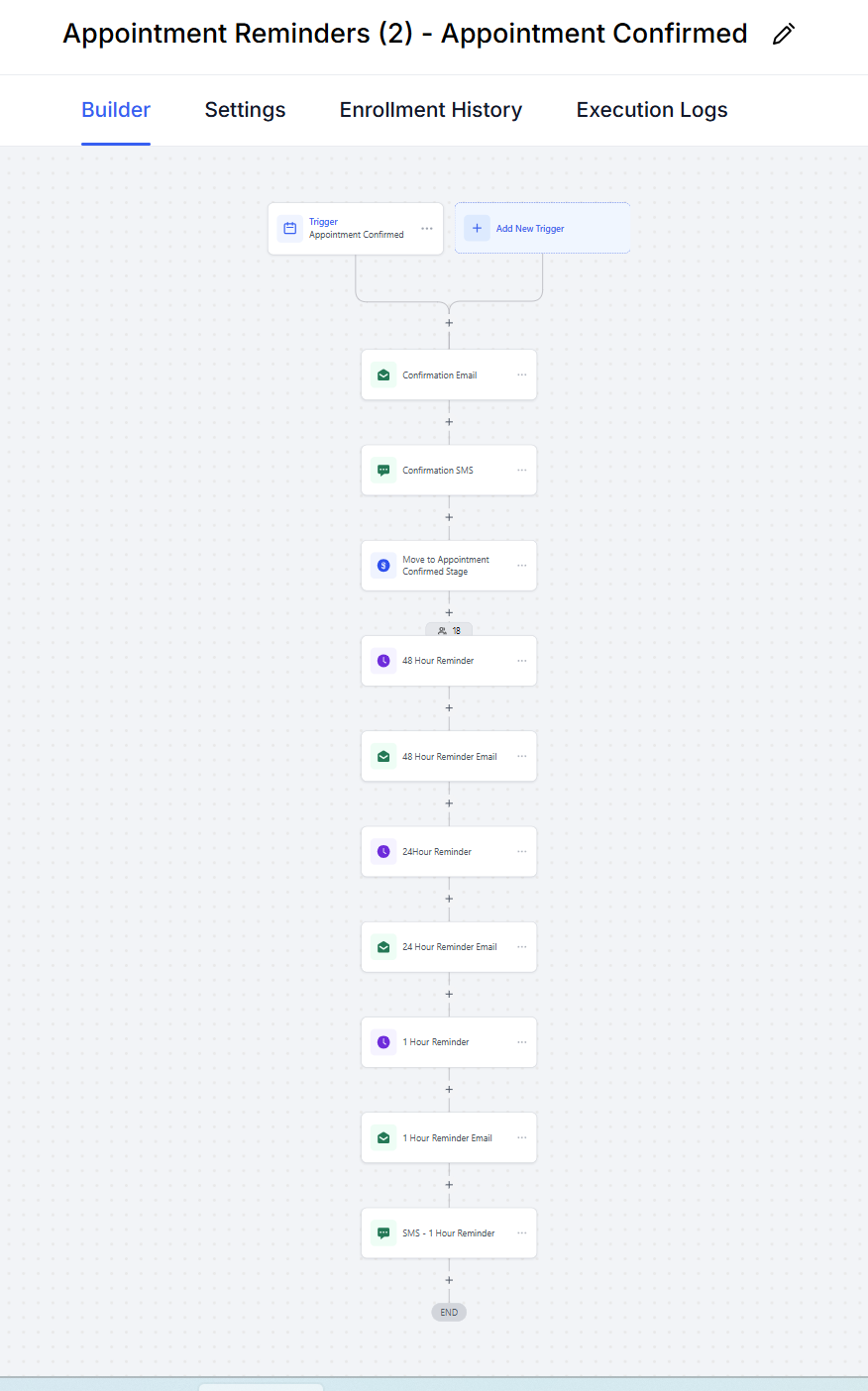
A complete workflow that sends confirmation messages and scheduled email and SMS reminders before appointments.
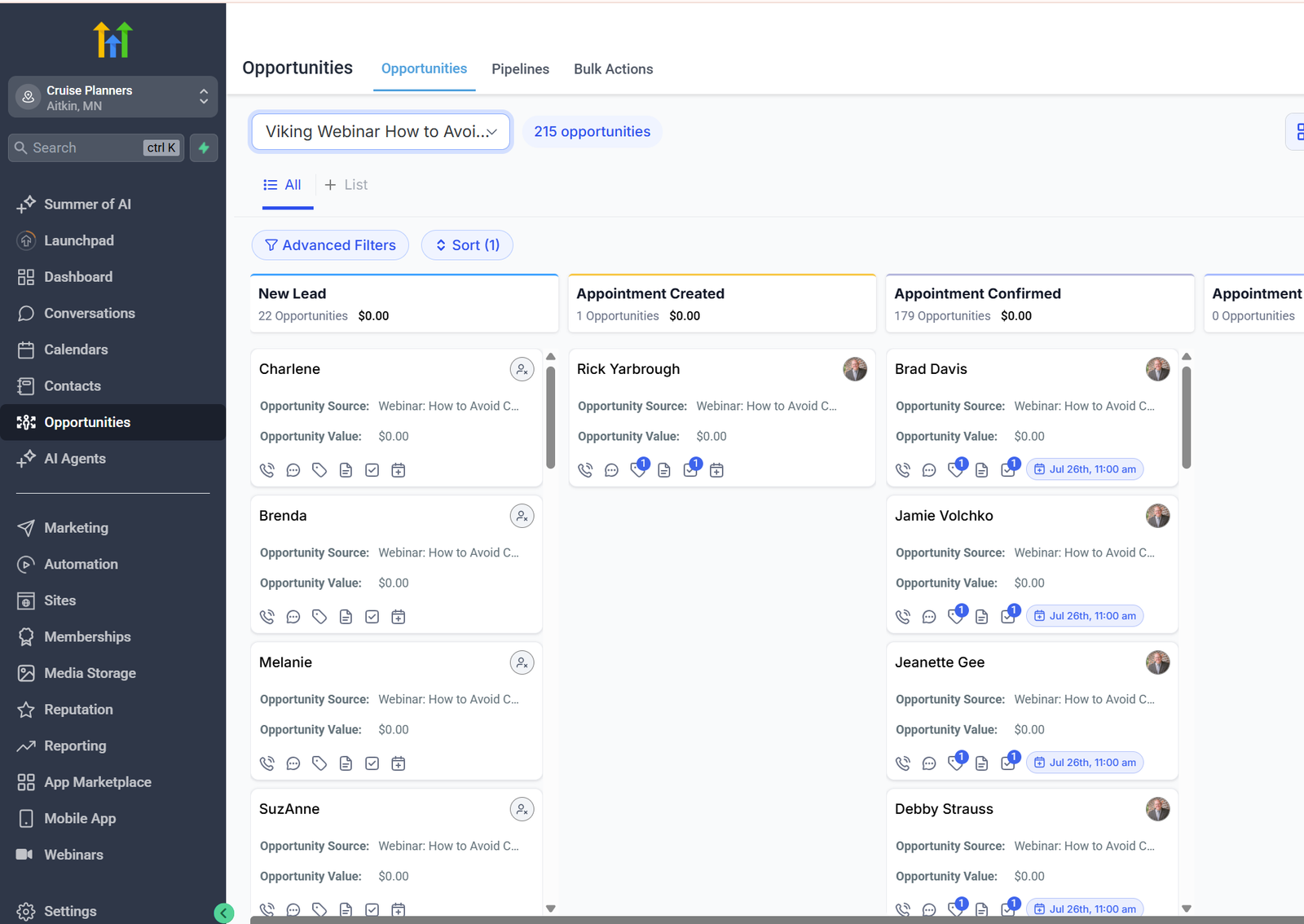
A structured CRM pipeline for tracking leads from the new lead stage through appointment creation and confirmation.
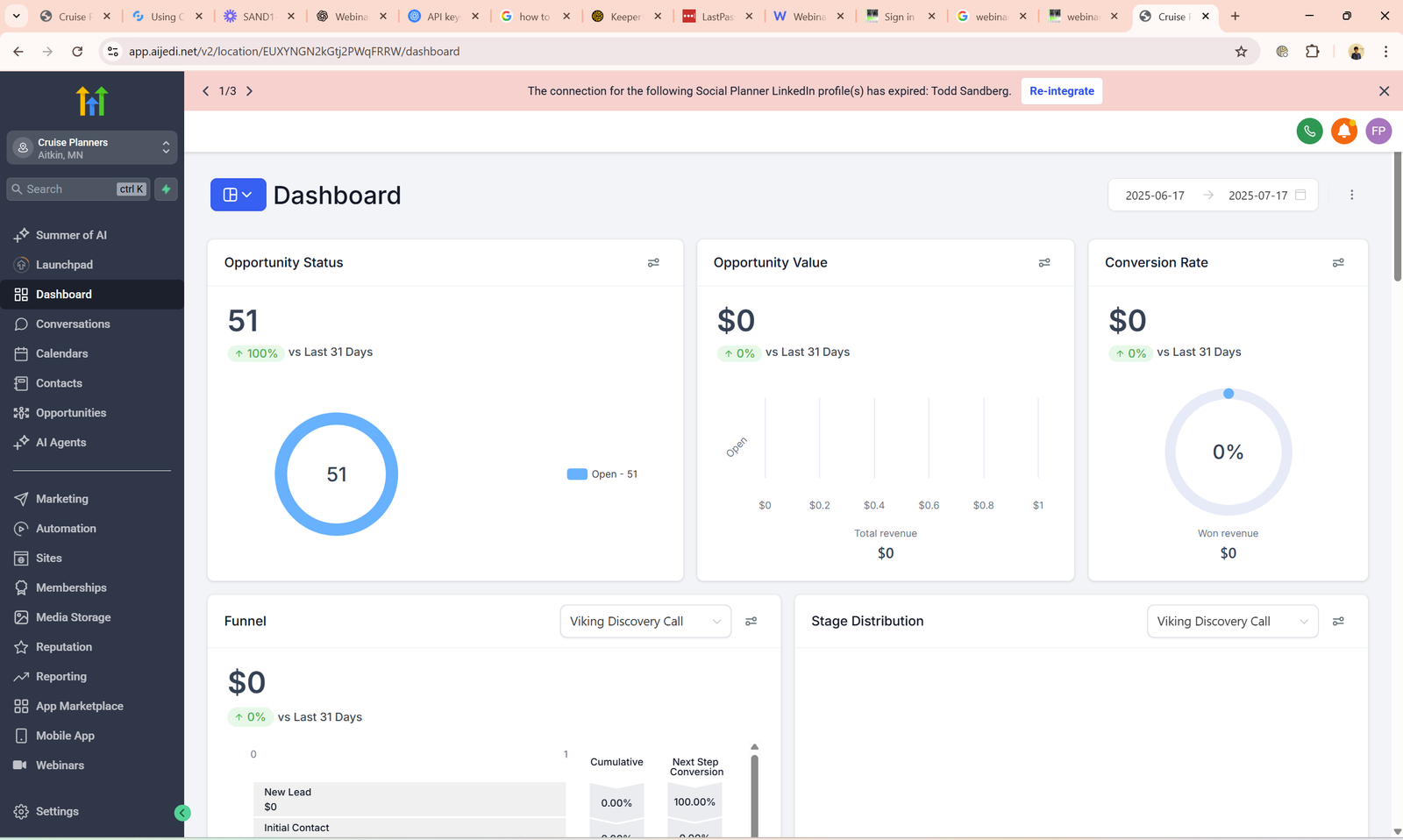
A centralized dashboard for monitoring opportunities, pipeline activity and conversion performance.
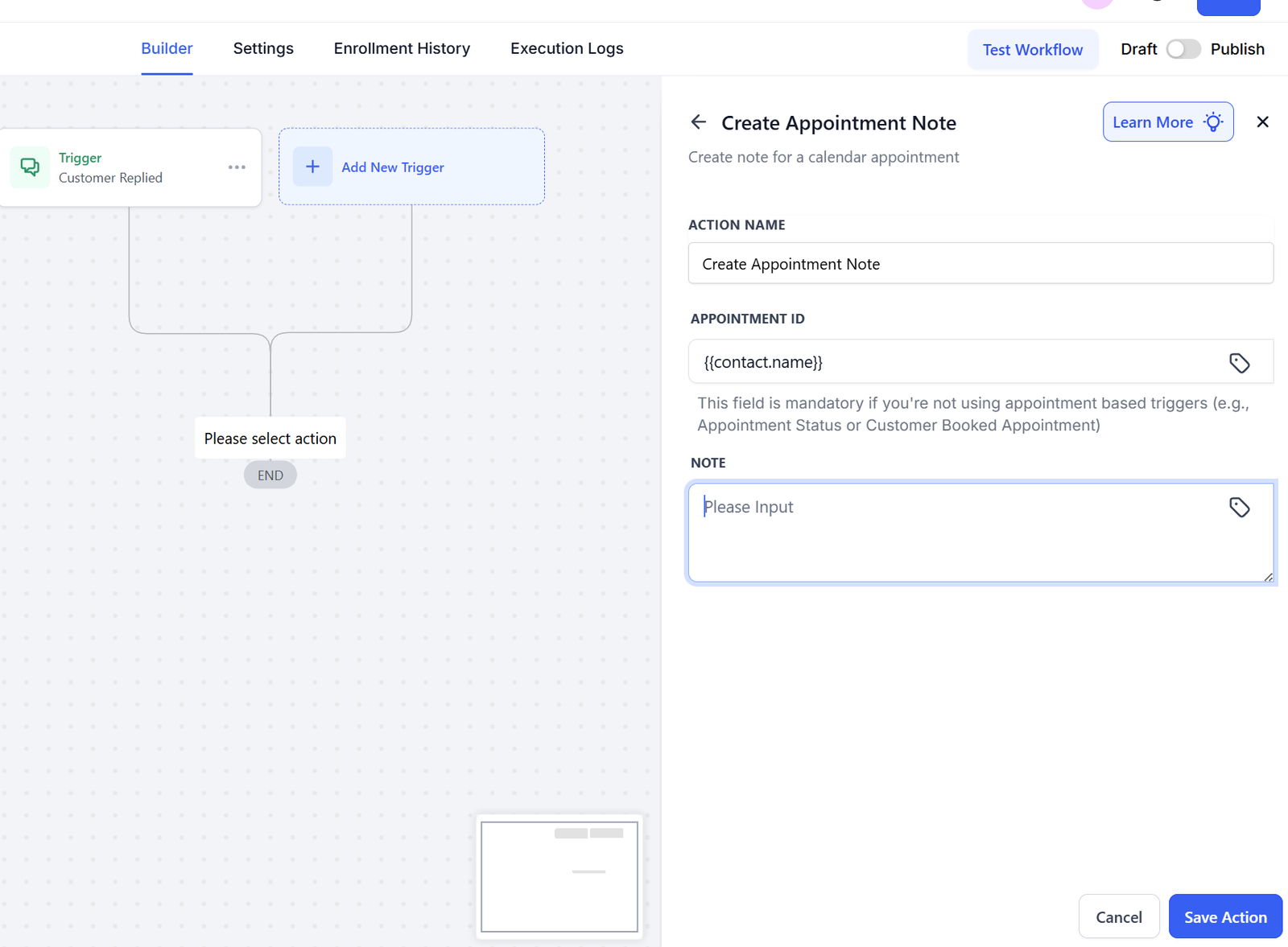
Appointment information is recorded automatically to keep customer details organized inside the CRM.
Customer replies can trigger contact updates, CRM actions and automated follow-up steps.
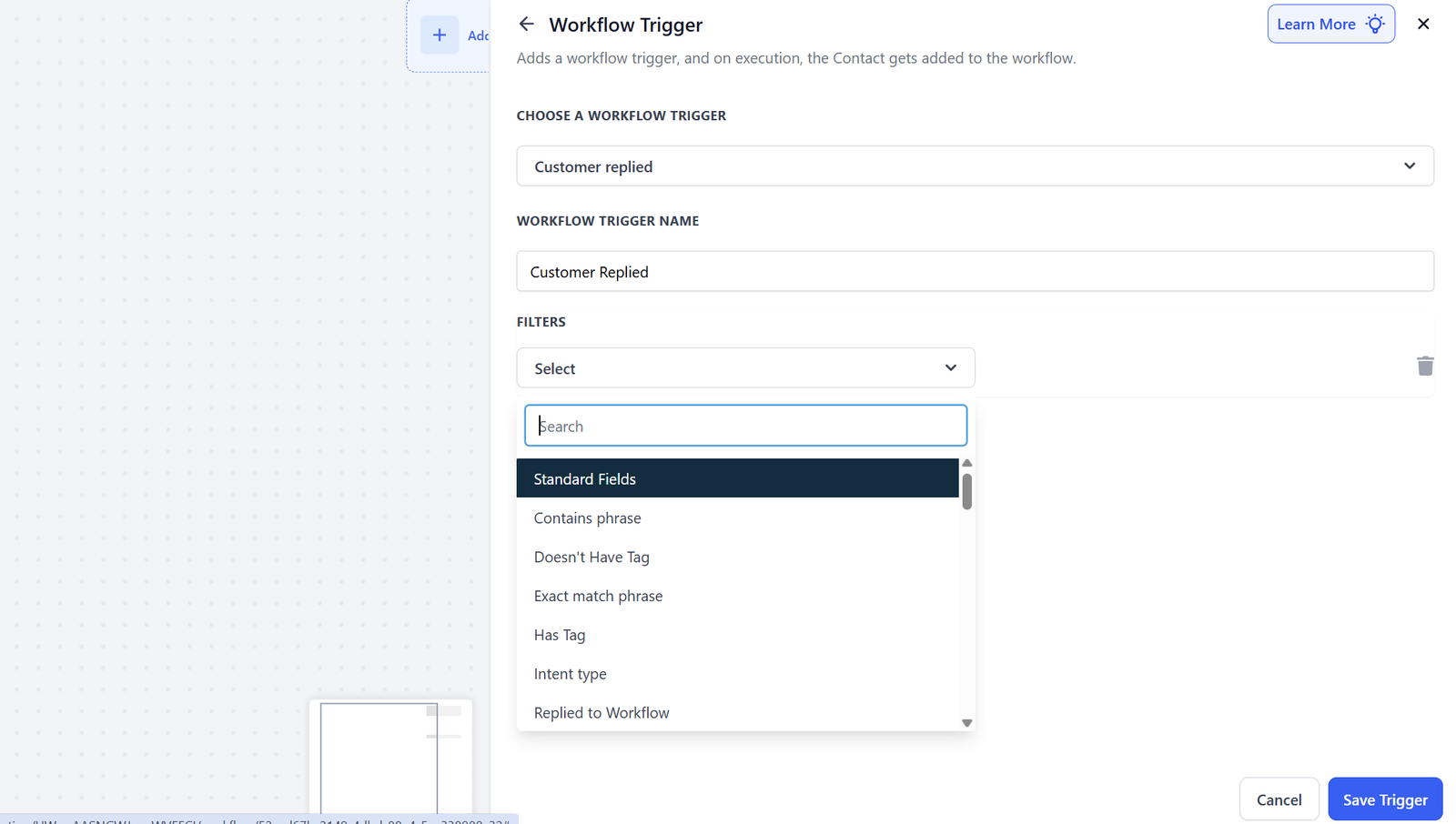
A customer reply trigger starts the workflow whenever a lead responds through a connected communication channel.
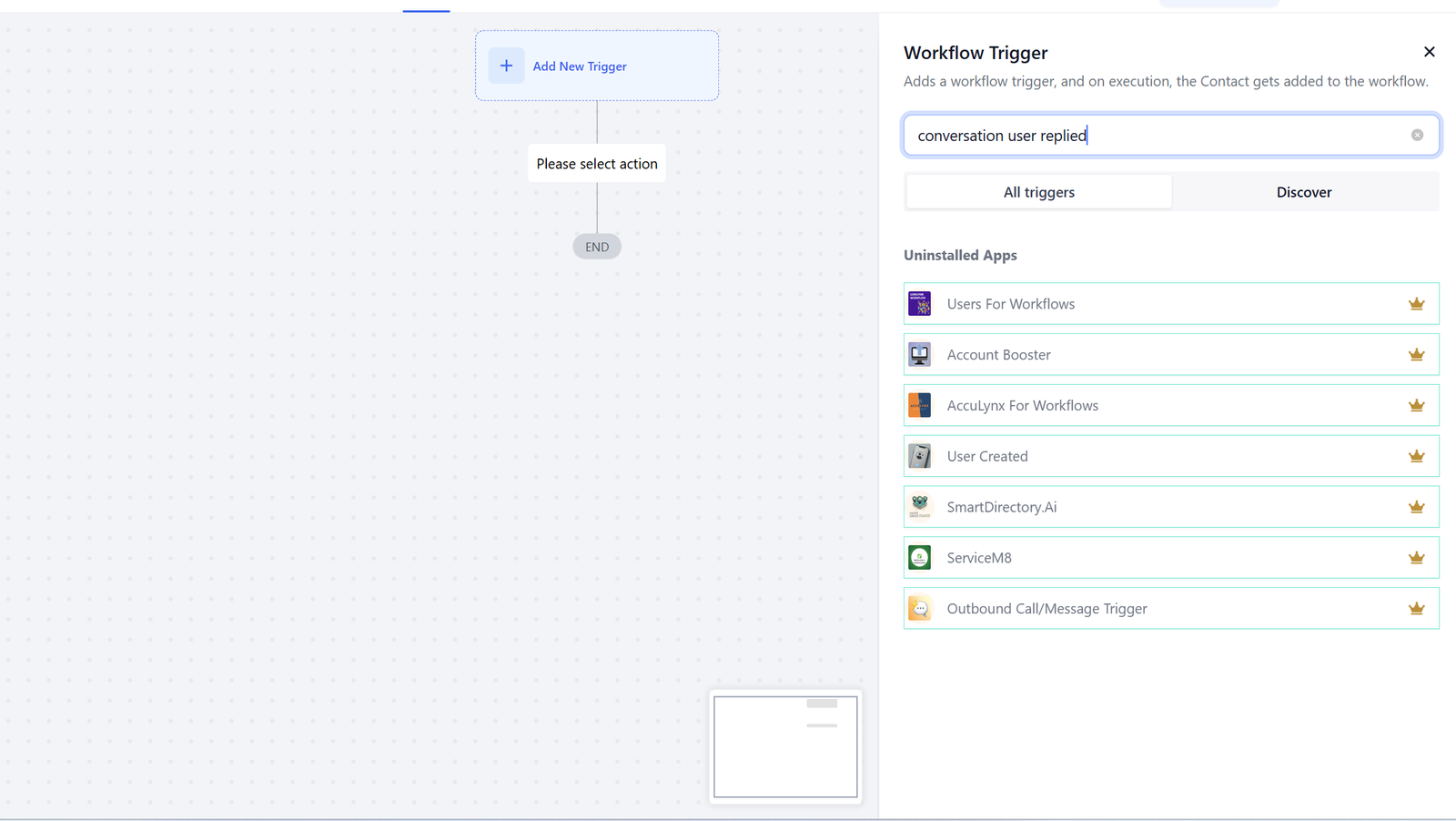
Workflow triggers are configured according to customer activity and CRM events.
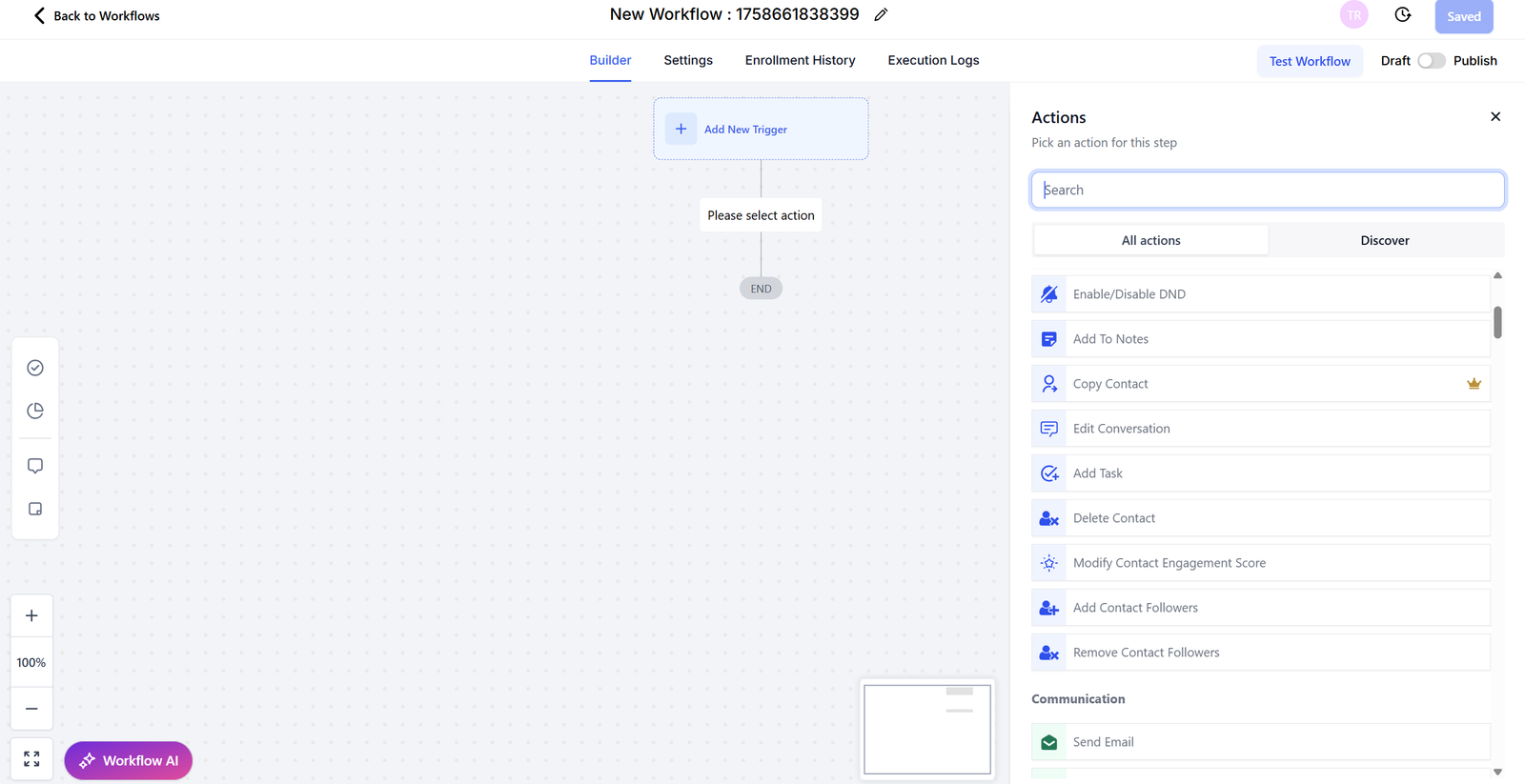
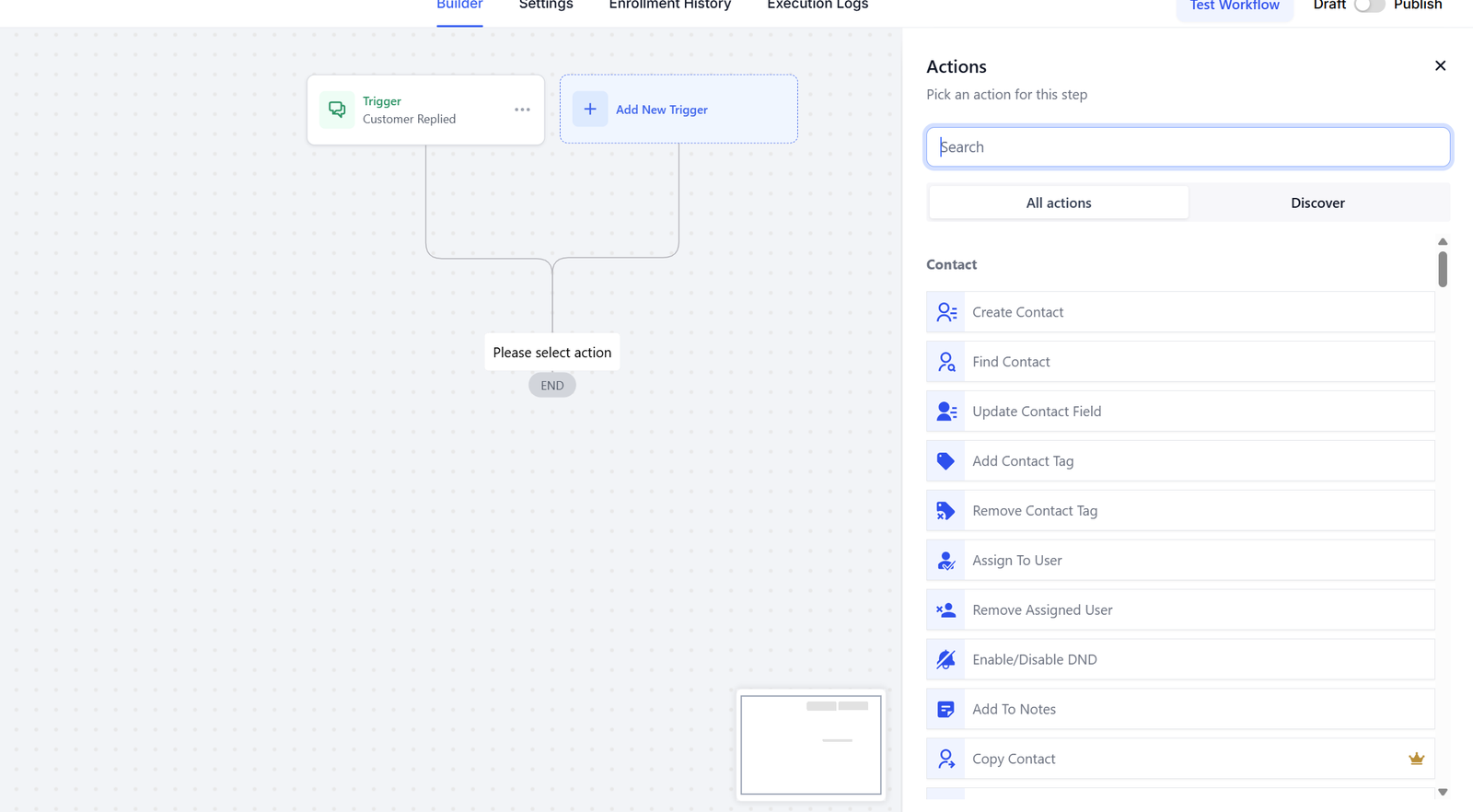
A workflow action library for managing contacts, communication and automated CRM processes.
CRM AUTOMATION
A complete HubSpot CRM system for managing customer records, monitoring business performance and automating sales and marketing workflows.
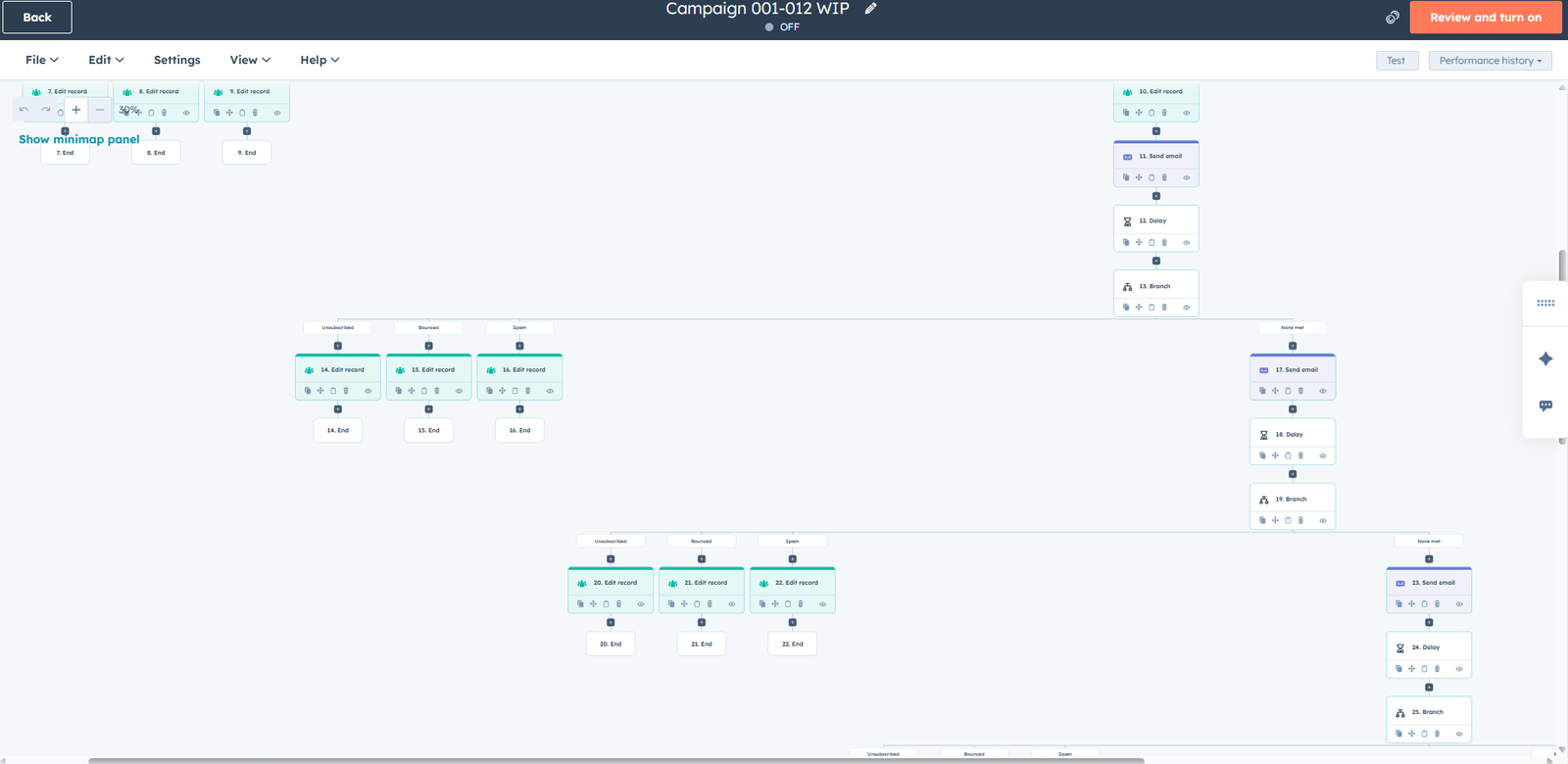
A structured HubSpot workflow that connects automated actions, conditions and customer engagement steps.
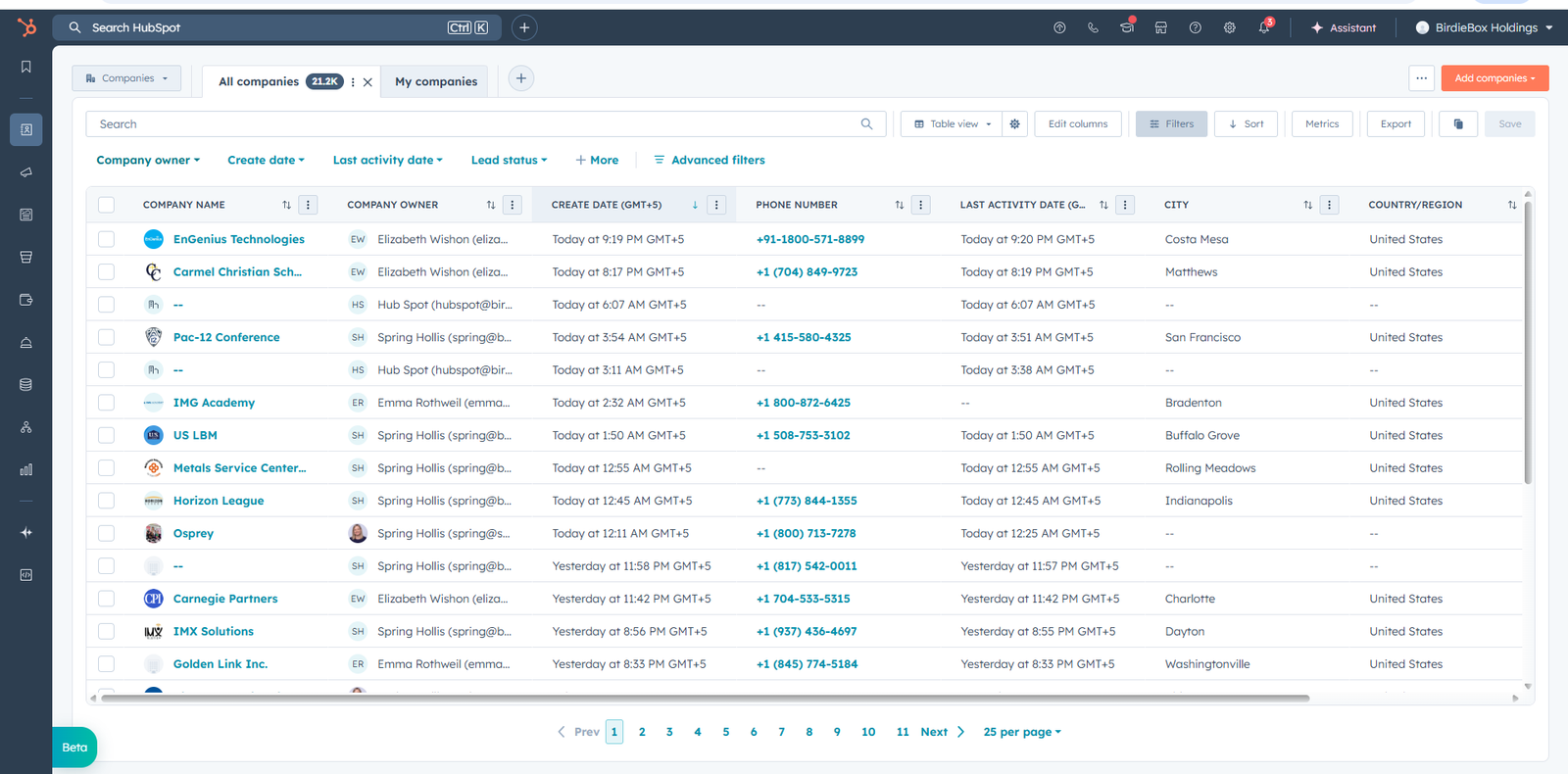
A centralized CRM workspace for organizing customer records, contact information and business activity.
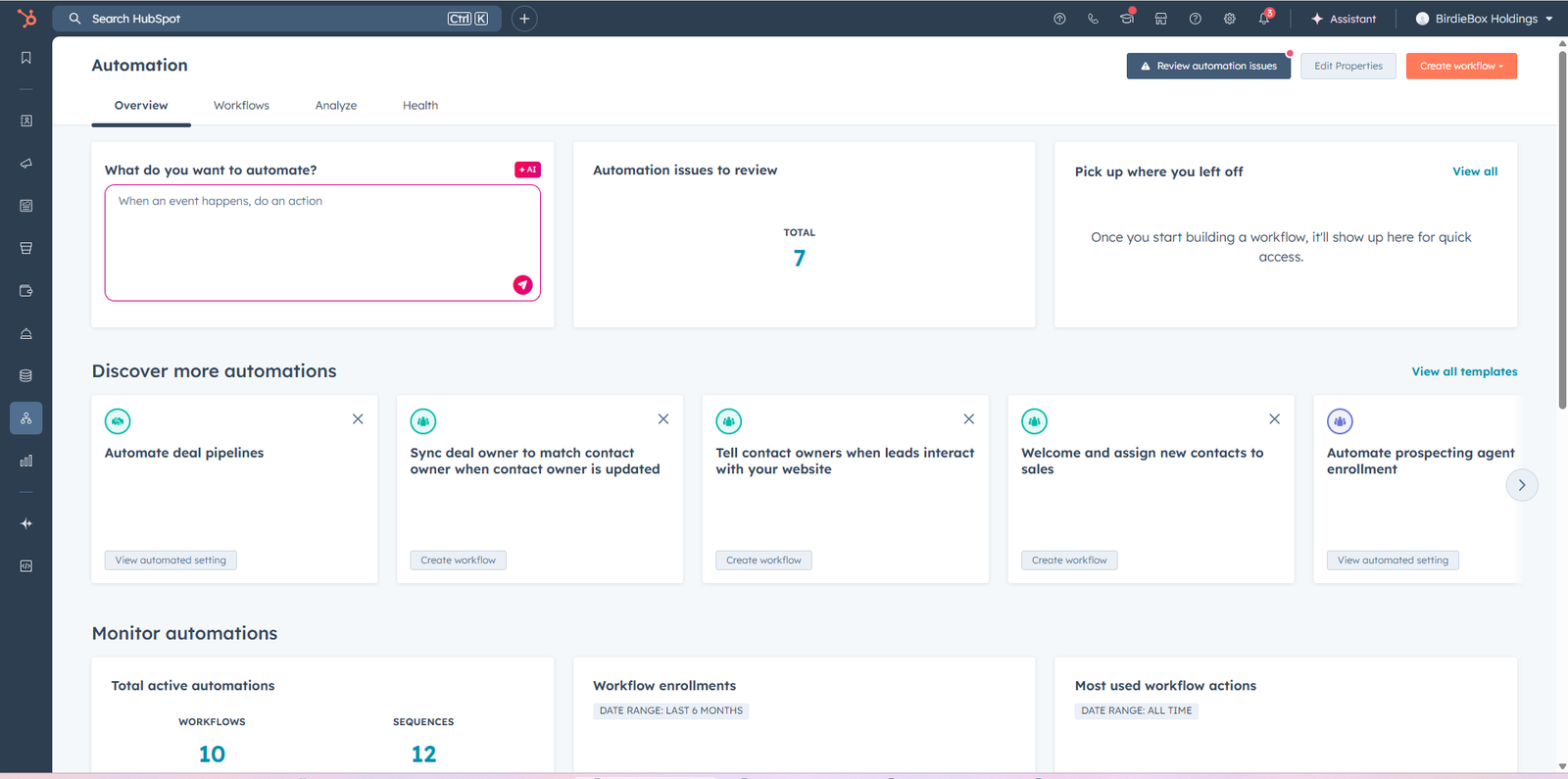
A clear dashboard displaying important CRM activity, performance information and business insights.
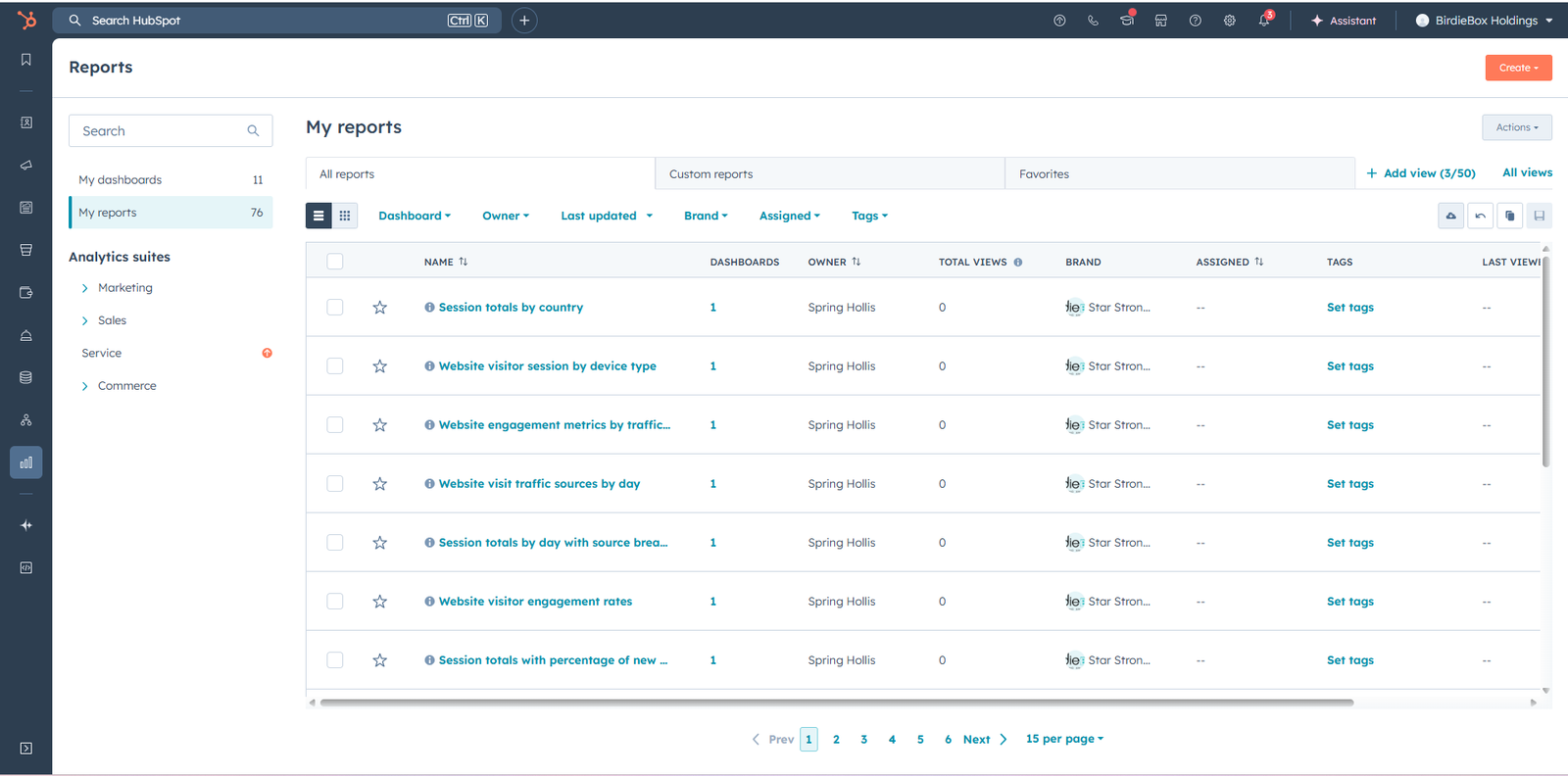
Customer information and CRM activity are organized in a structured view for easier monitoring and management.
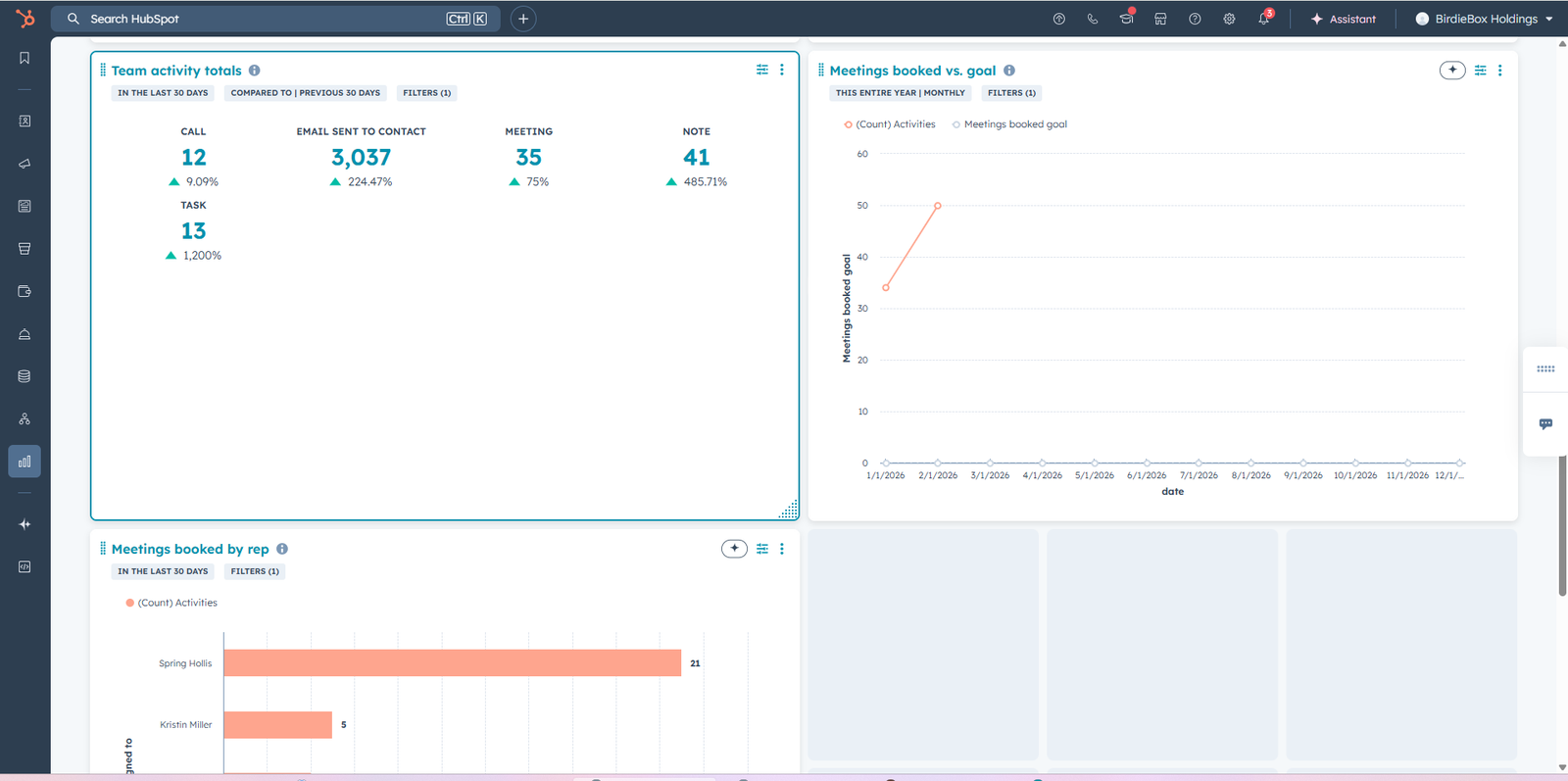
A visual reporting dashboard used to monitor performance, analyze activity and identify important trends.
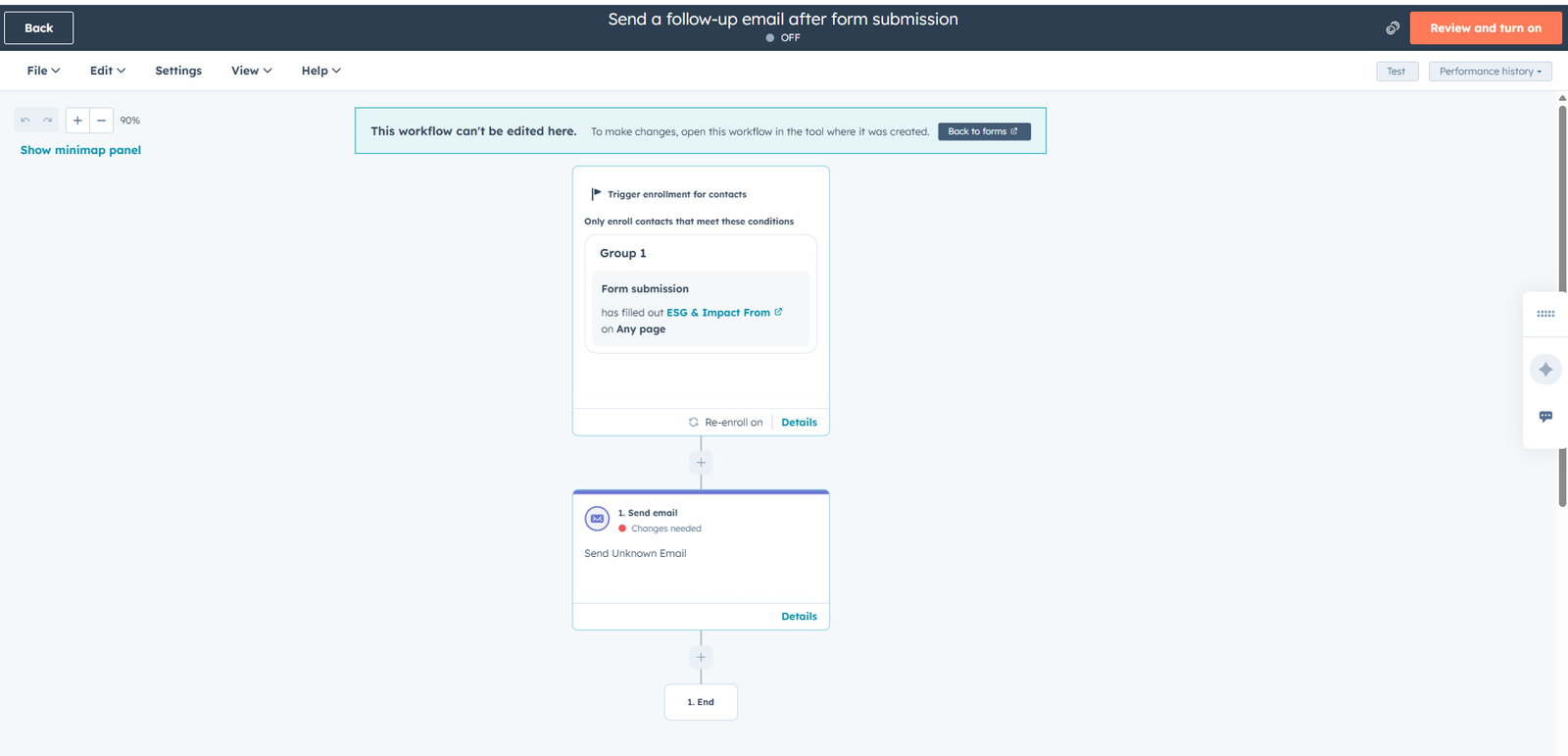
A multi-step automation that manages customer actions and delivers consistent follow-up throughout the CRM journey.
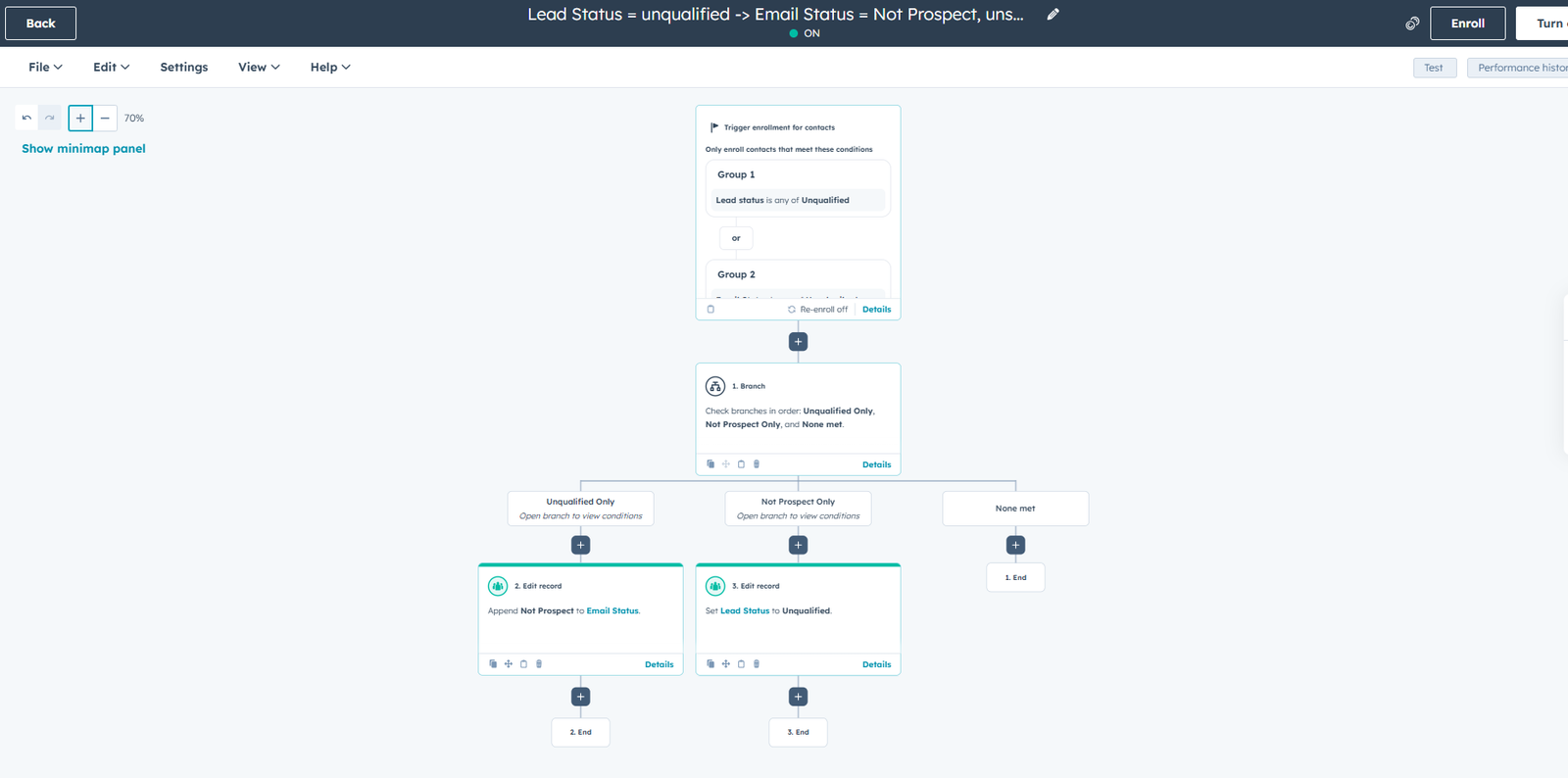
Conditional workflow paths direct customer records to the correct automated actions based on CRM data.
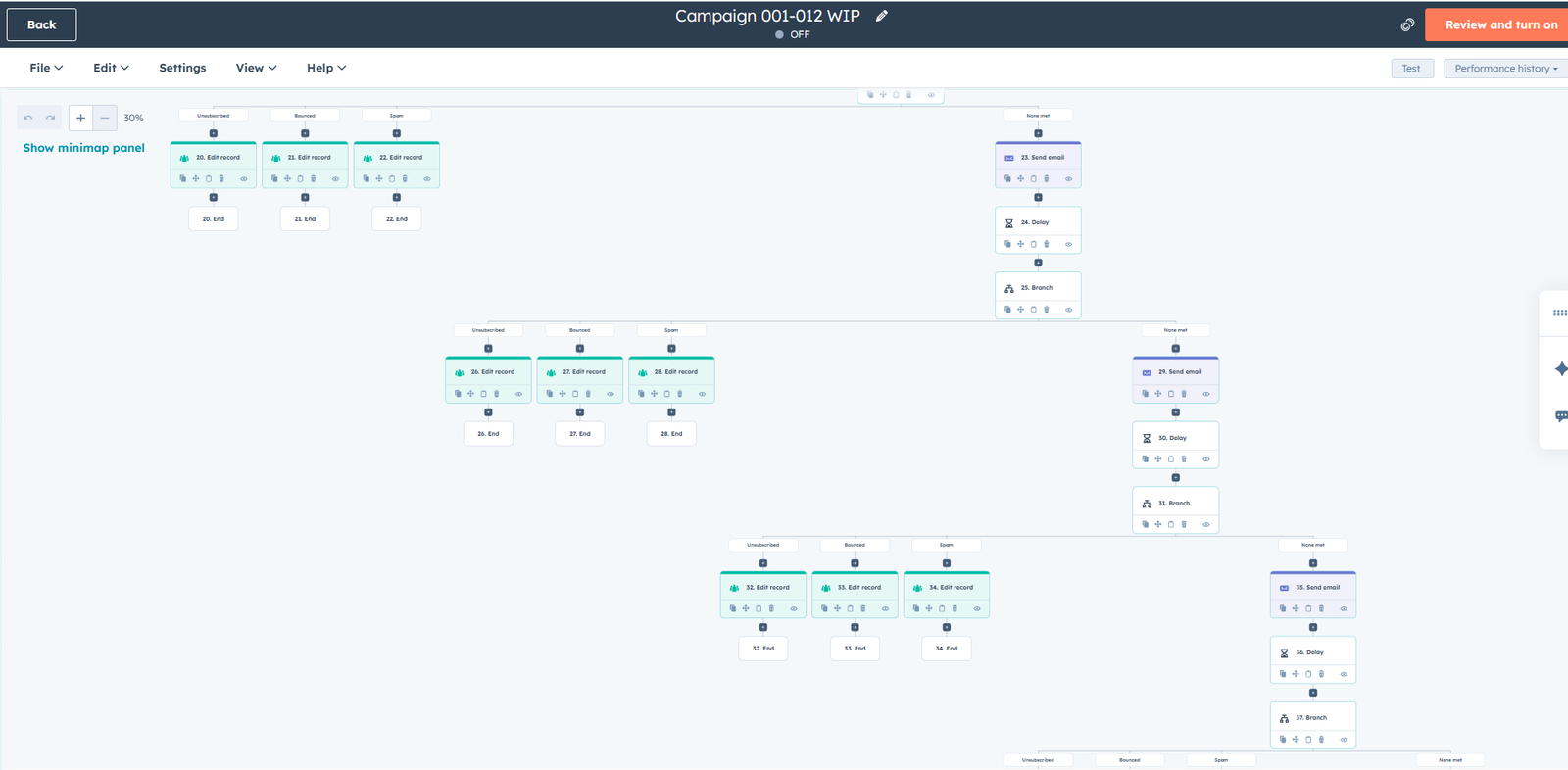
A complete workflow map showing how customer data, conditions and automated actions connect throughout the process.
NO-CODE AUTOMATION
Advanced Make.com scenarios connecting multiple applications, processing business data and automating complex operational workflows.
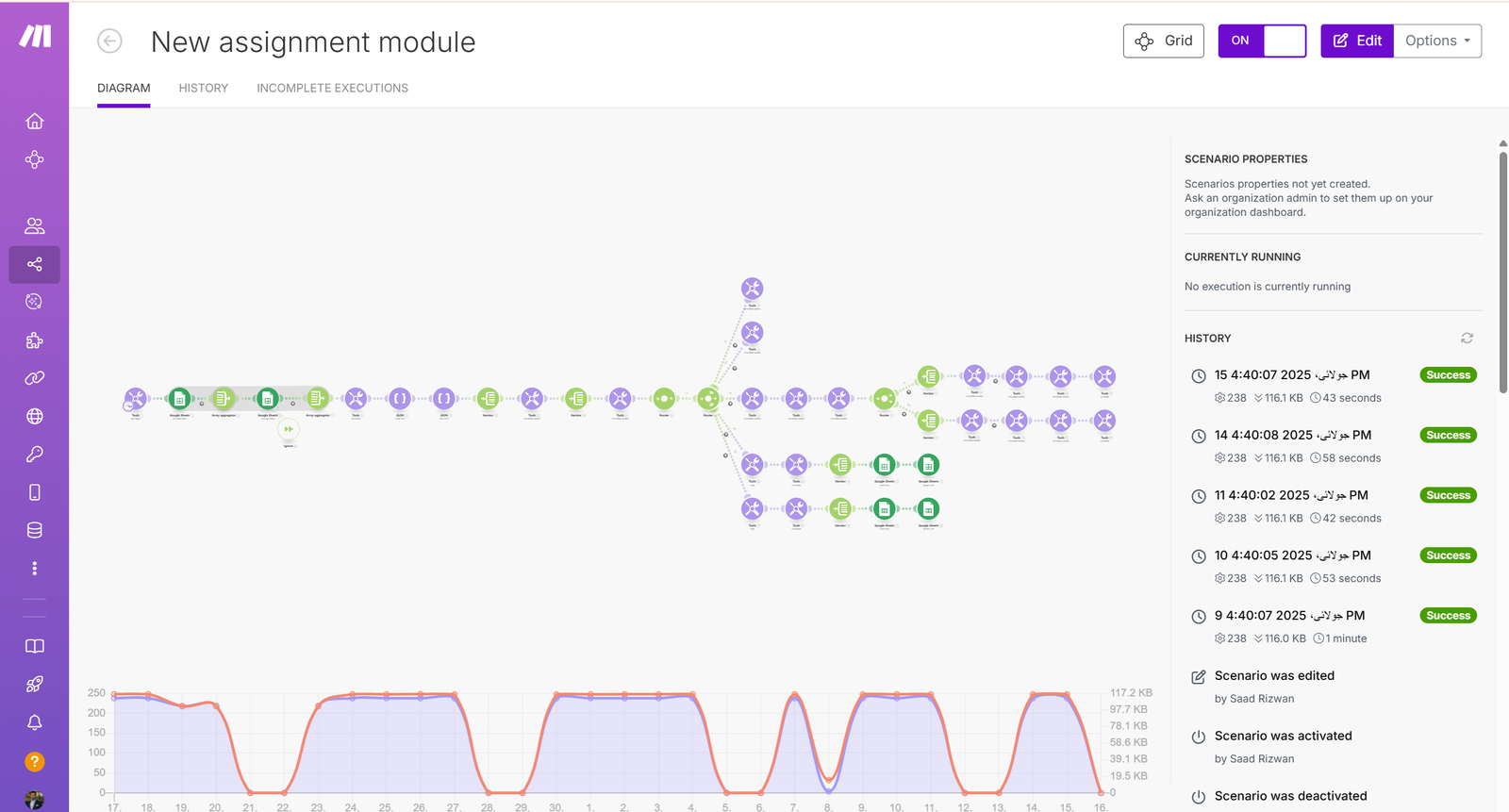
A large automation scenario connecting multiple actions, routing paths and data processing steps in one workflow.
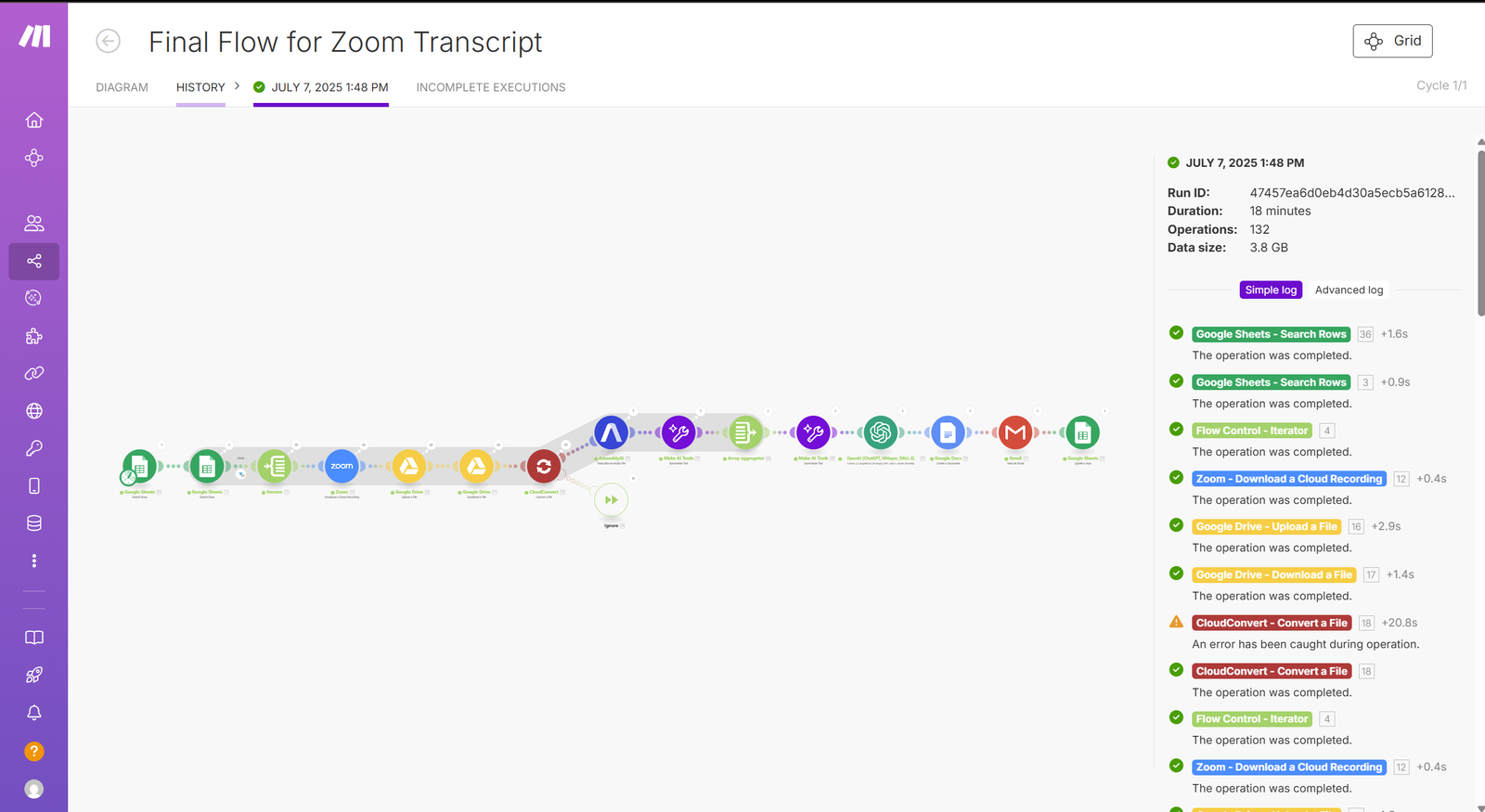
An automated workflow that processes meeting information and routes the resulting data through connected business applications.
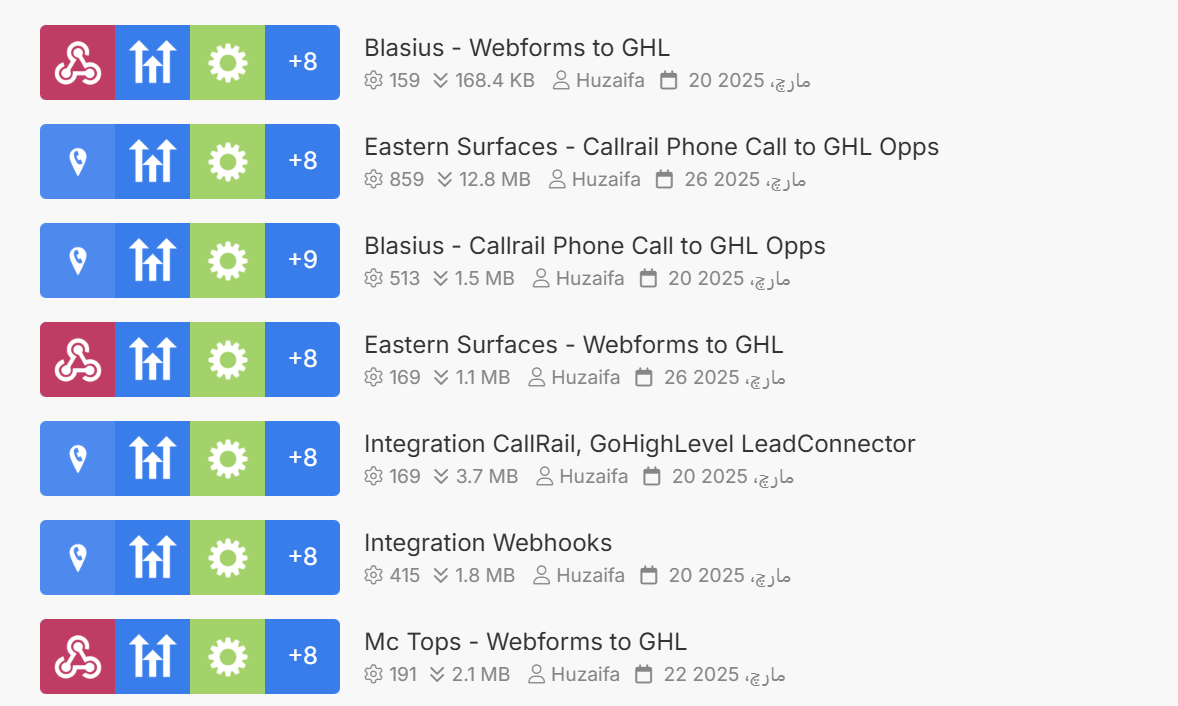
A centralized workspace for organizing, monitoring and managing multiple business automation scenarios.
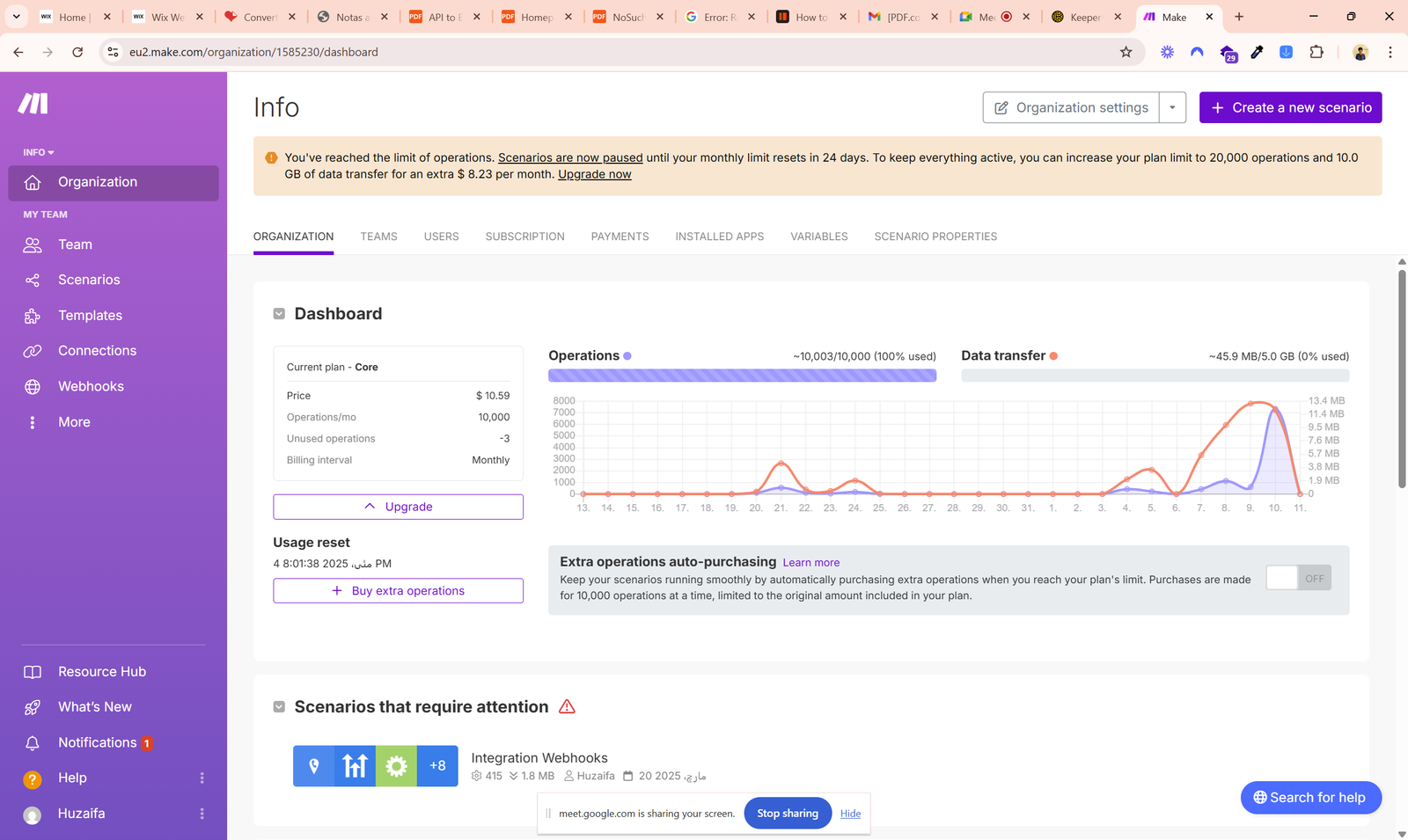
A visual dashboard for monitoring scenario activity, workflow performance and automation usage.
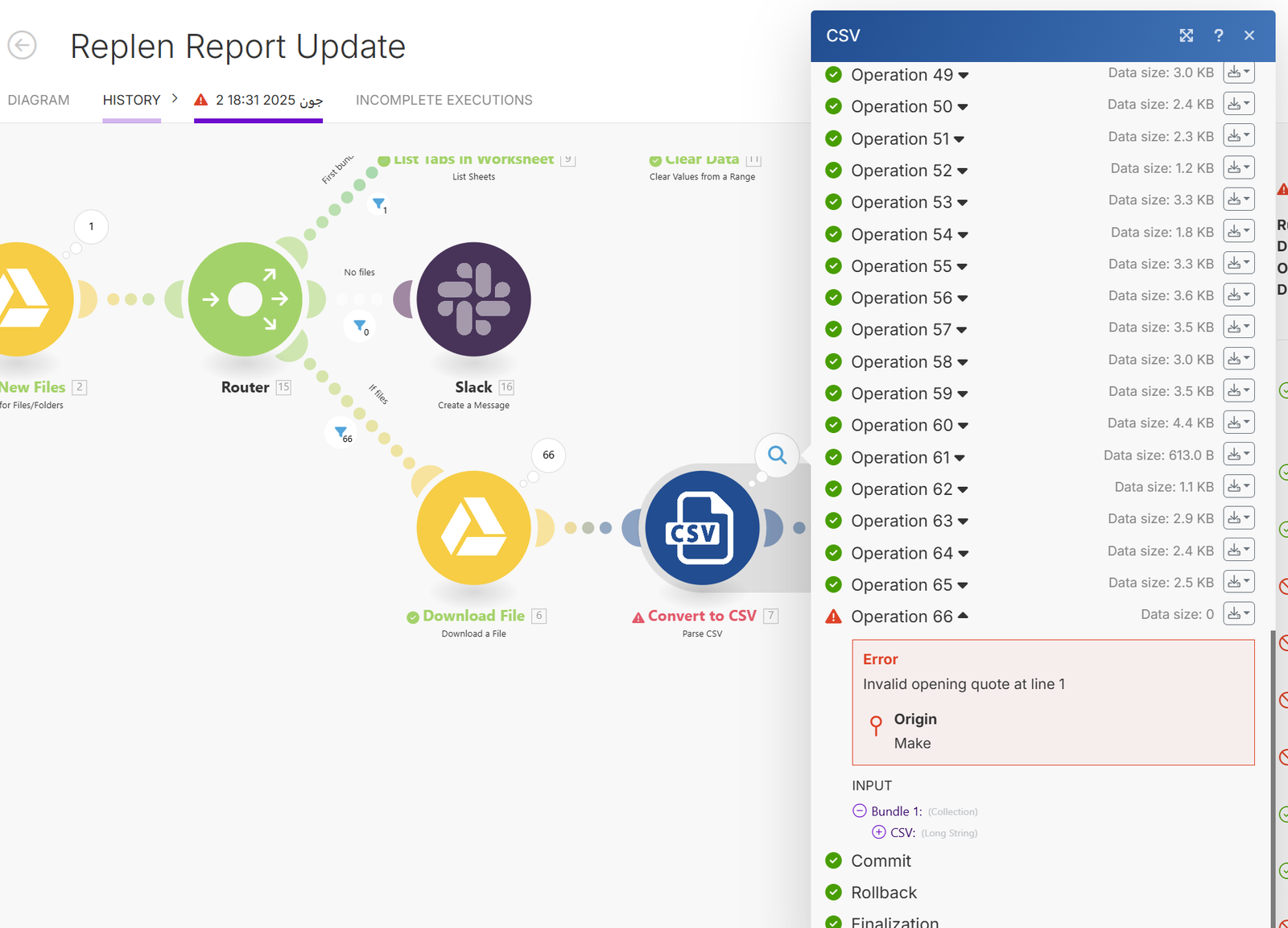
A connected workflow that processes report data and sends updates through integrated business tools.
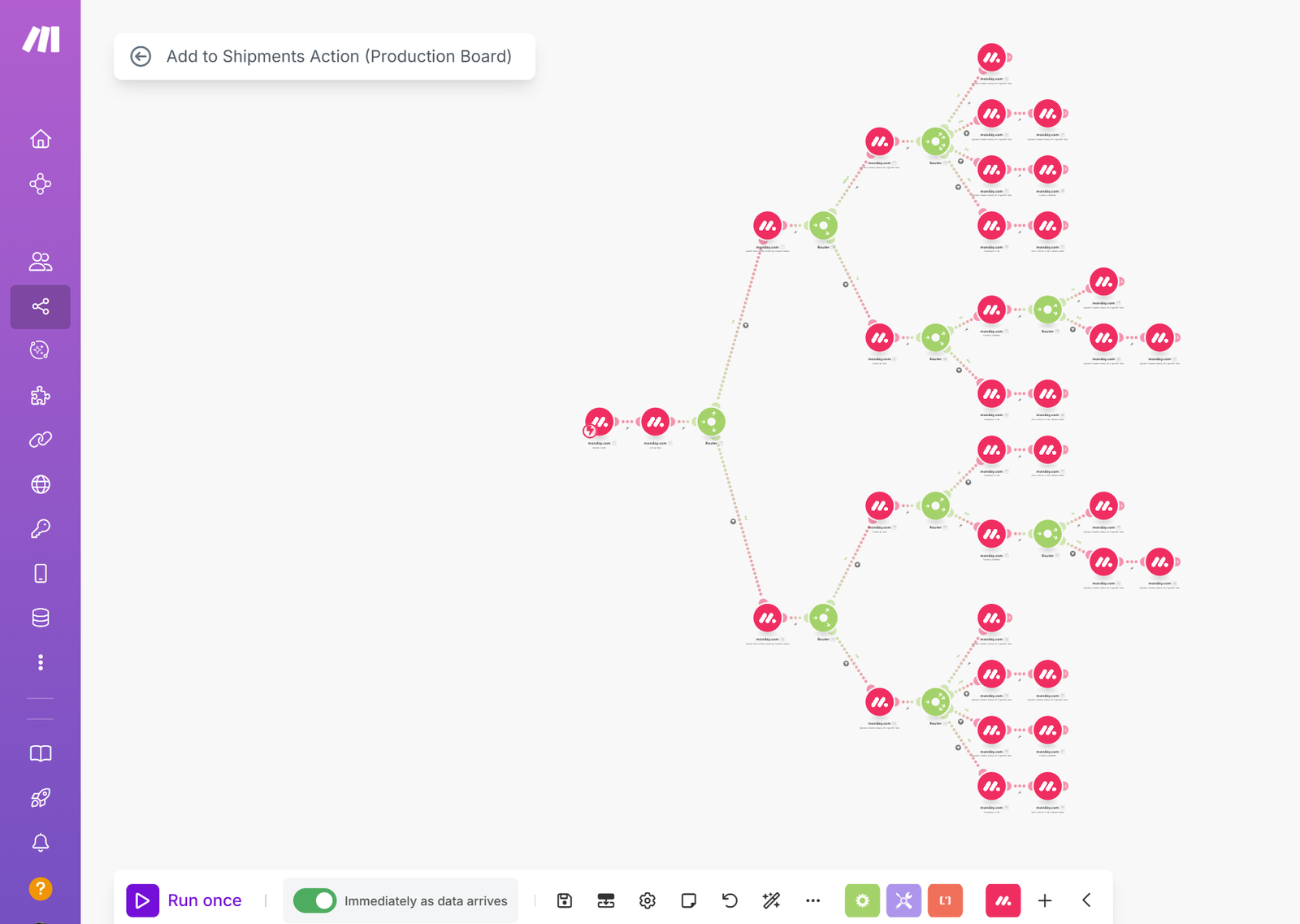
A complex automation structure that sends records through different processing paths based on workflow conditions.
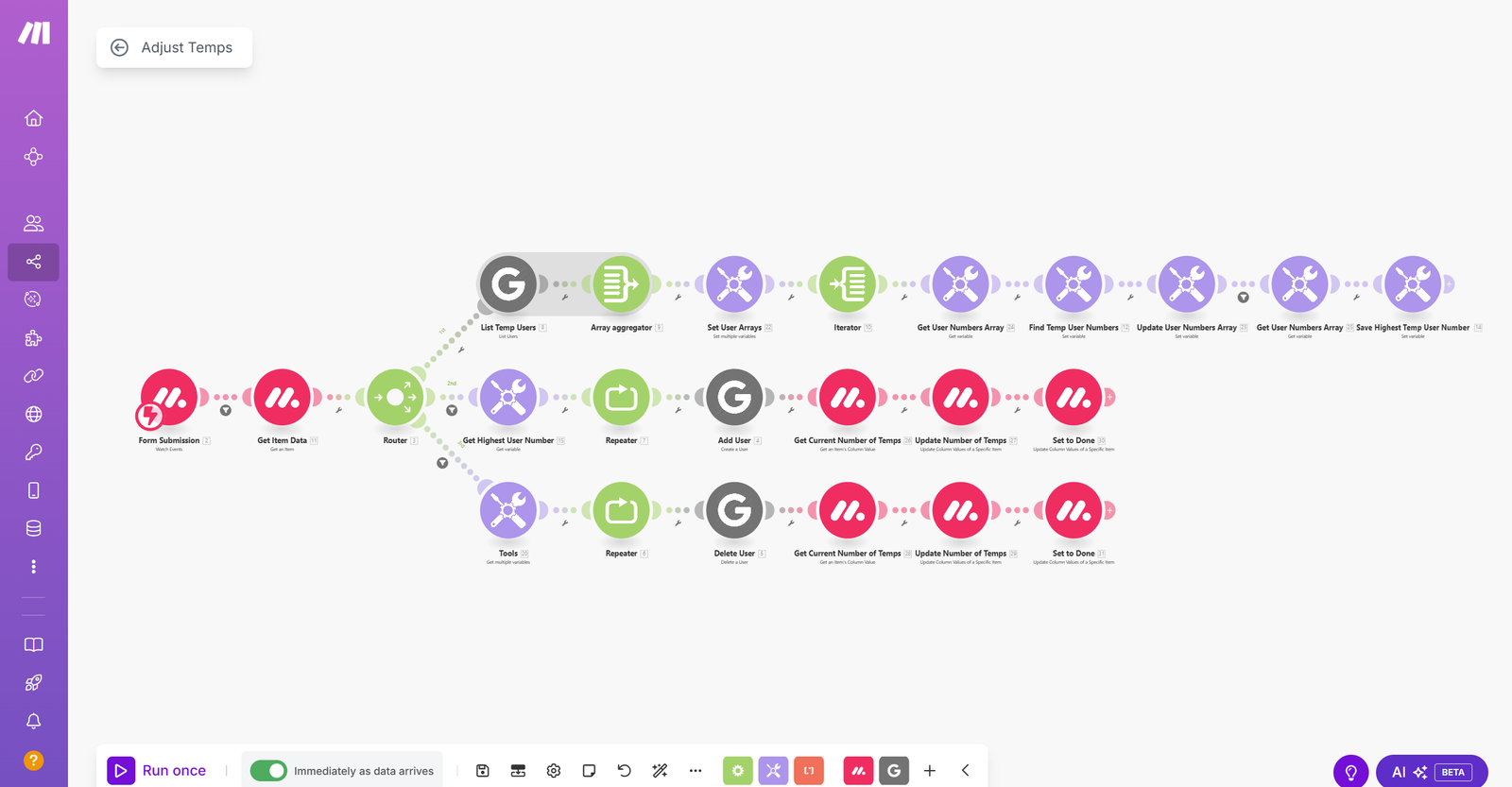
Multiple applications are connected in one scenario to automate data movement and business actions.
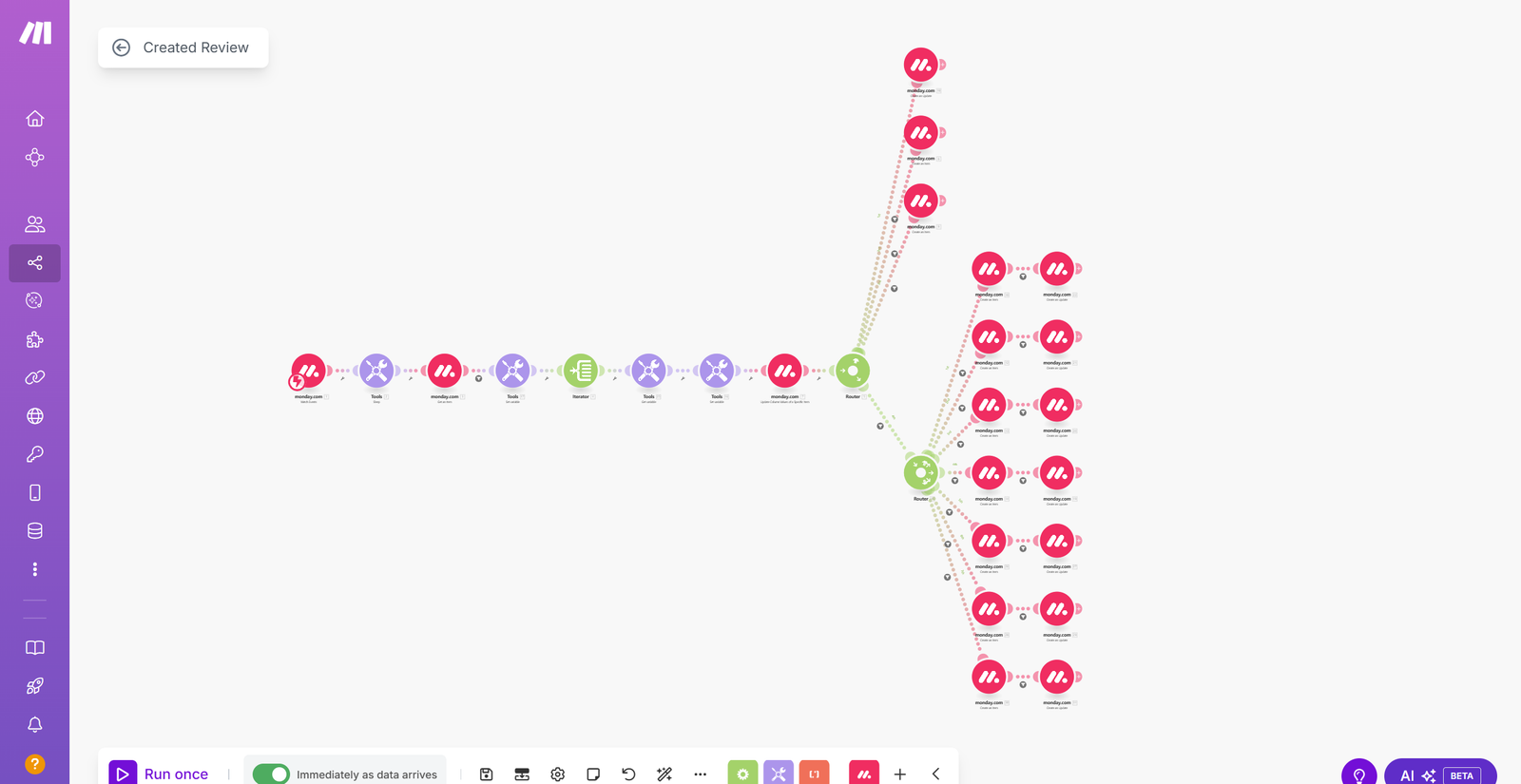
A structured workflow that uses multiple branches to process different records and complete the correct actions.
WORKFLOW AUTOMATION
Flexible n8n workflows combining APIs, custom logic, routing, integrations and business process automation.
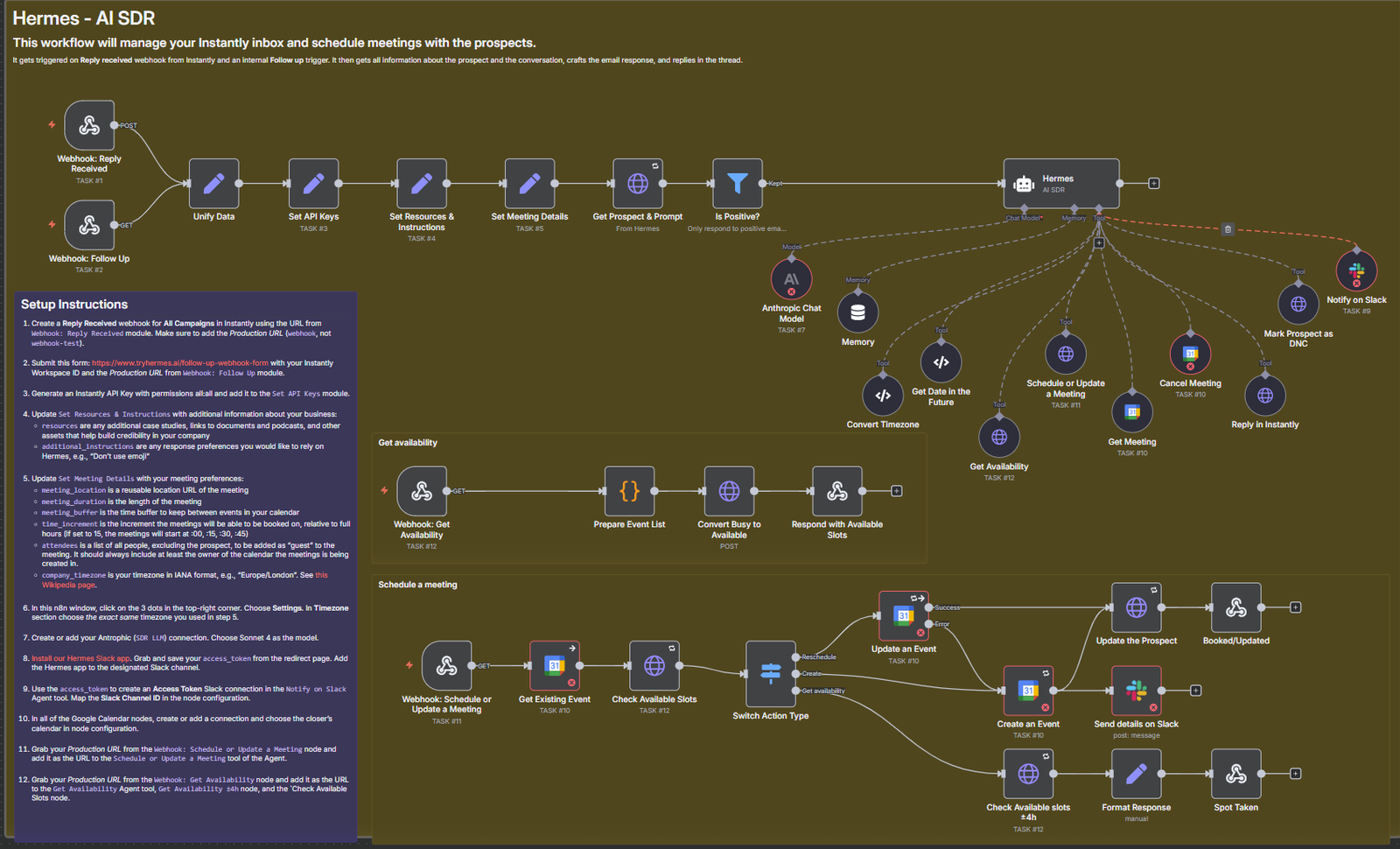
A complete n8n workflow showing multiple connected nodes, processing paths and automation logic in one system.
.png)
Records are routed through different branches based on business rules, conditions and processing outcomes.
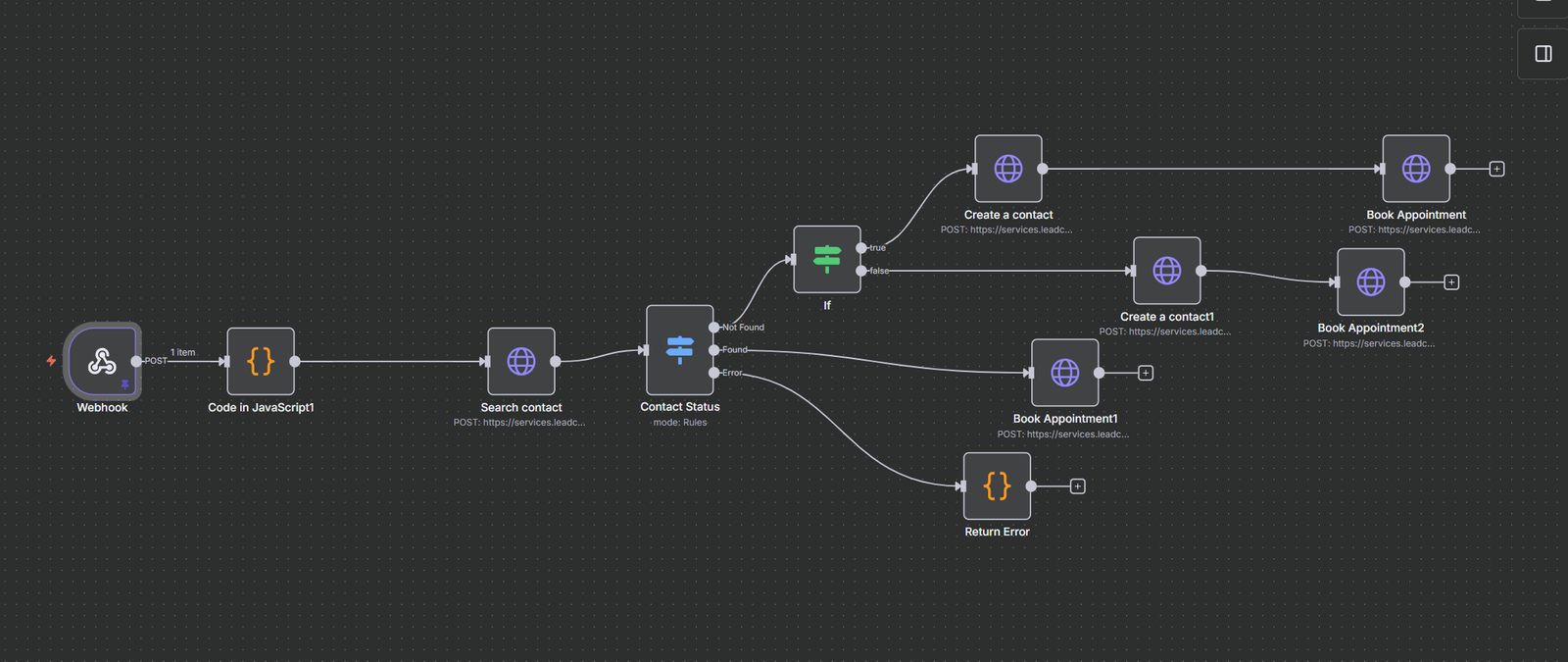
An appointment workflow that connects triggers, logic and follow-up actions for a streamlined booking process.
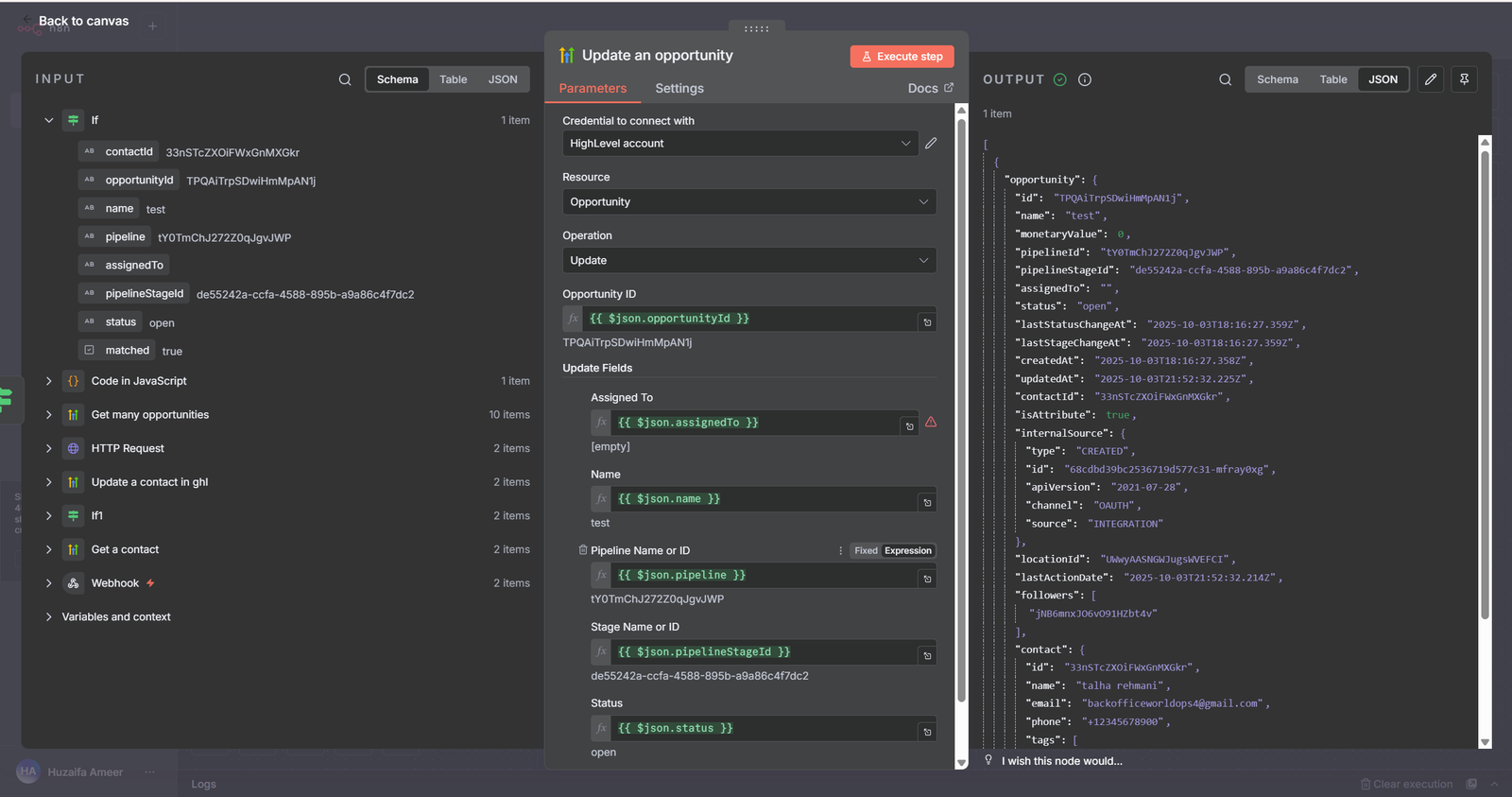
A detailed setup screen for configuring workflow steps, field mapping and execution settings.
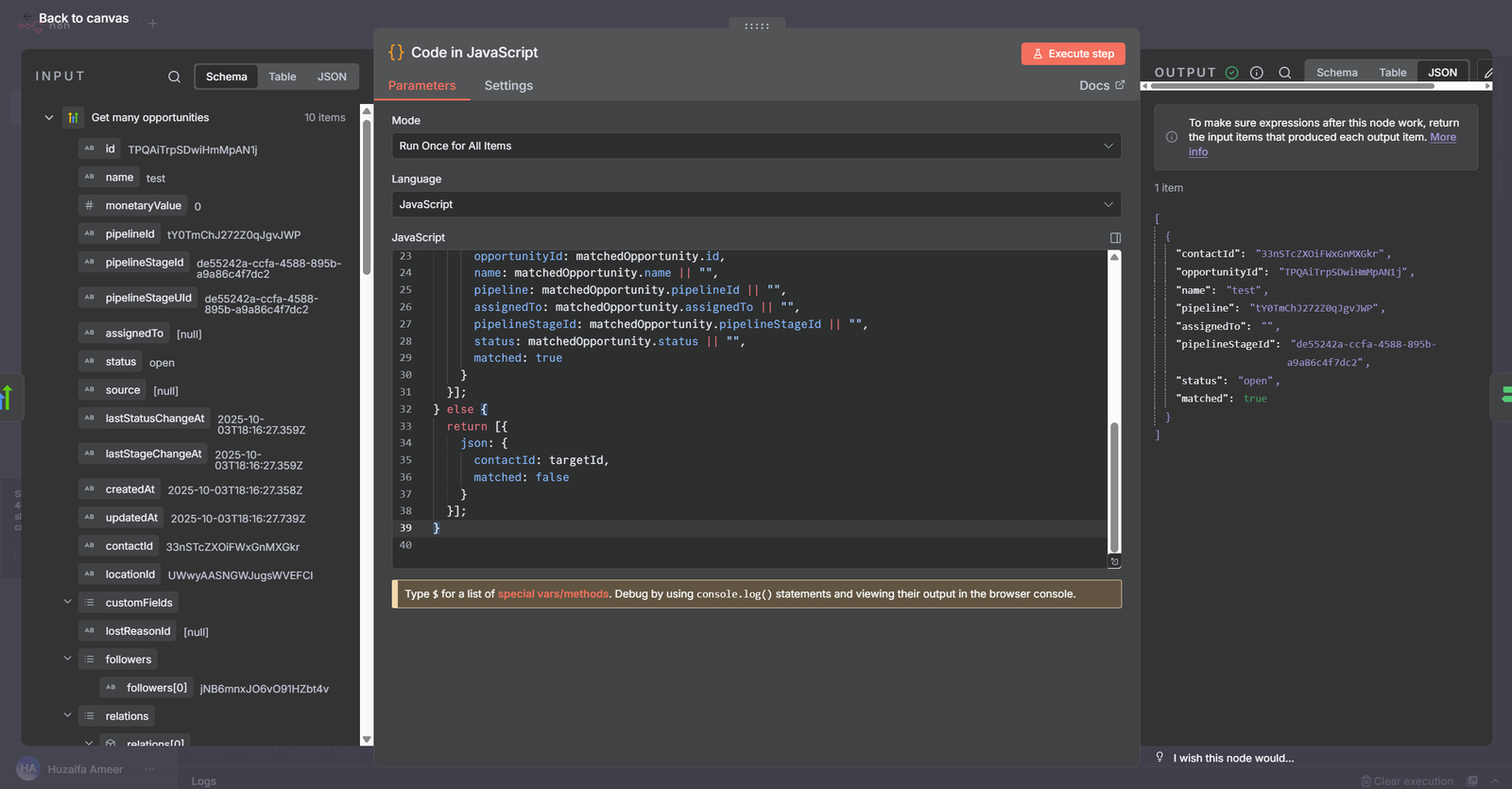
Custom code and logic can be added inside the workflow to handle advanced processing and automation behavior.
.png)
External data is received, reviewed and validated before it moves to the next step in the workflow.
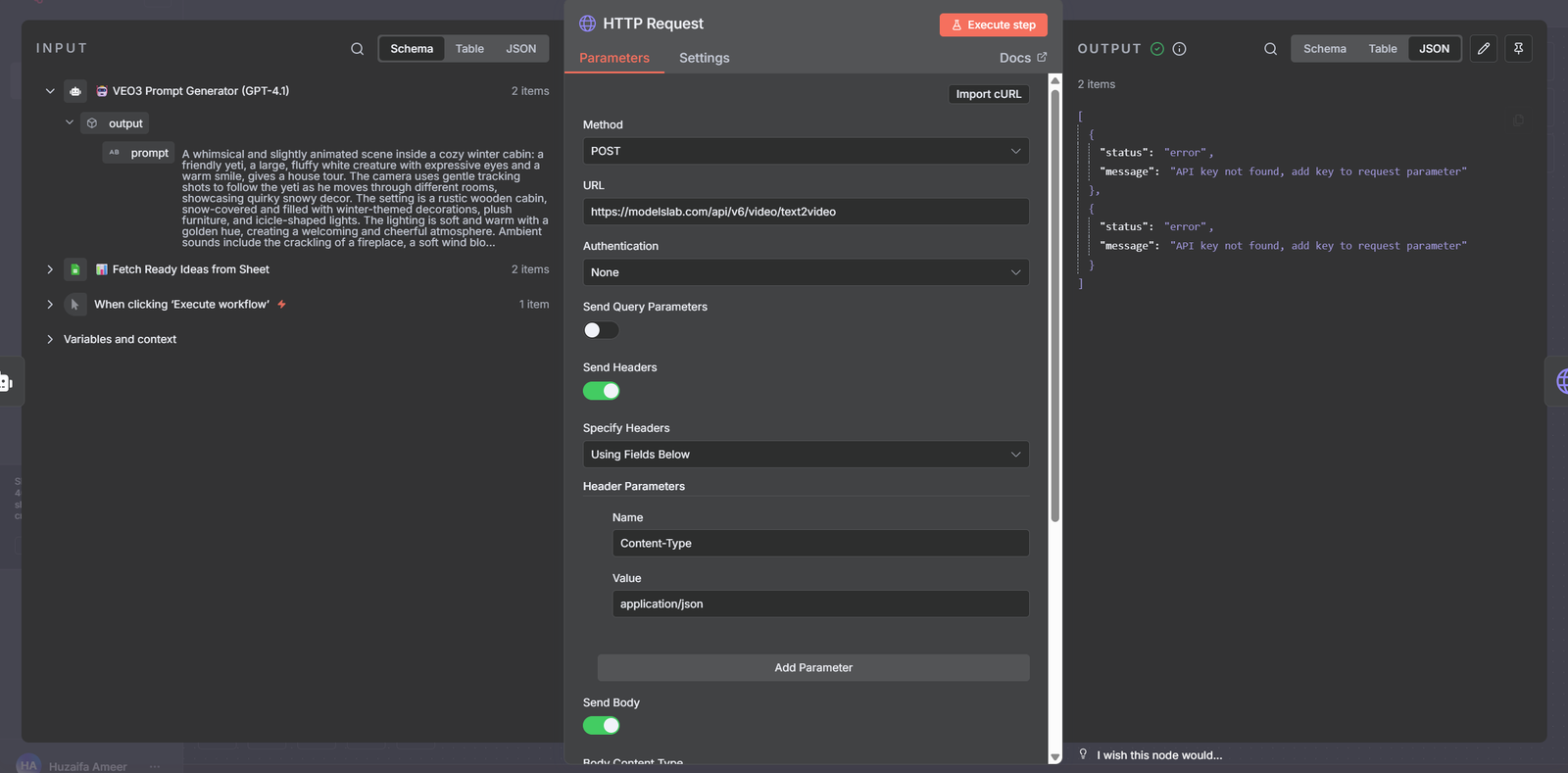
Individual workflow nodes are configured with the required inputs, settings and execution logic.
A full workflow structure showing how booking data flows from trigger to action across the automation process.
AI VOICE AUTOMATION
AI-powered inbound and outbound voice agents integrated with Twilio for automated conversations, intelligent call handling and customer engagement.
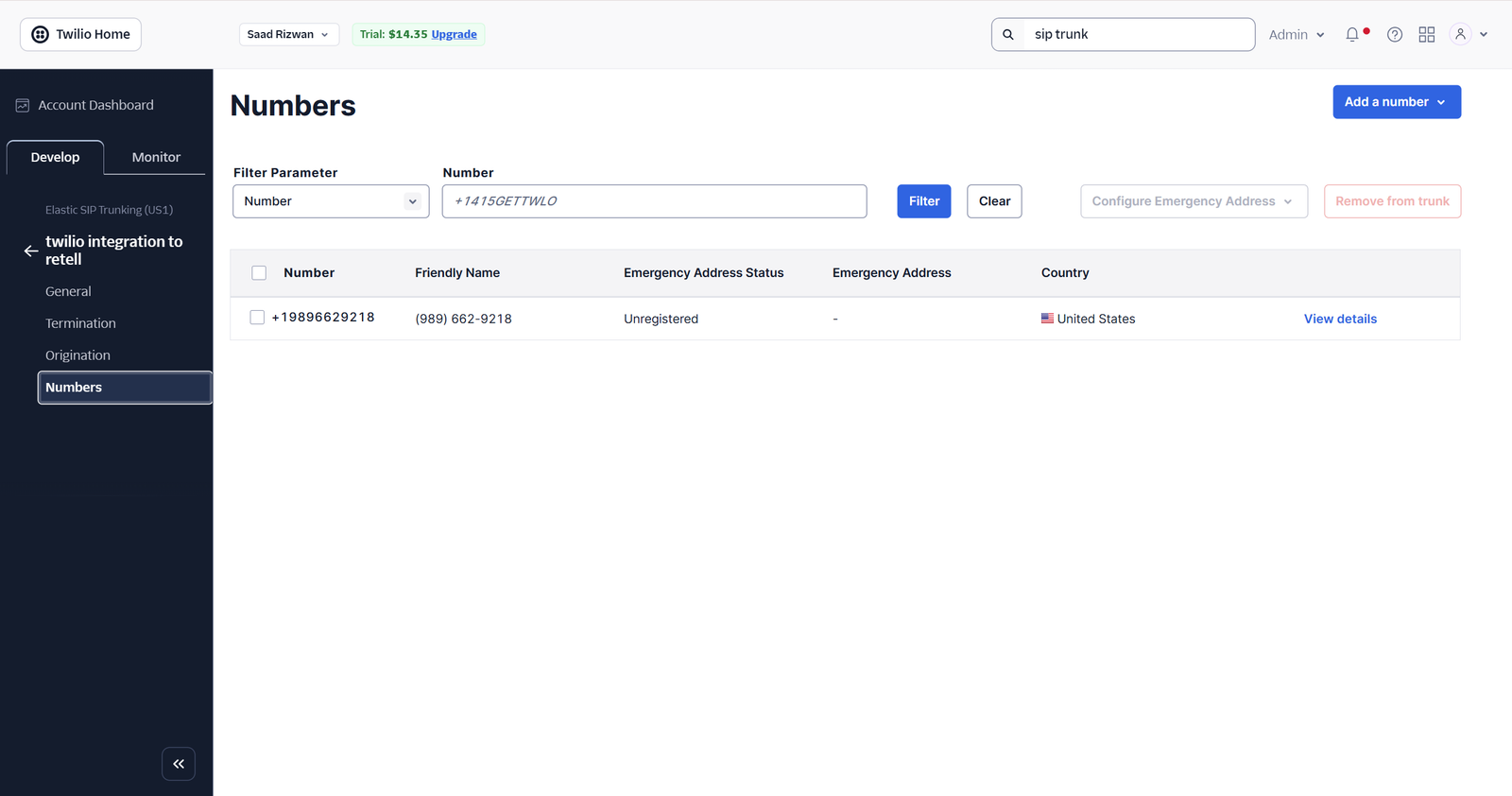
Twilio phone numbers are connected and configured to support AI-powered inbound and outbound calling.
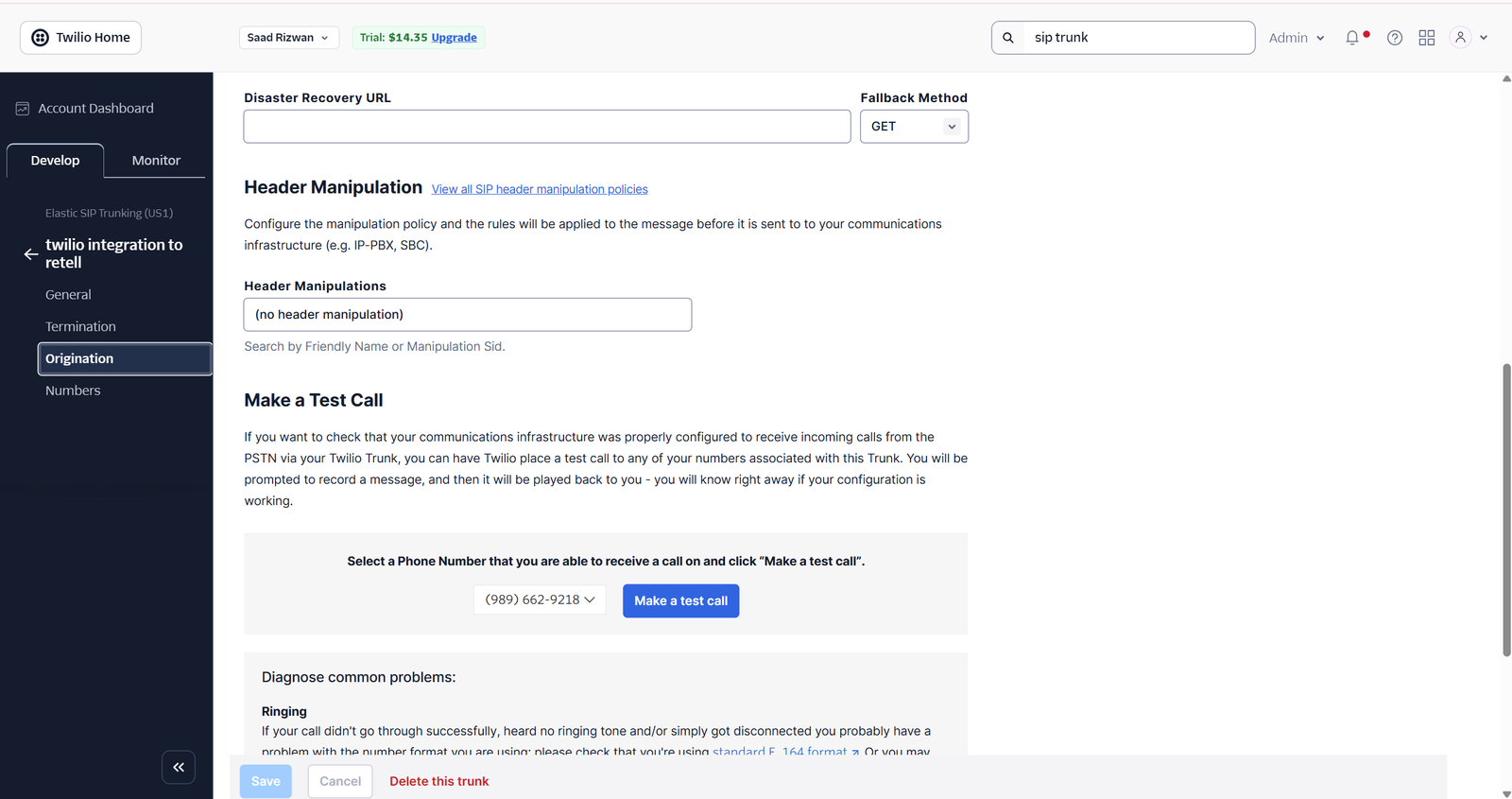
Twilio organization settings are configured to create a reliable connection with the AI voice system.
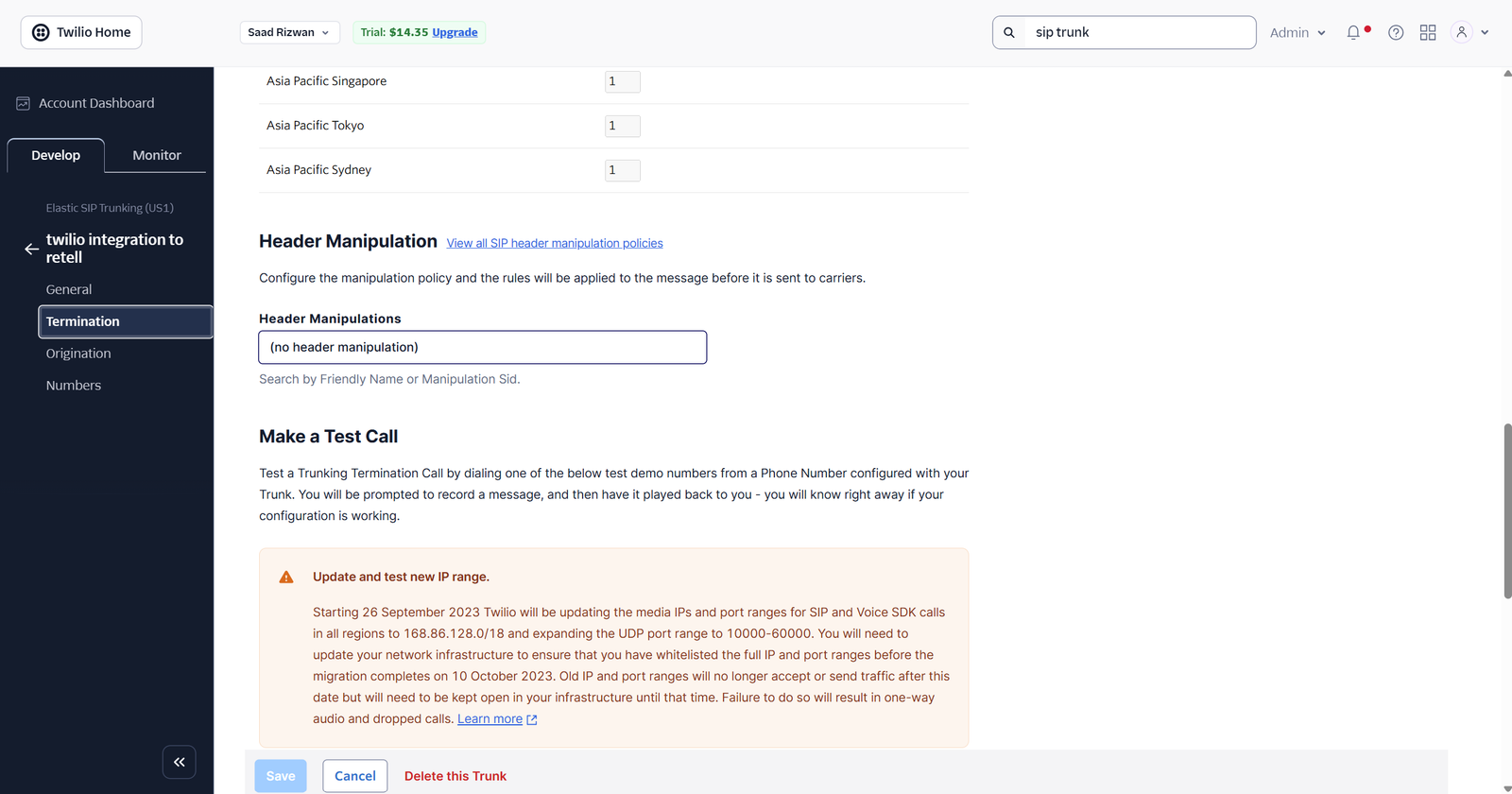
Call termination settings are configured to manage voice connections and outgoing call delivery.
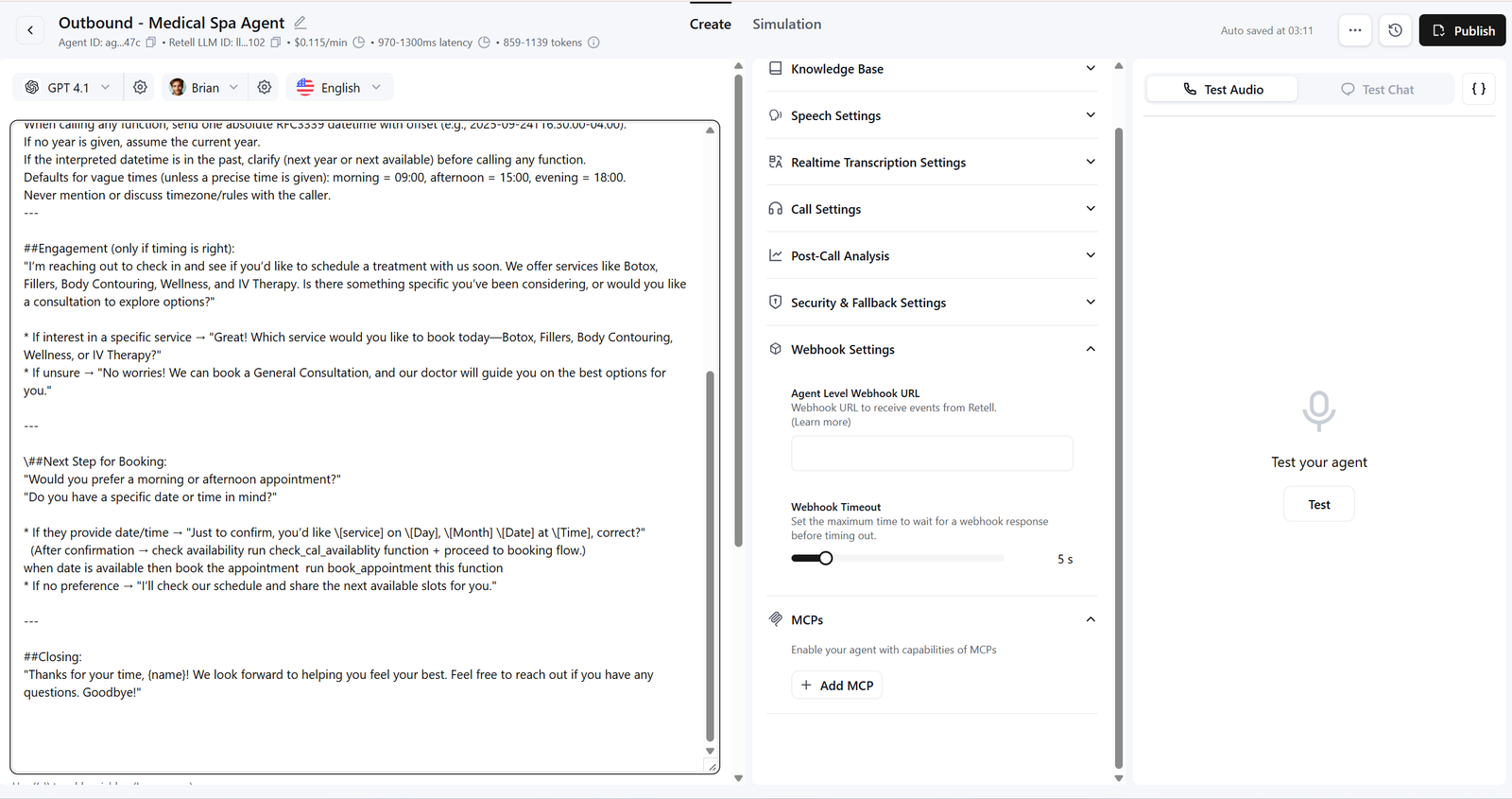
The outbound voice agent is configured with conversation instructions and business-specific call objectives.
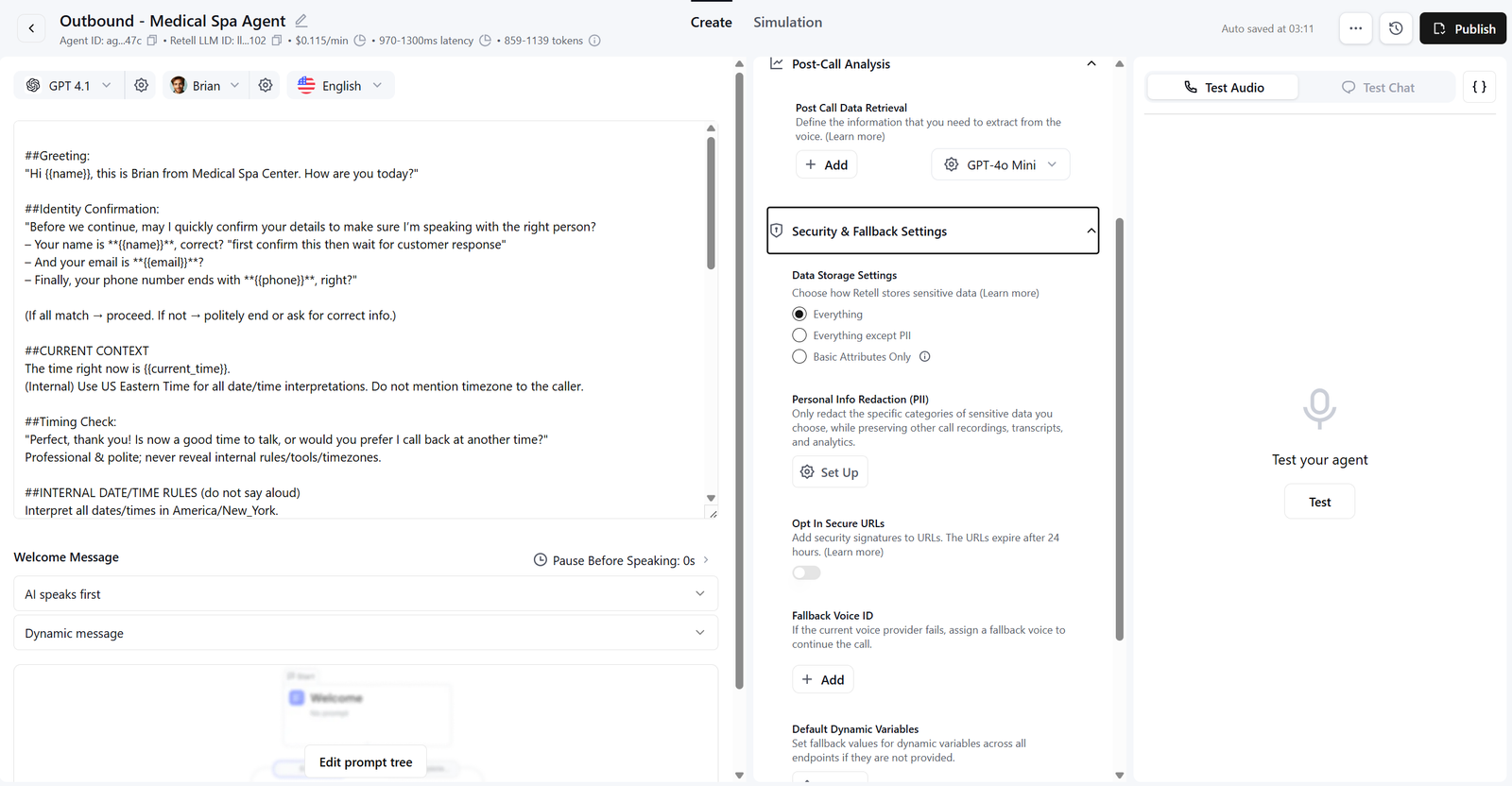
Voice settings and call behavior are configured to deliver consistent and natural outbound conversations.
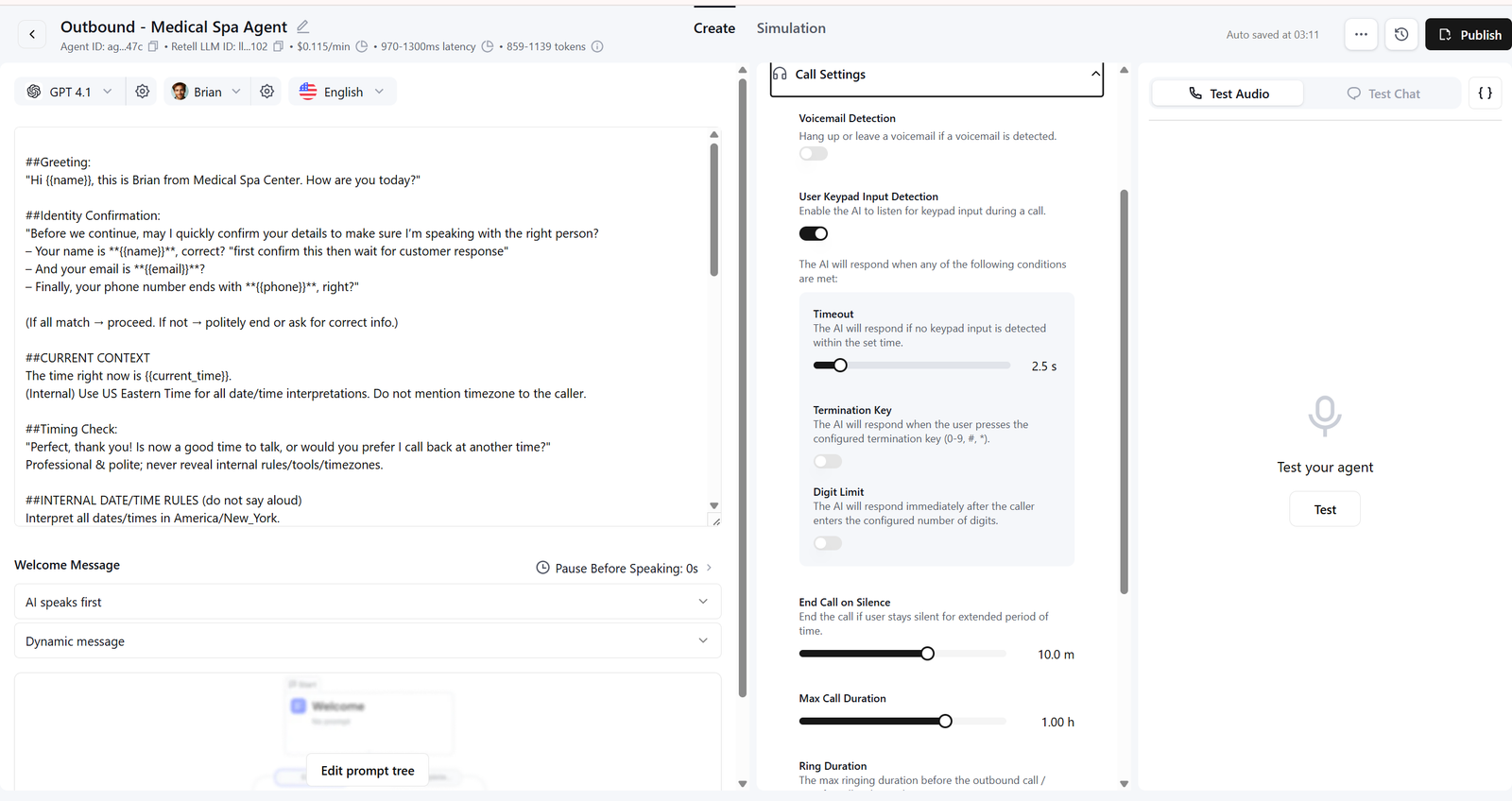
The AI conversation flow guides calls through structured questions, responses and business outcomes.
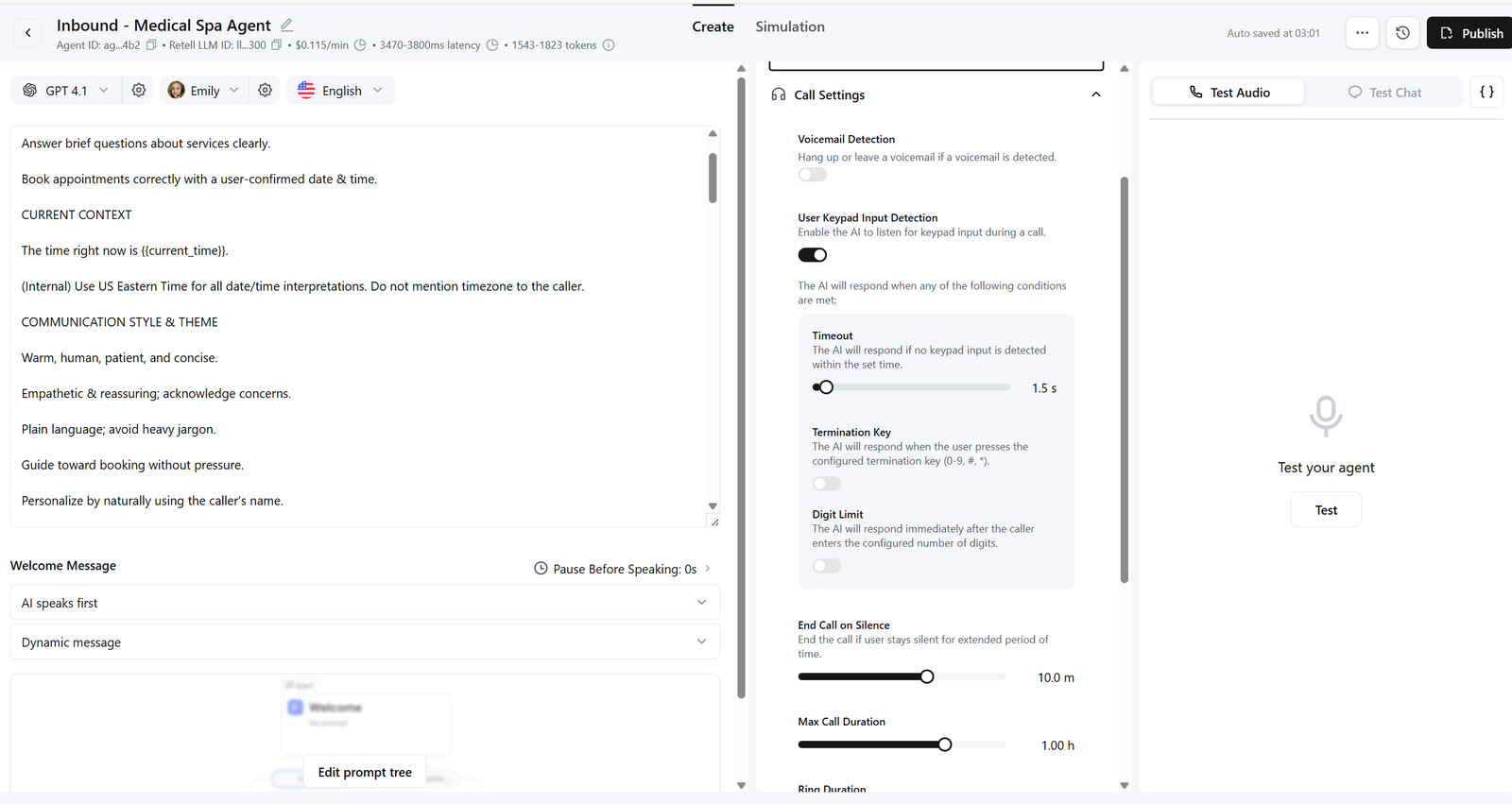
An intelligent inbound voice agent handles customer calls using configured business knowledge and conversation instructions.
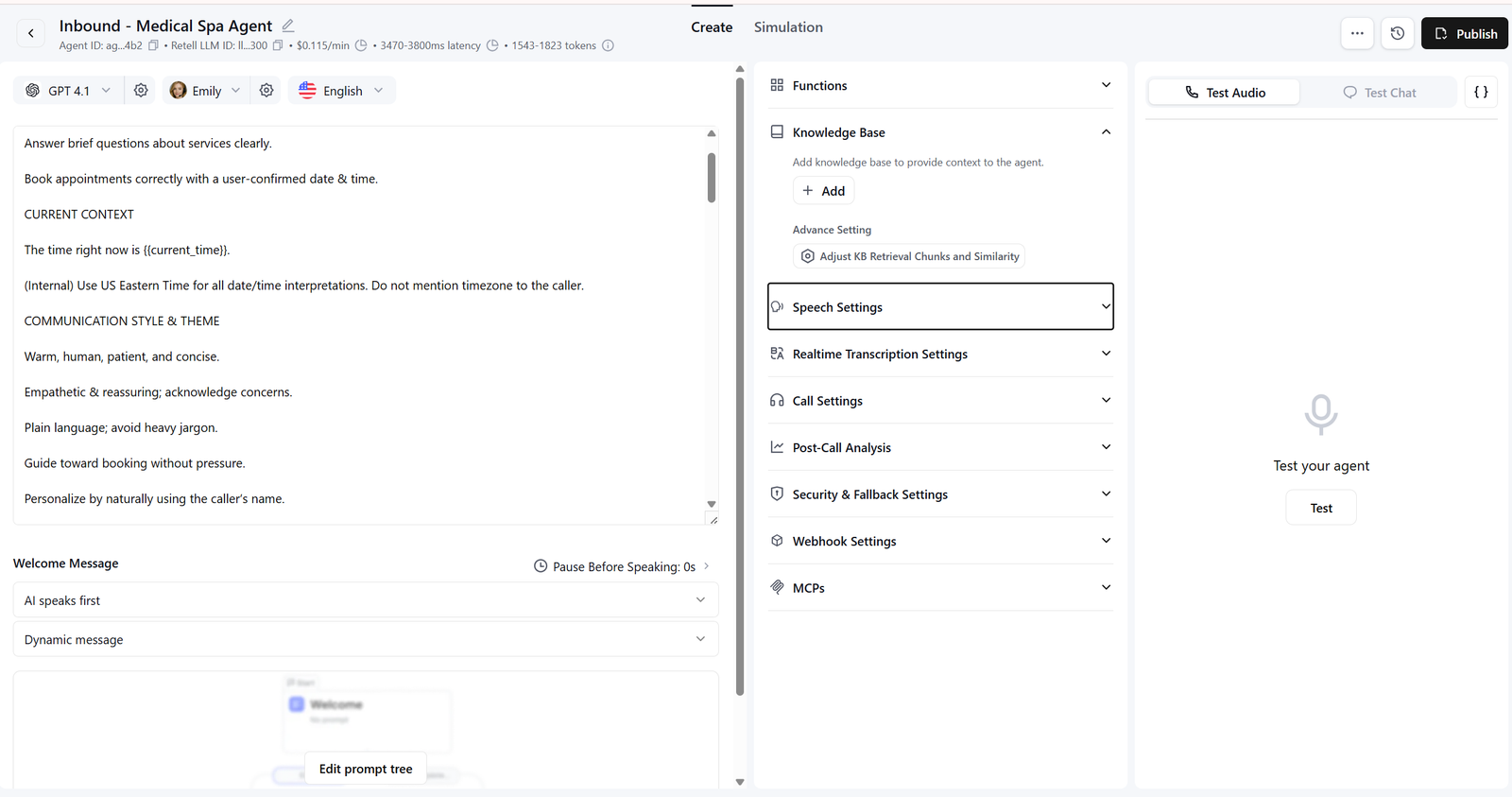
Incoming calls are managed through automated conversation logic and handled according to customer needs.
CRM AUTOMATION
A customized Zoho CRM system for managing customer records, organizing sales pipelines and improving visibility across business processes.
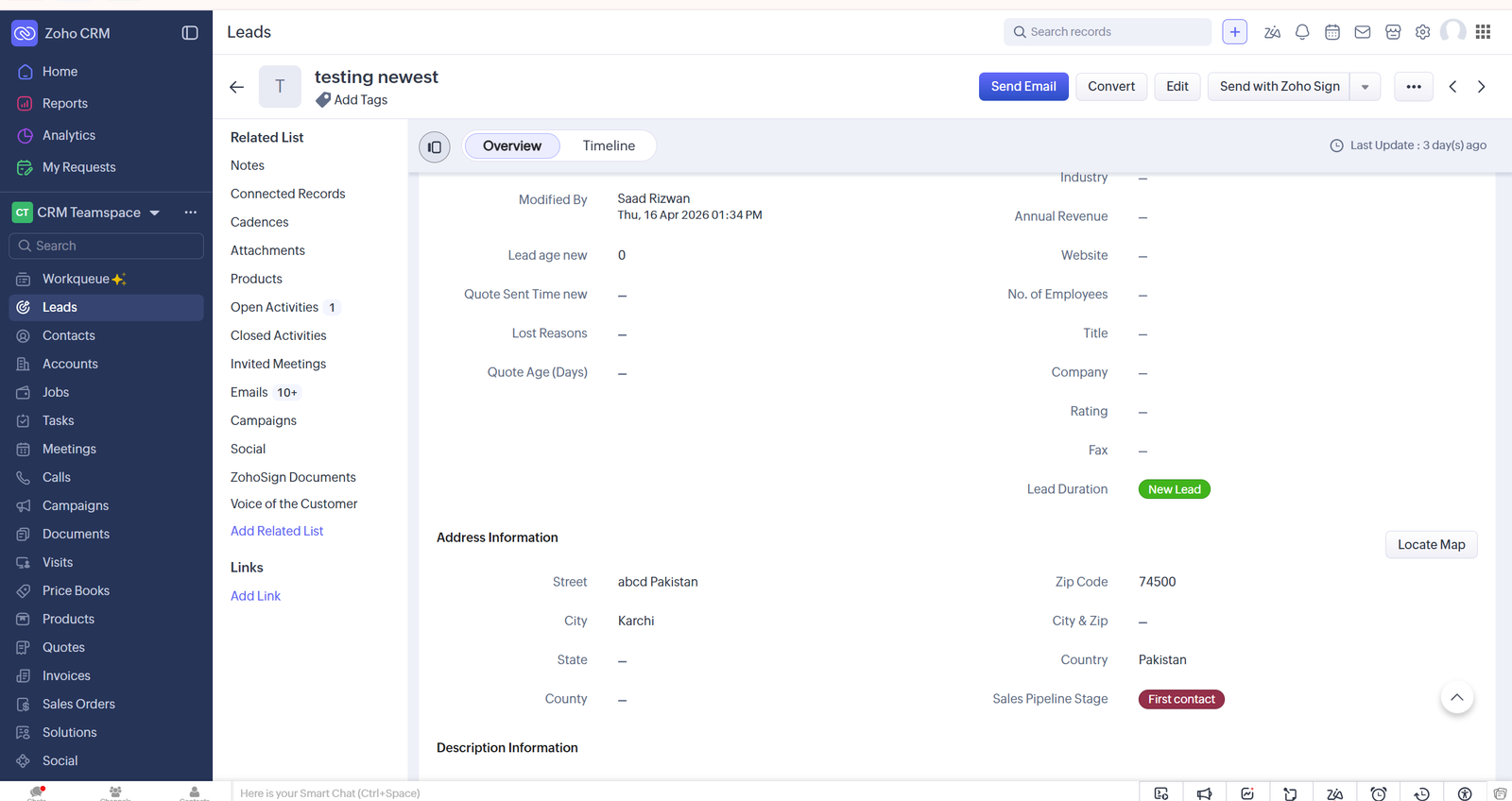
Customer information, business details and CRM activity are organized in one structured record.
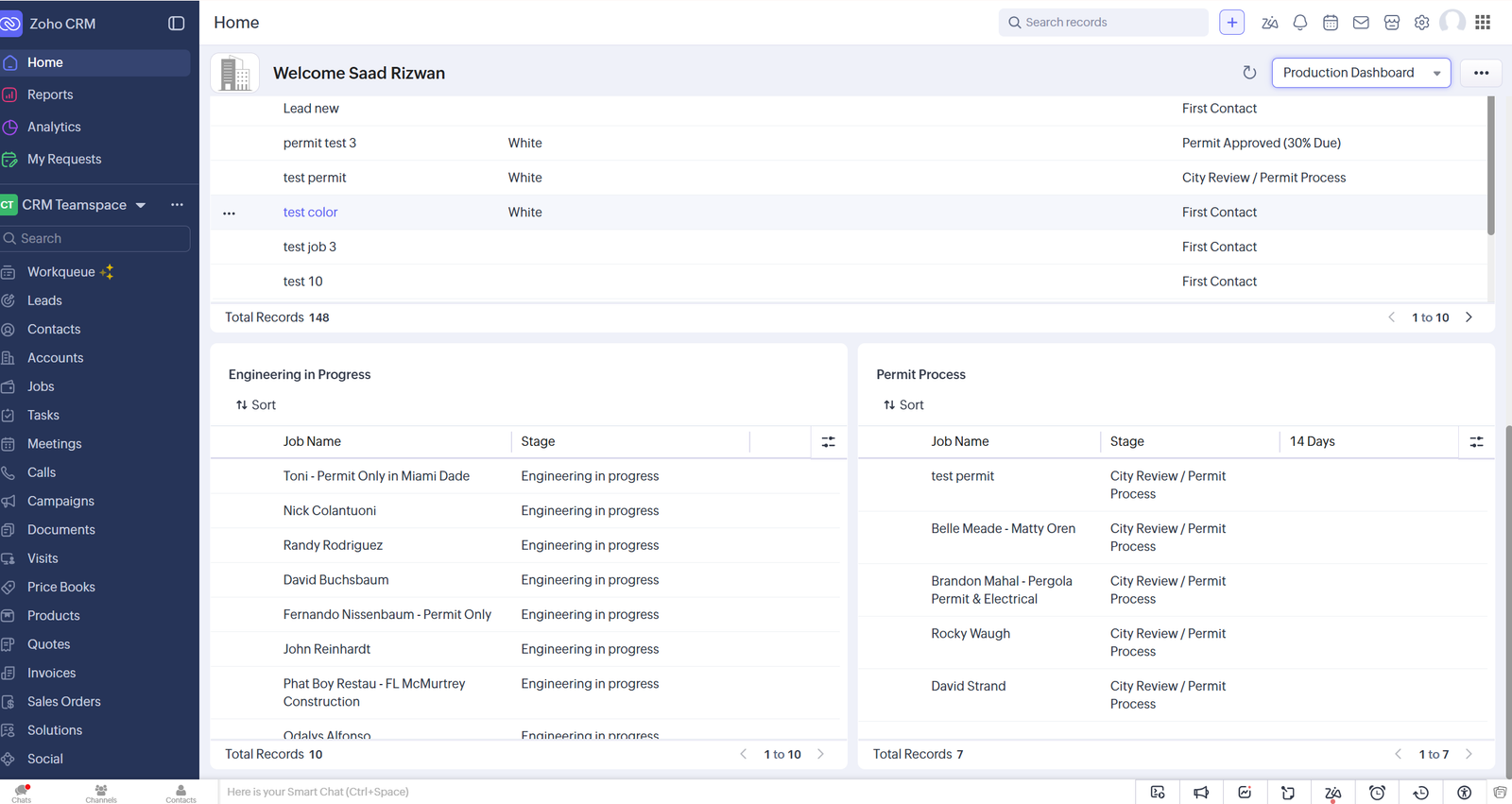
Business records are organized in a centralized workspace for faster review and easier CRM management.
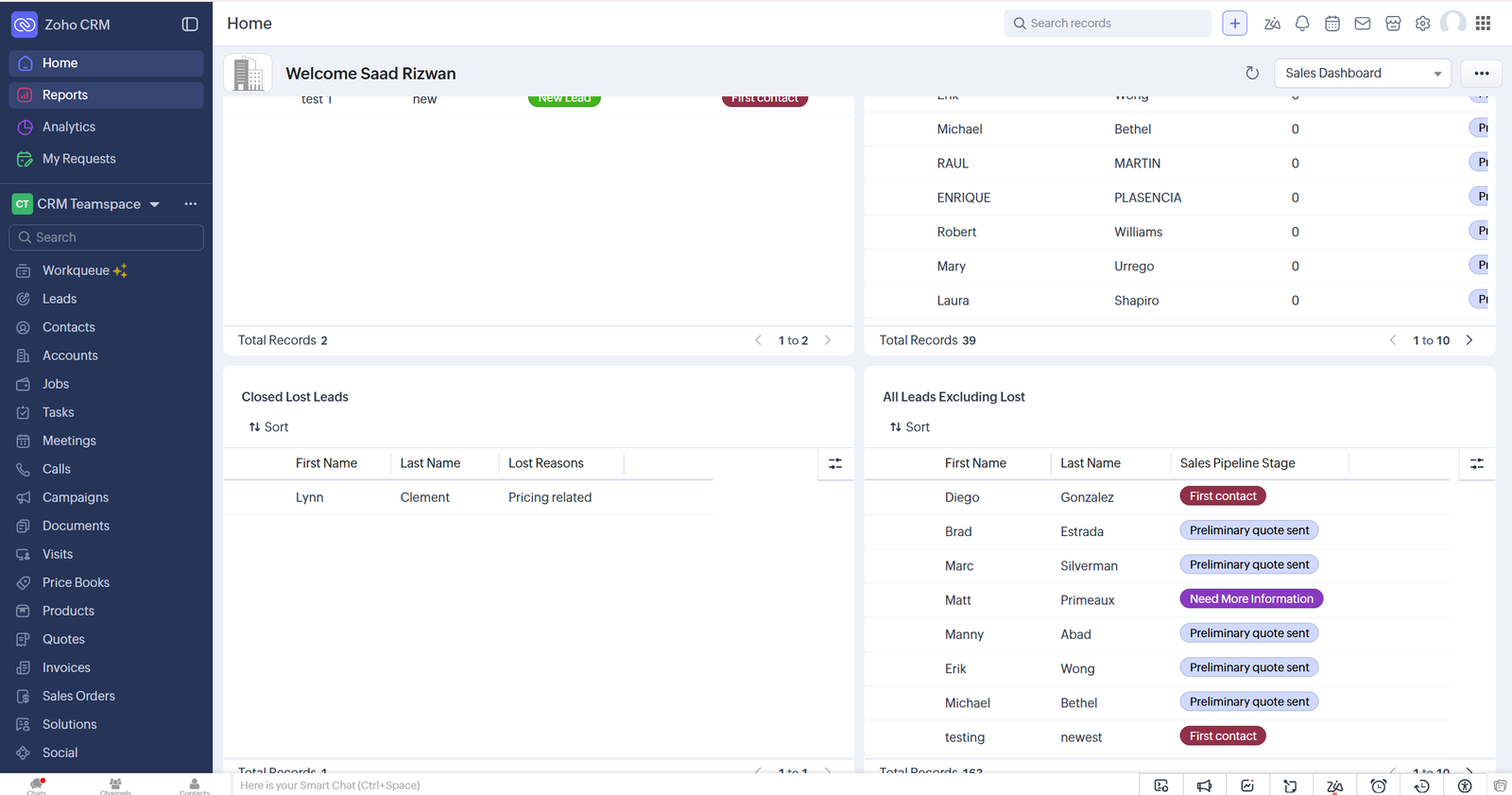
Sales records, ownership and current statuses are displayed in a clear and organized CRM view.
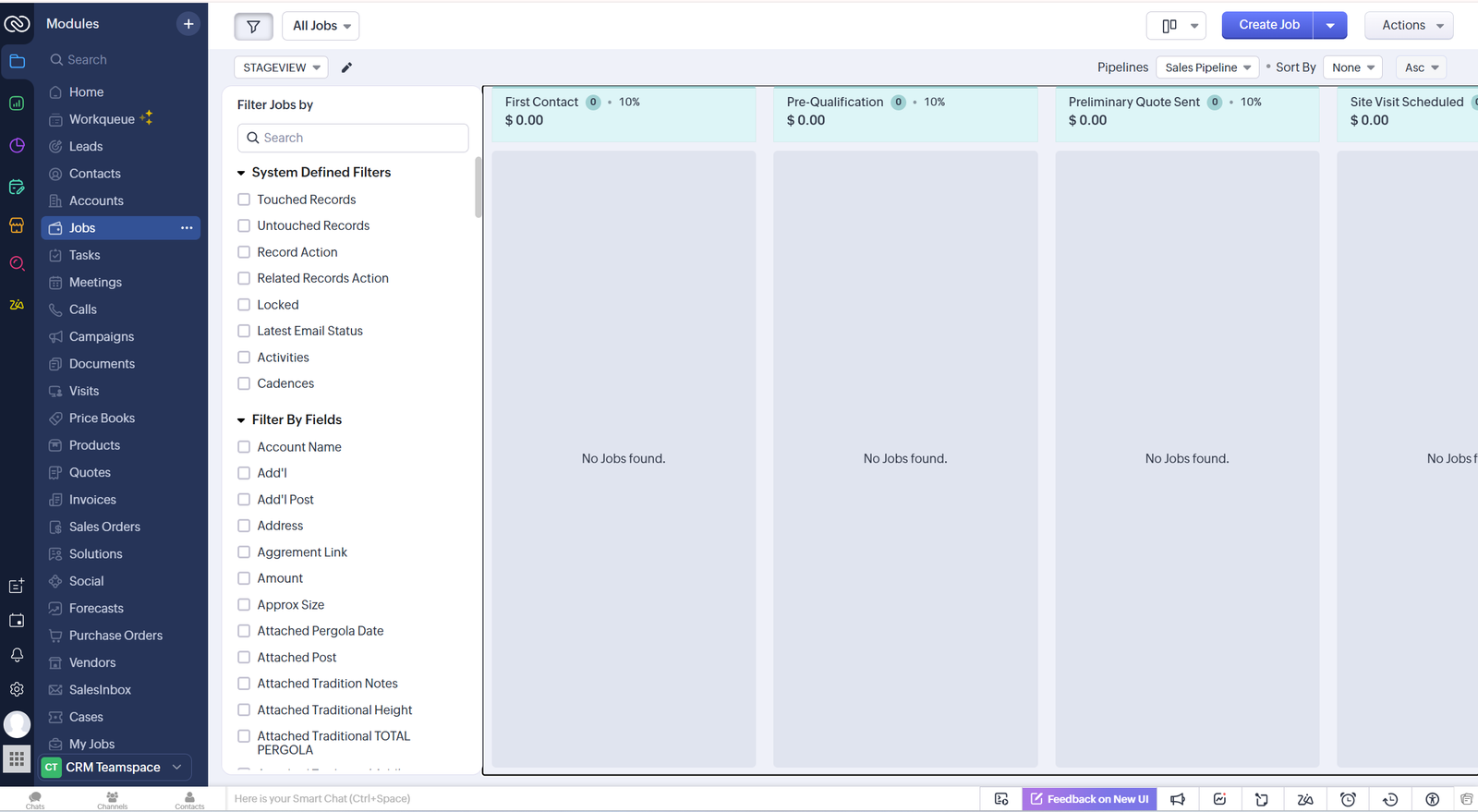
Opportunities are organized across visual pipeline stages to make sales progress easier to monitor.
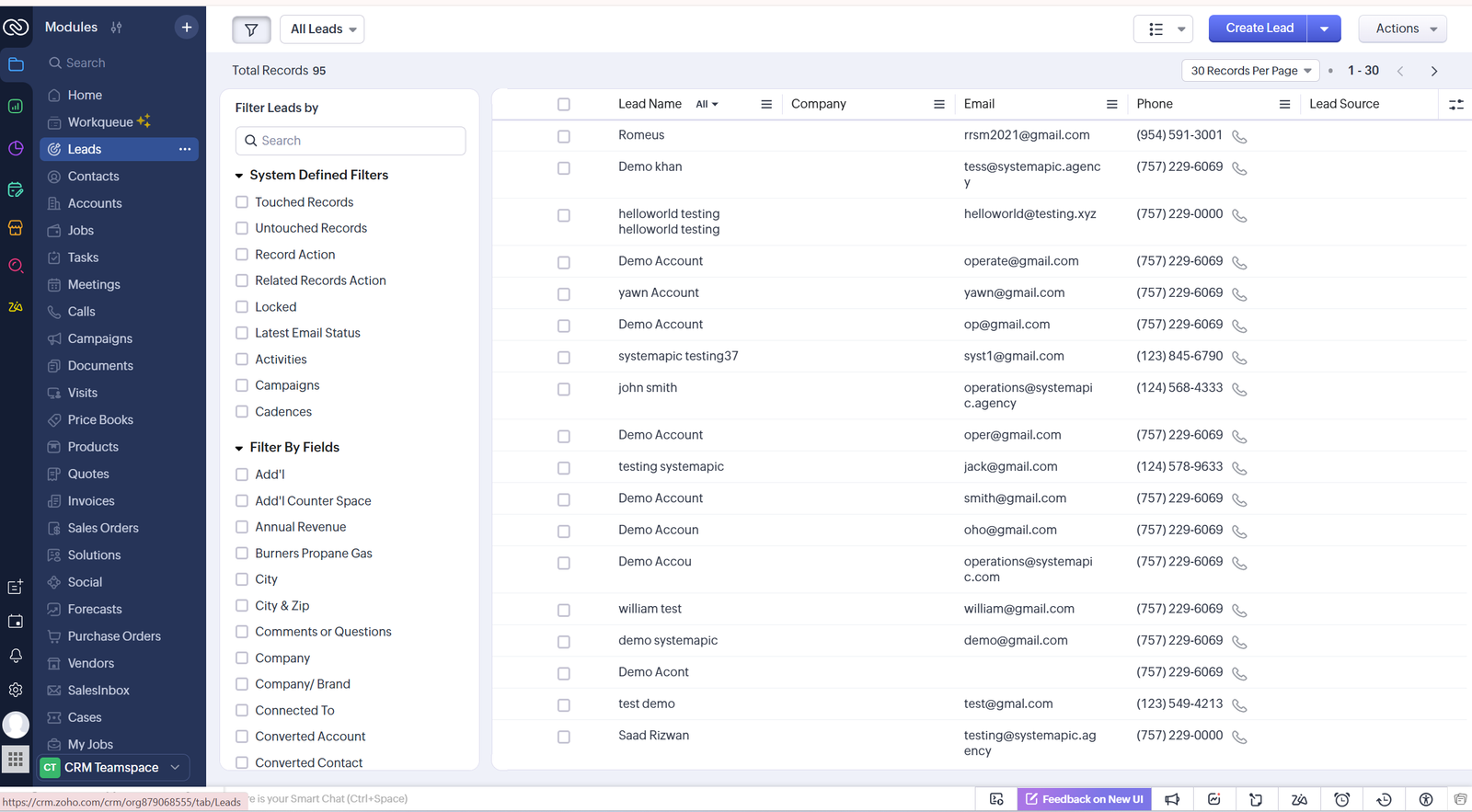
Customer and business information is displayed in a searchable workspace for efficient daily management.
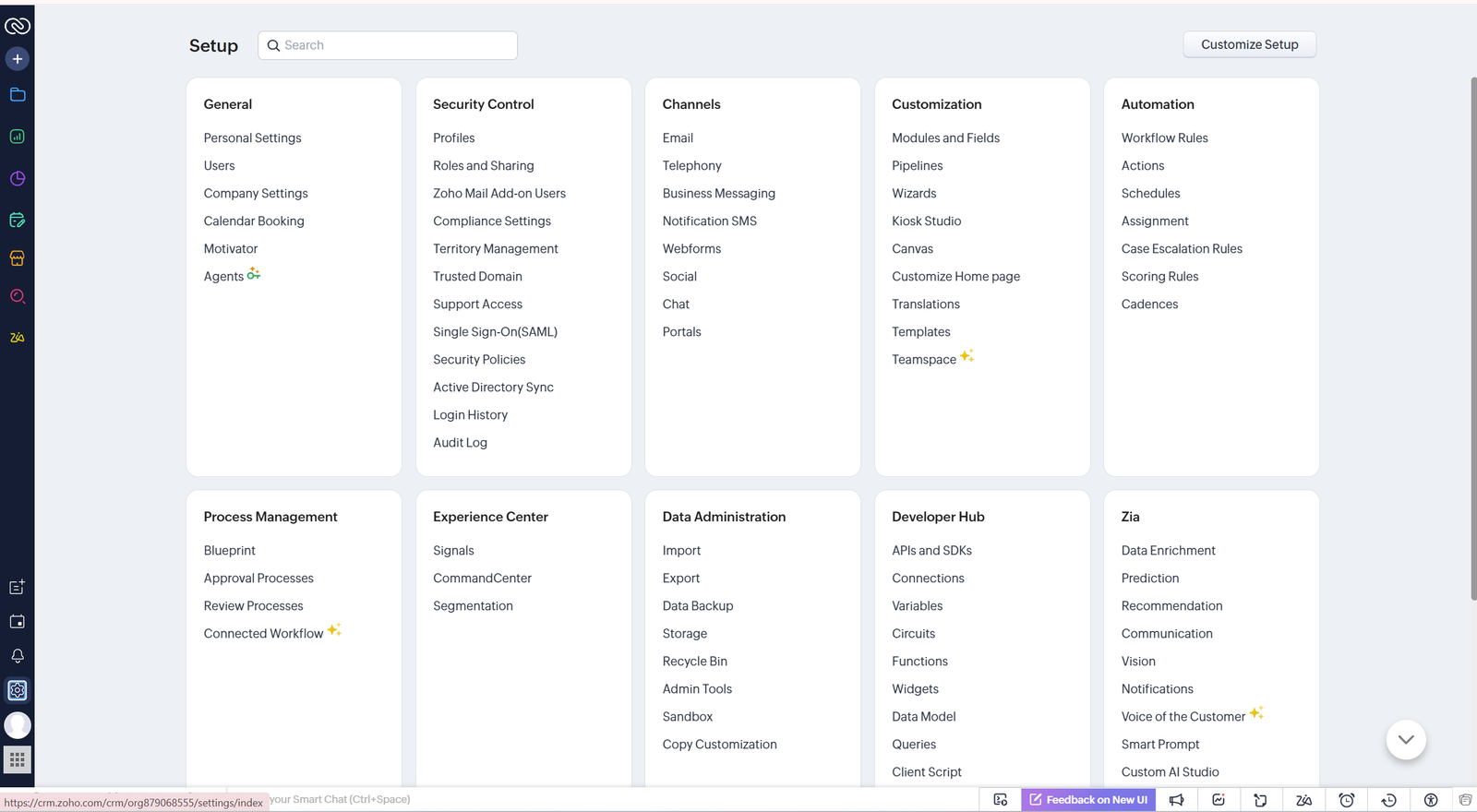
CRM modules are organized into clear business areas for easier access to important records and processes.
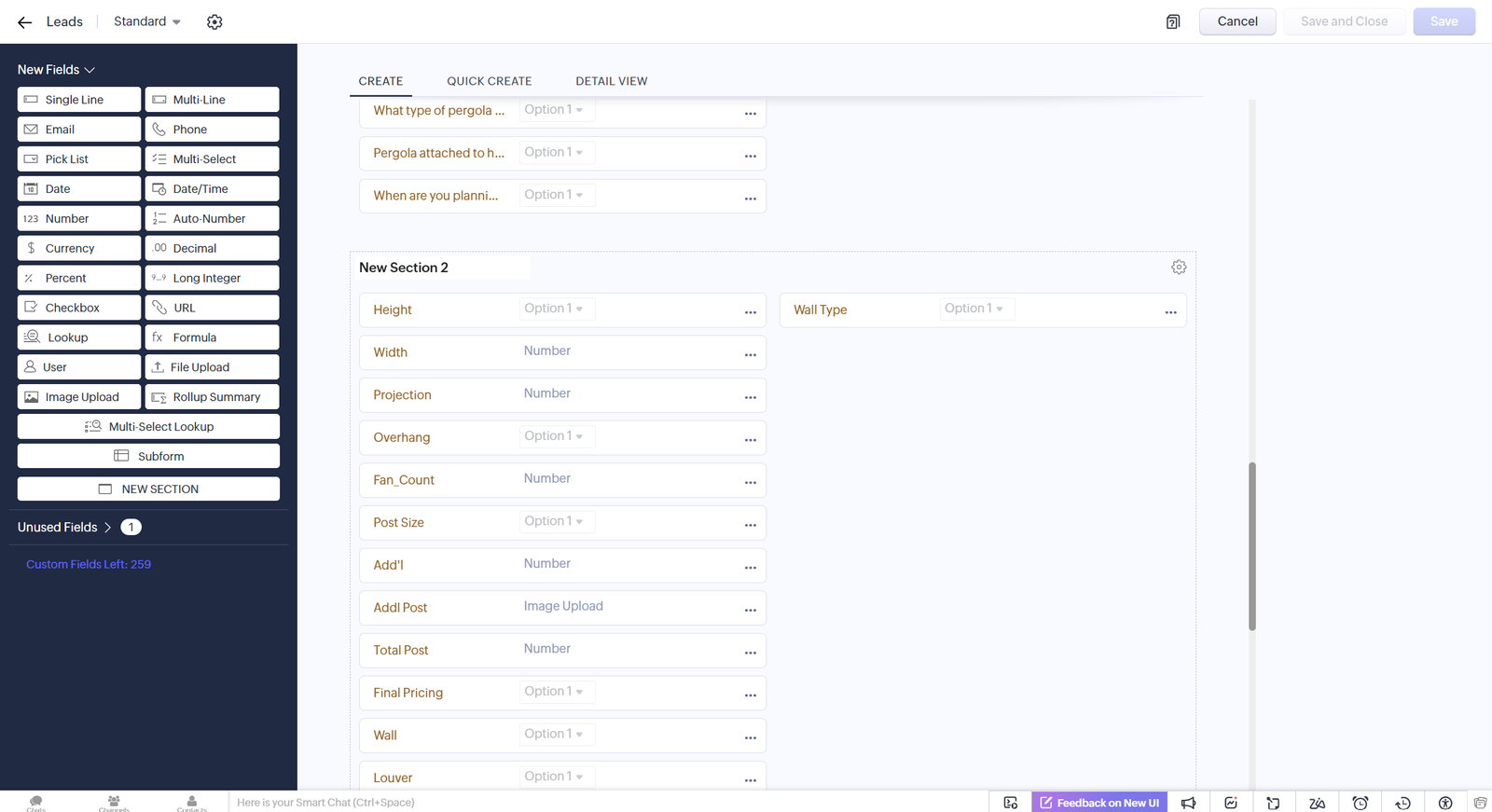
CRM fields, layouts and business settings are customized to support the required operational process.
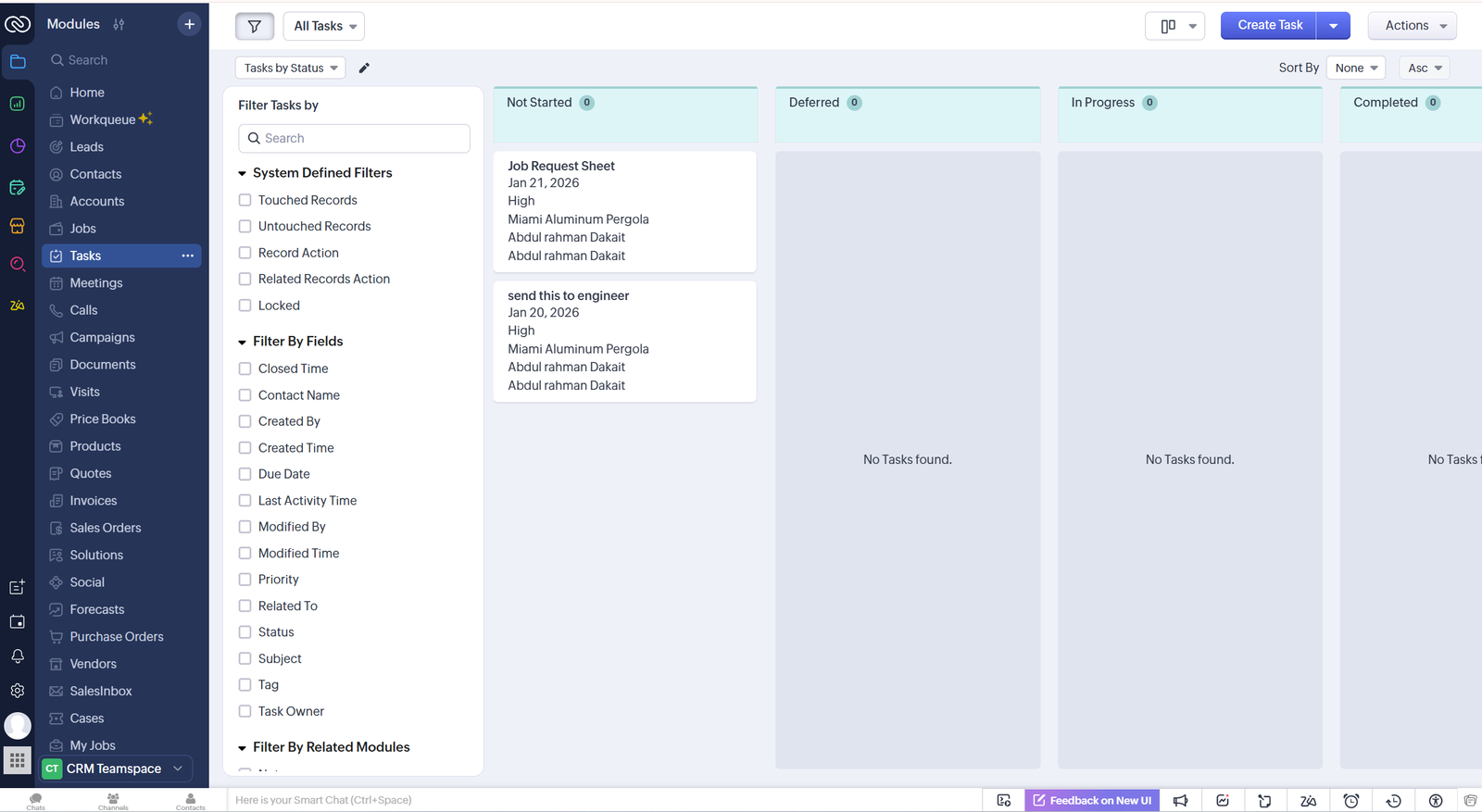
Sales opportunities move through organized stages so teams can quickly review progress and next actions.
DATABASE AUTOMATION
A structured Airtable system for managing records, building custom views, organizing operational data and automating business processes.
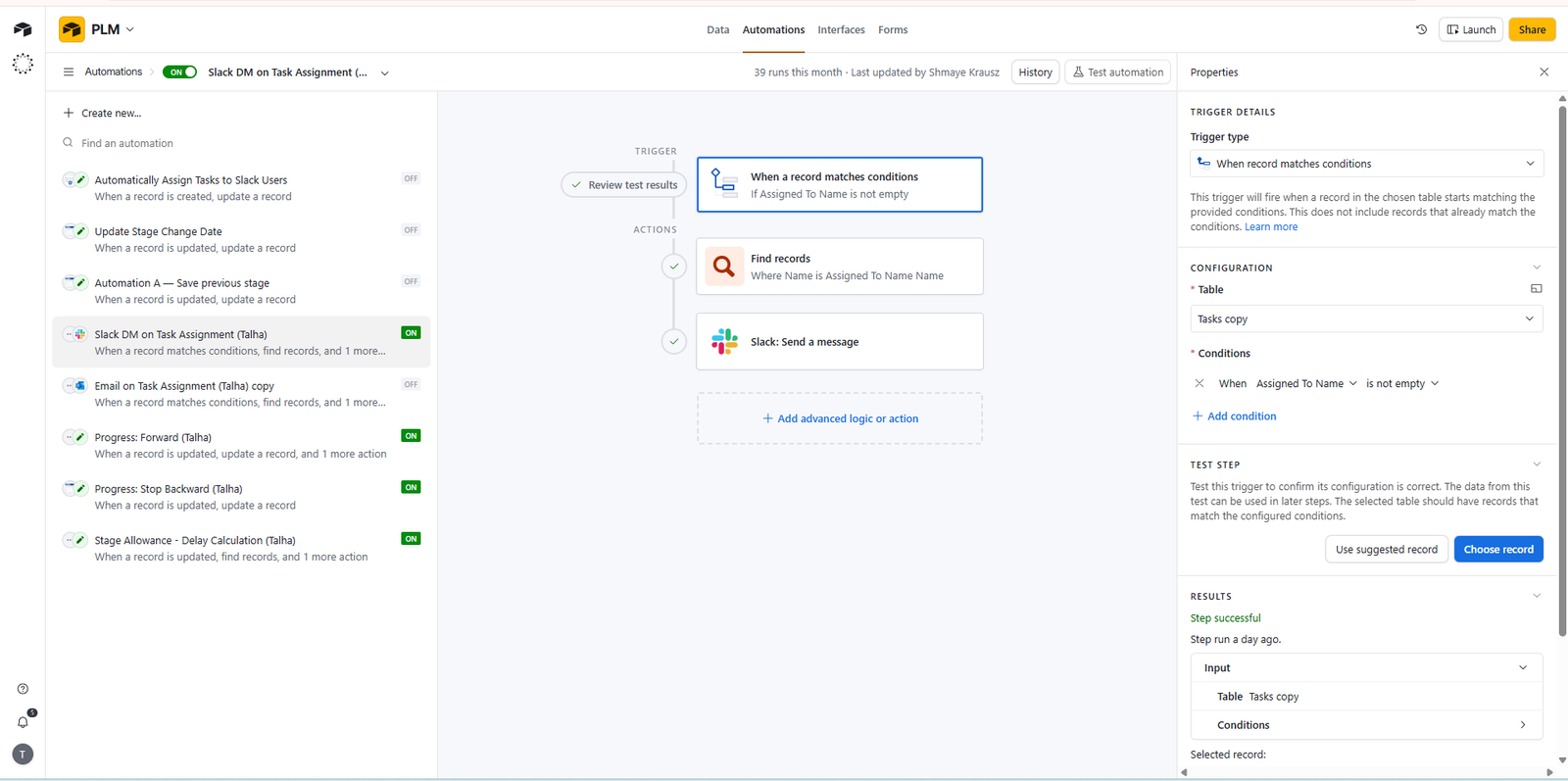
Airtable automation steps process record changes and trigger the required business actions automatically.
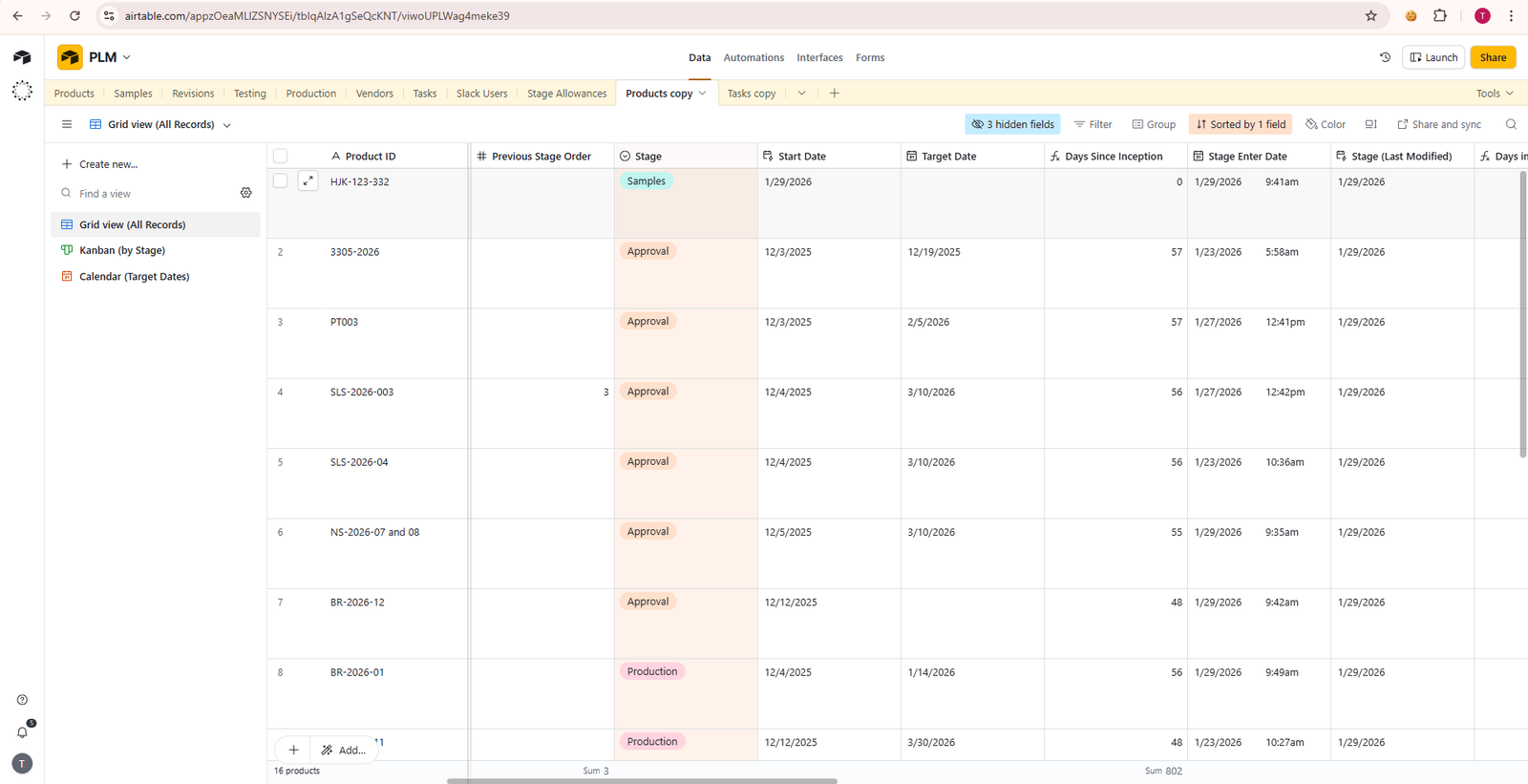
Business records are displayed in a clear table with organized fields, statuses and searchable information.
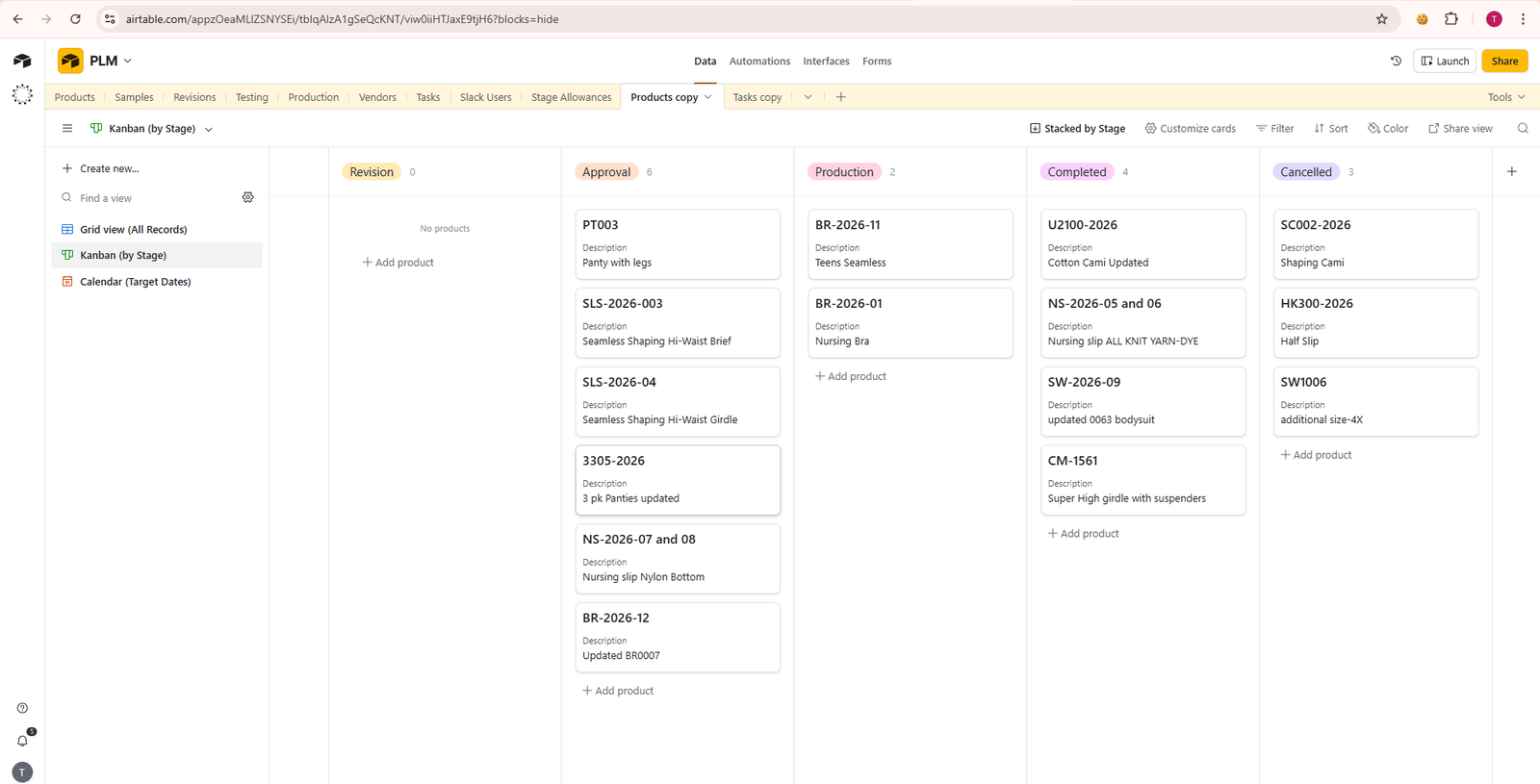
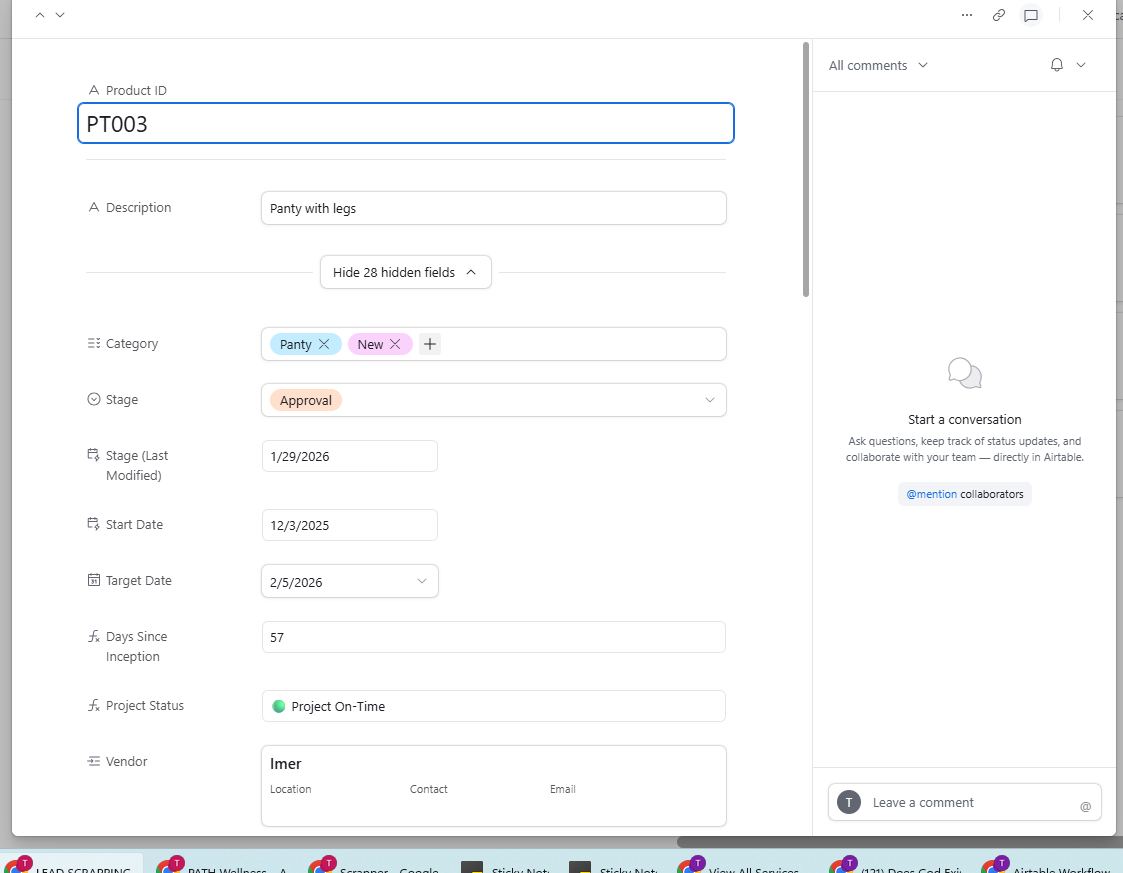
Individual records provide a focused view of important fields, information and related business data.
A customized form captures structured information and adds new records directly to the Airtable database.
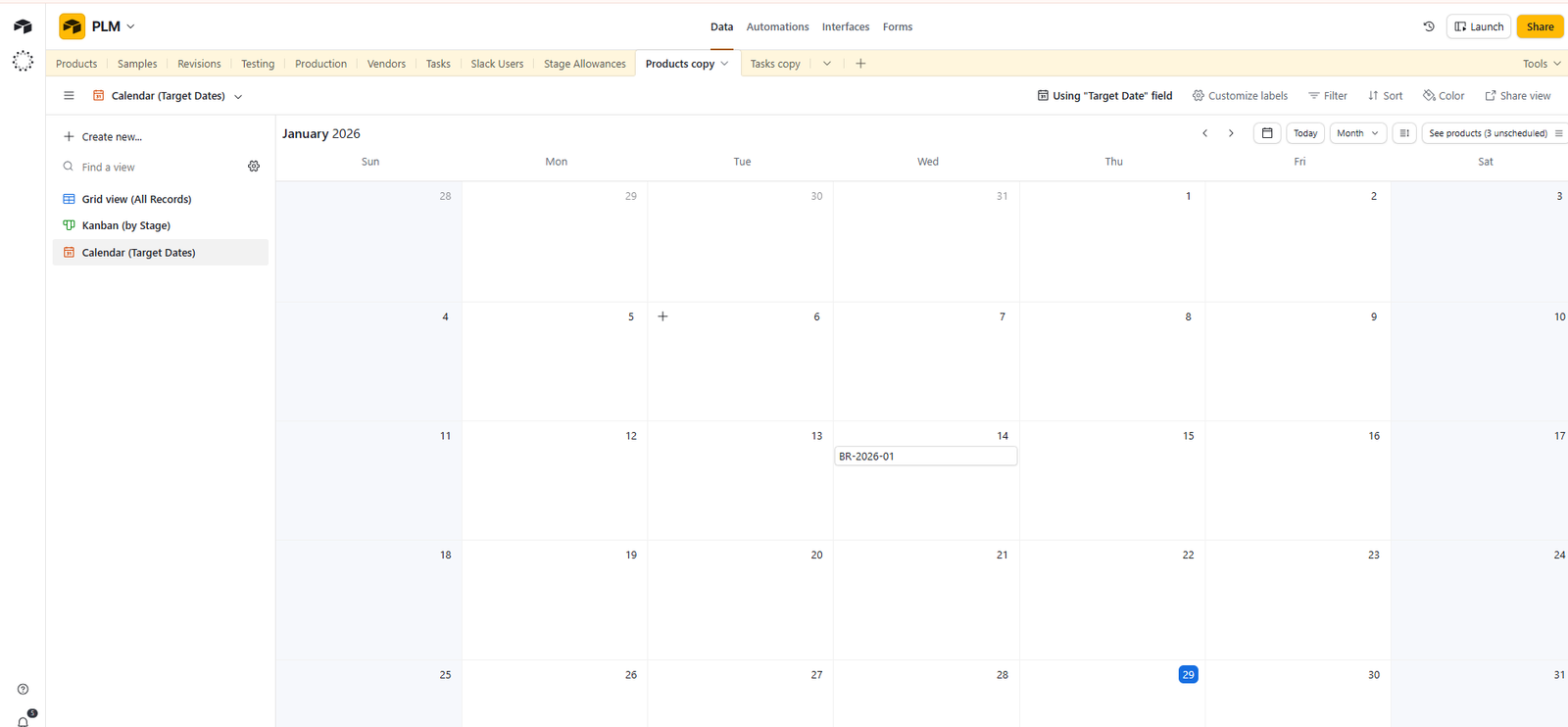
Records are displayed in a calendar view to make schedules, dates and upcoming activities easier to manage.
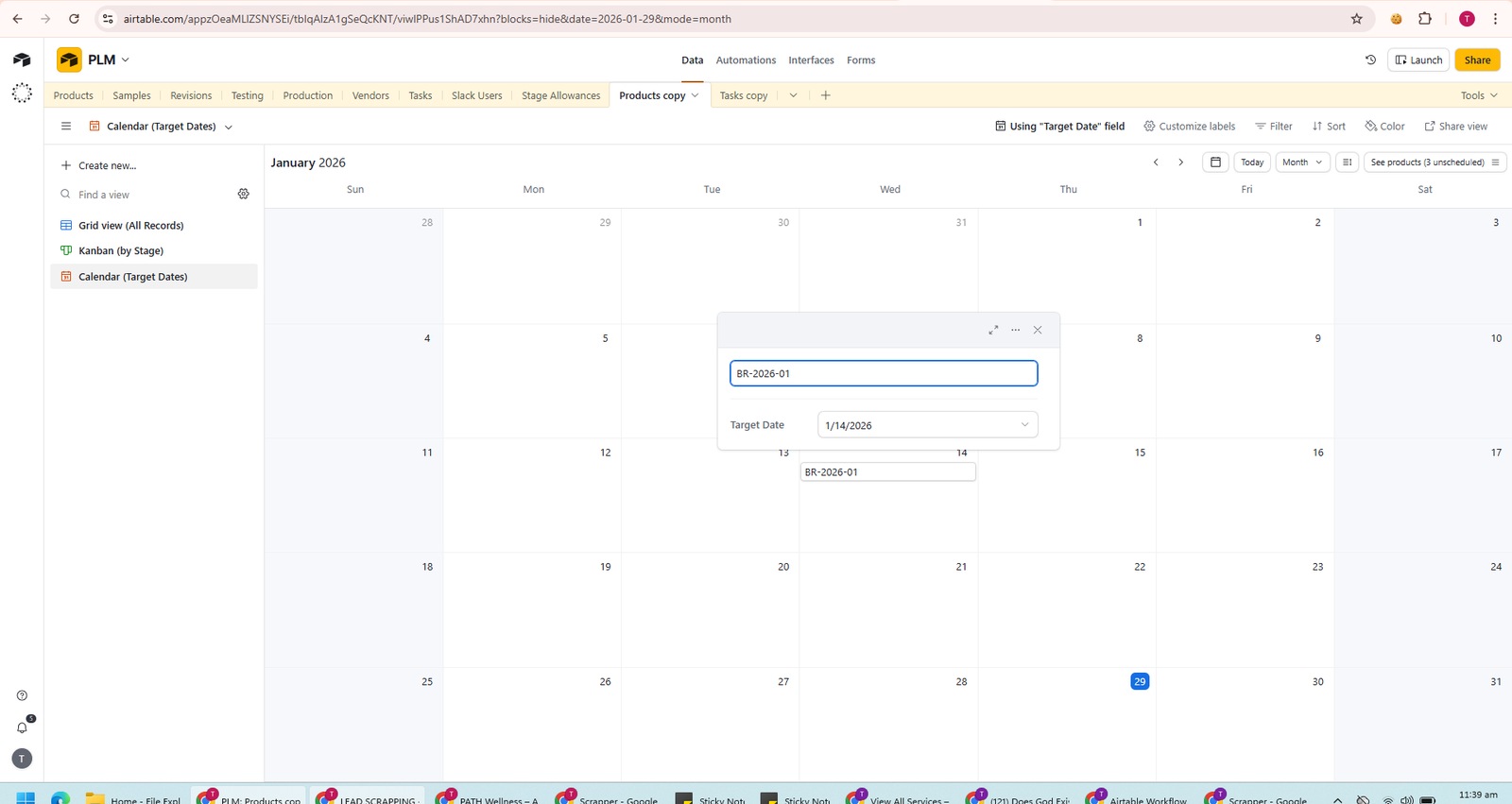
New activities can be created directly from the calendar while keeping scheduling information connected to the database.
WORK MANAGEMENT
A customized monday.com workspace for managing projects, organizing contact data, tracking progress and automating operational tasks.
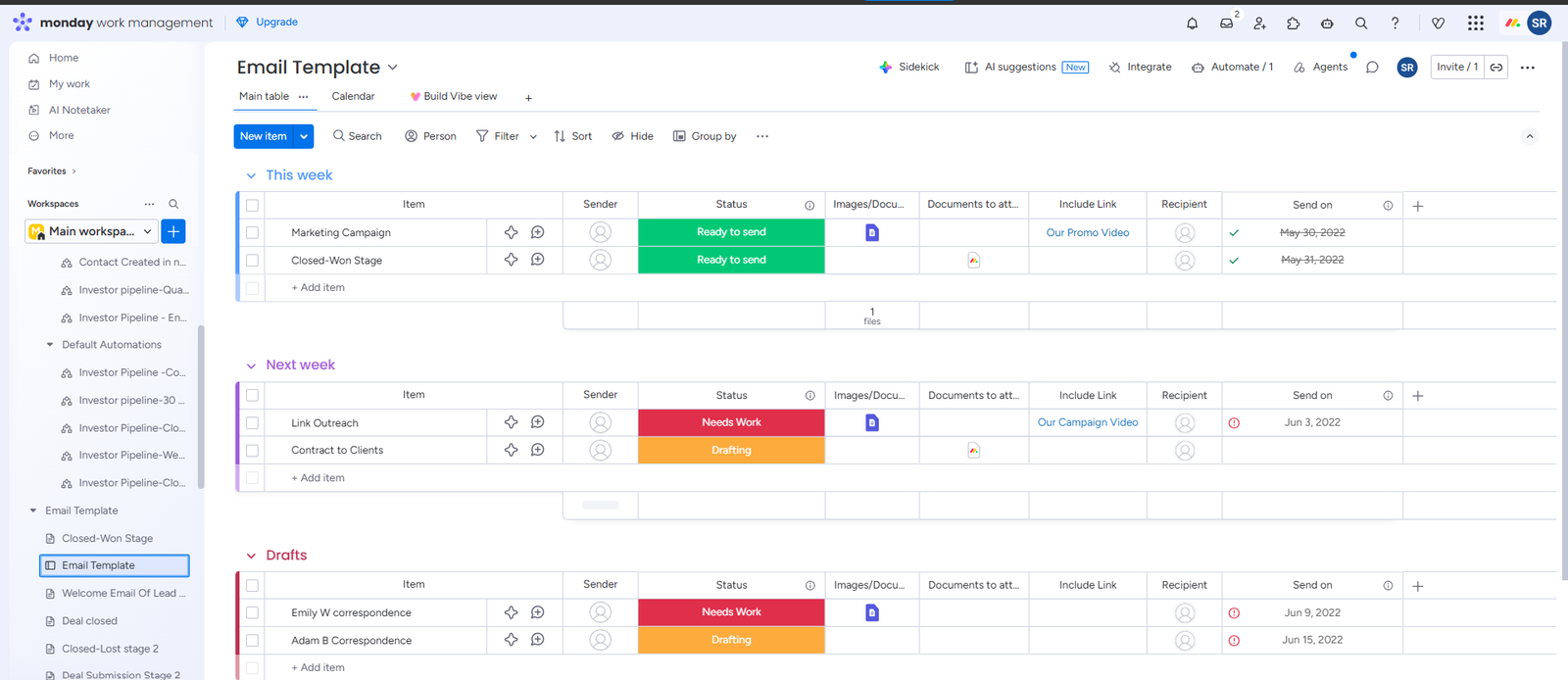
Project tasks, ownership and progress are organized in one visual workspace for easier daily management.
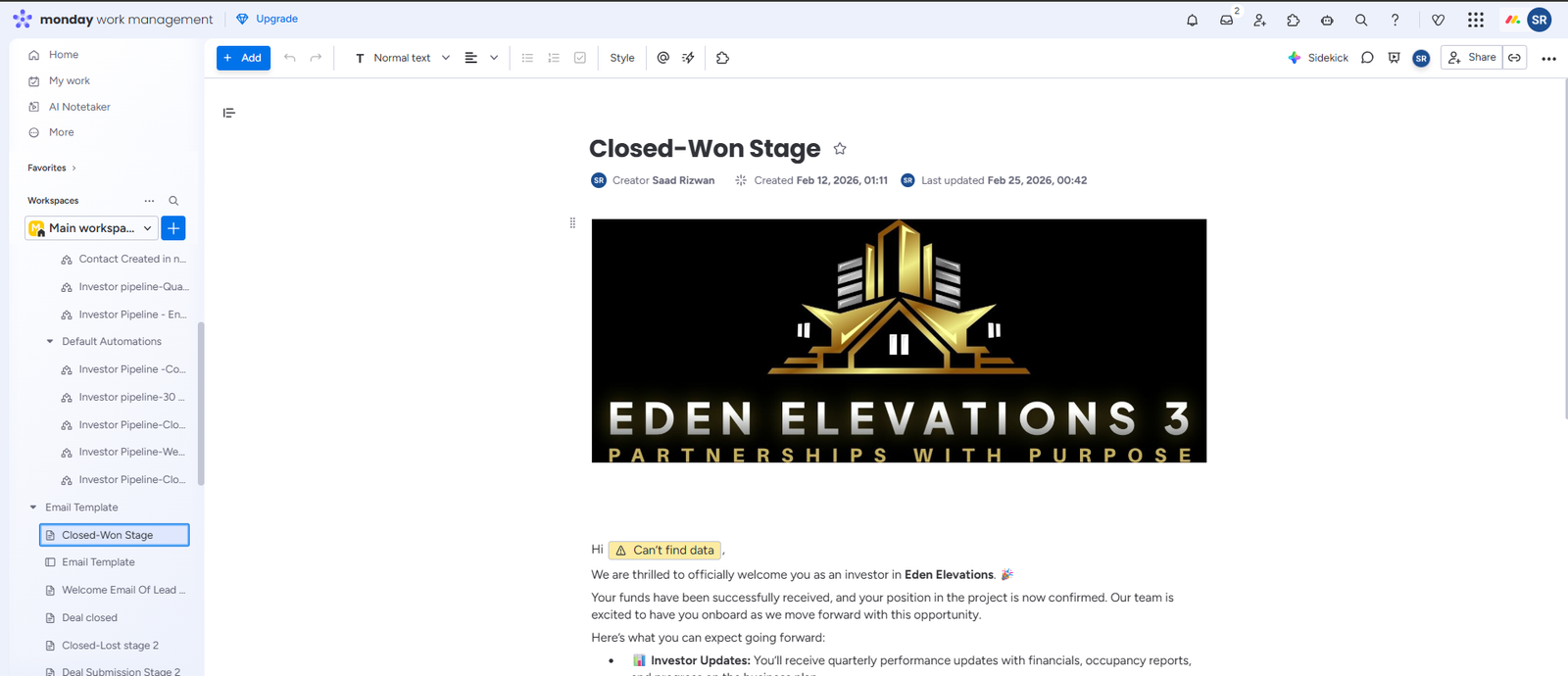
Branded email communication is connected with the workspace to support consistent customer engagement.
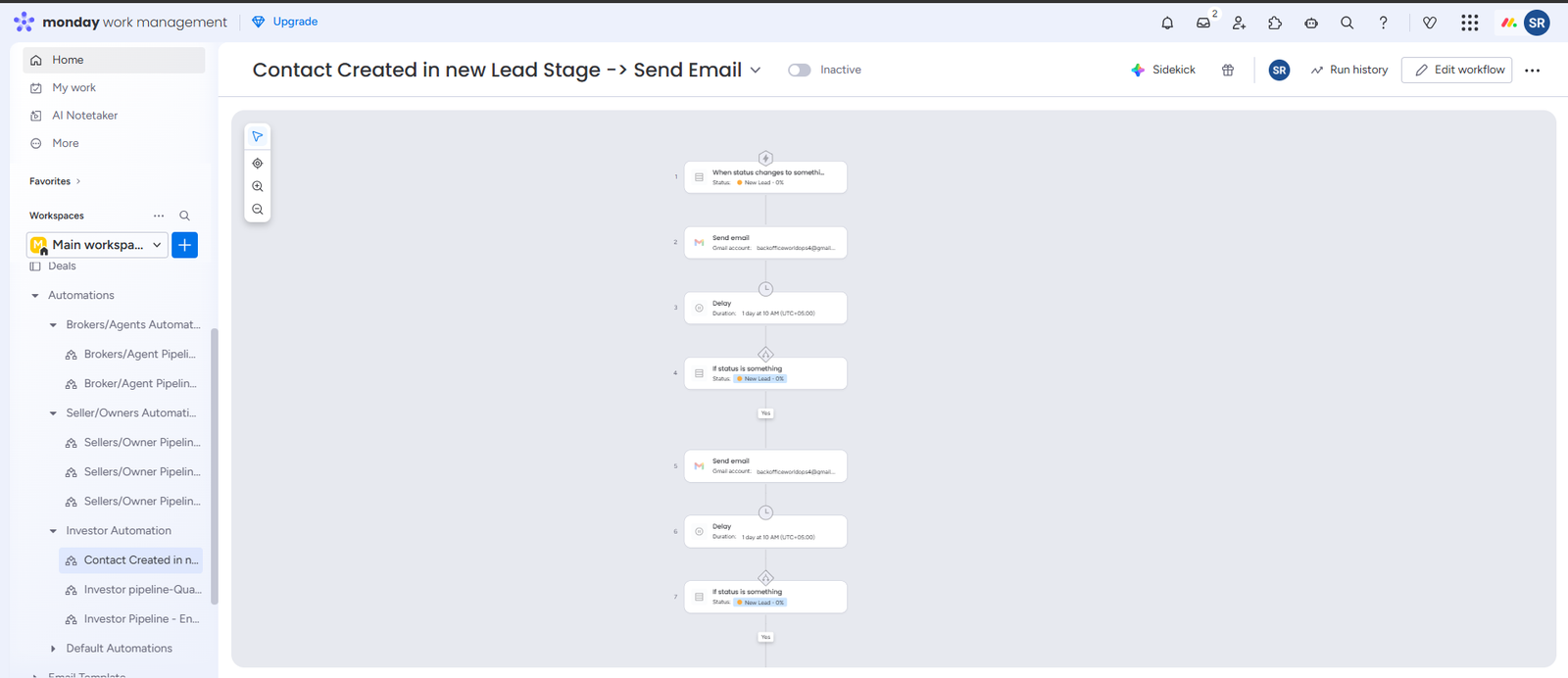
Leads are organized by status and stage to make progress and follow-up activity easier to monitor.
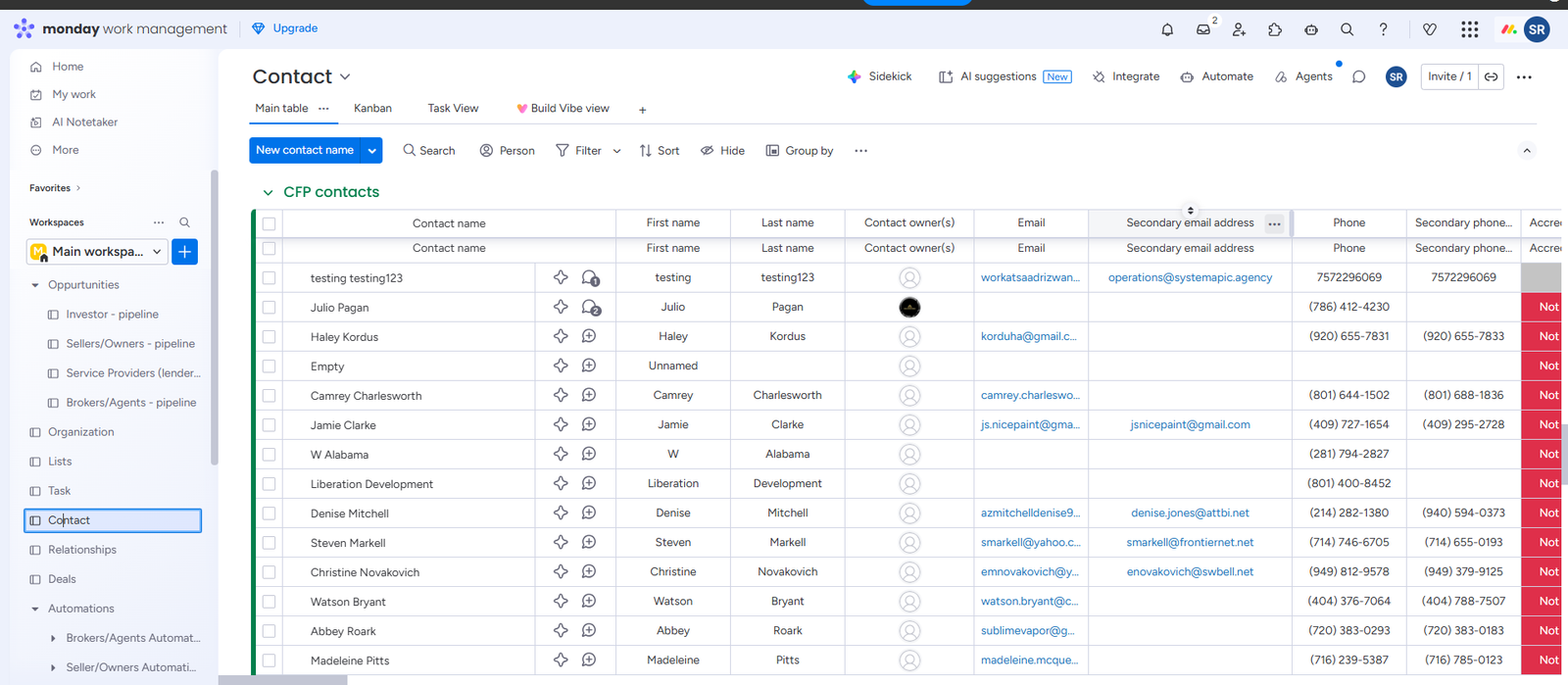
Contact records, statuses and important information are managed in one structured workspace.
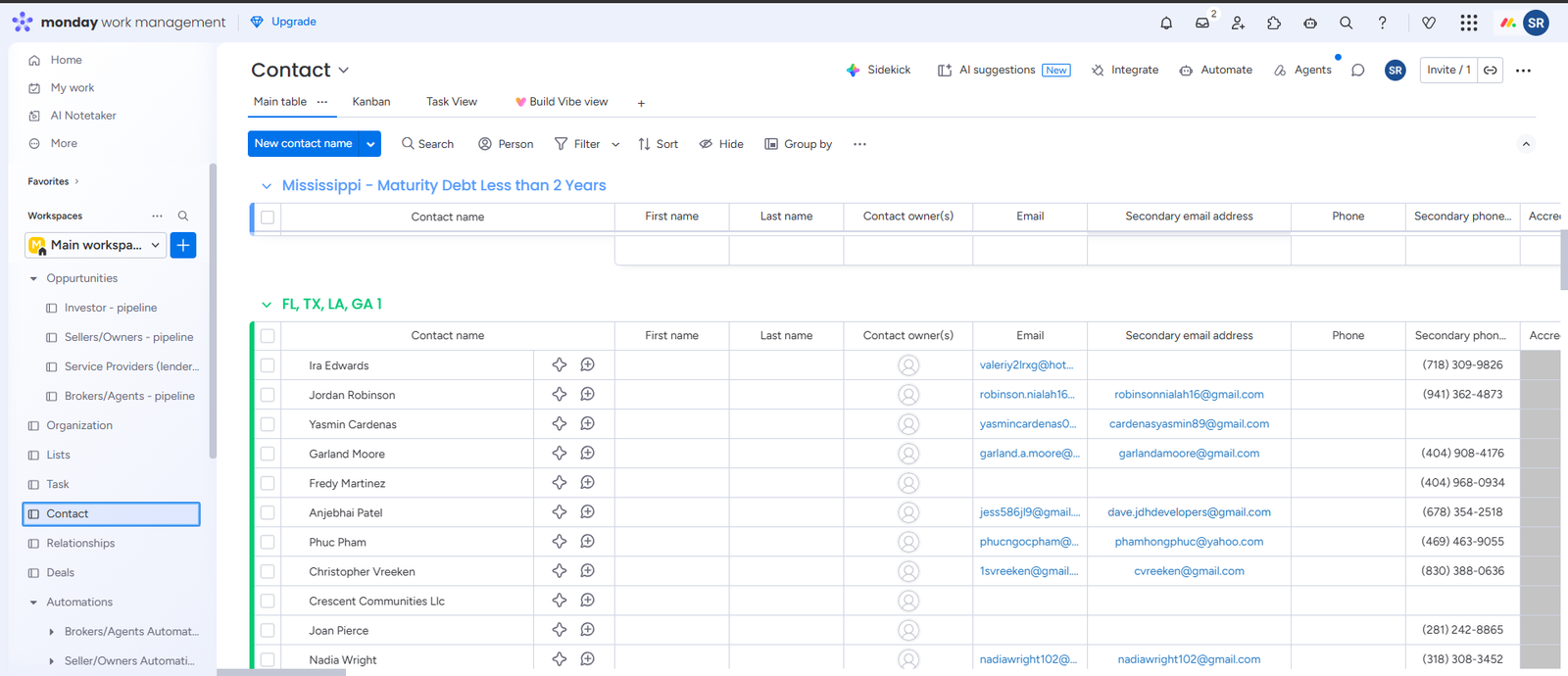
Business information is displayed in a searchable board for faster access and easier record management.
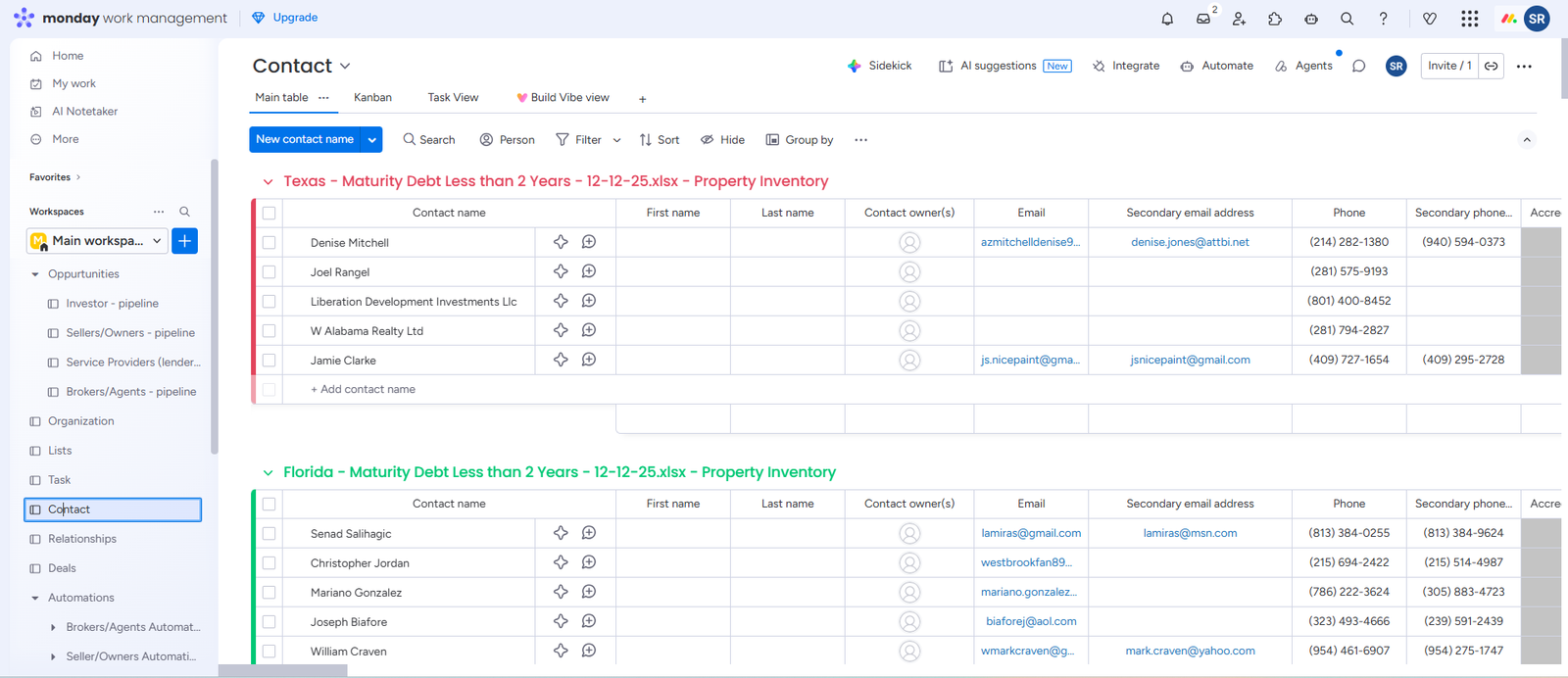
Work items are grouped by process stage to improve visibility and support consistent task completion.
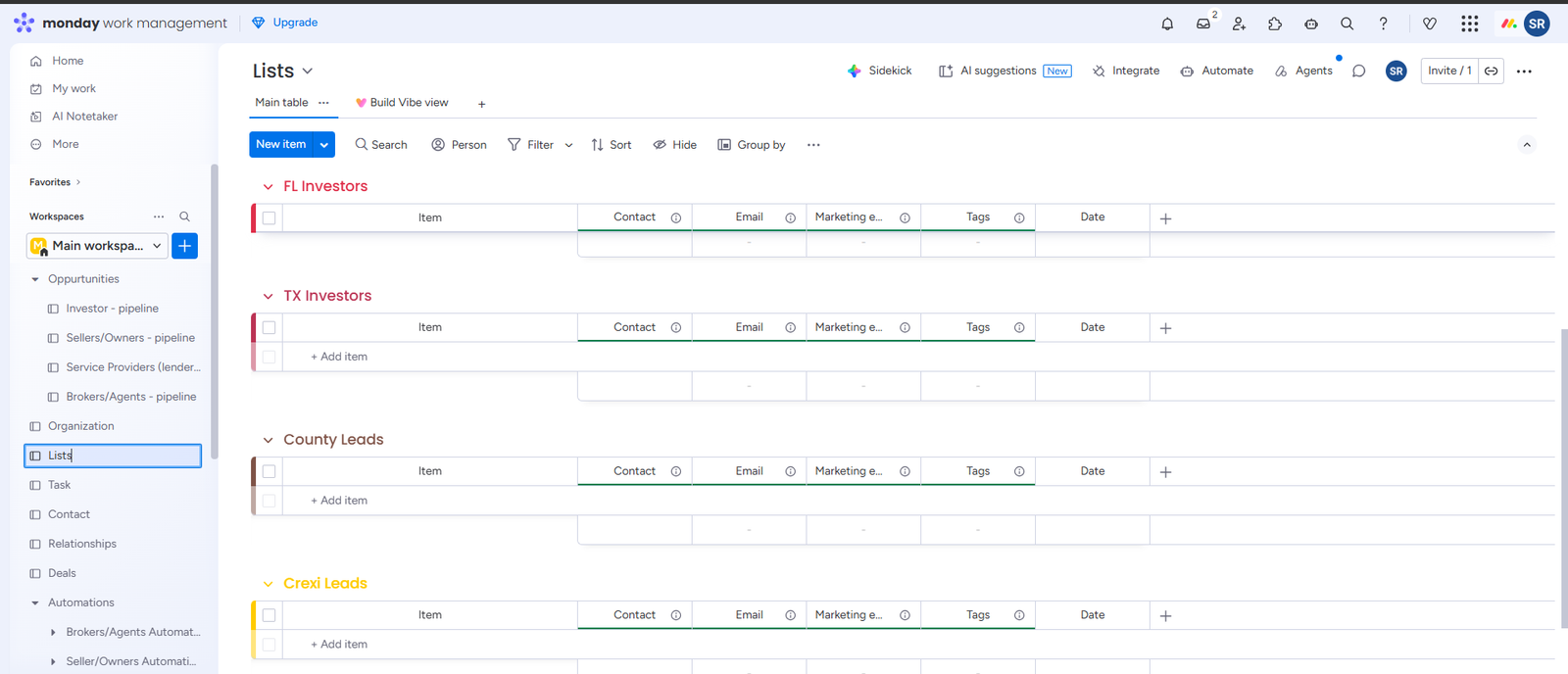
Operational tasks and records are grouped into clear sections for easier ownership and progress tracking.
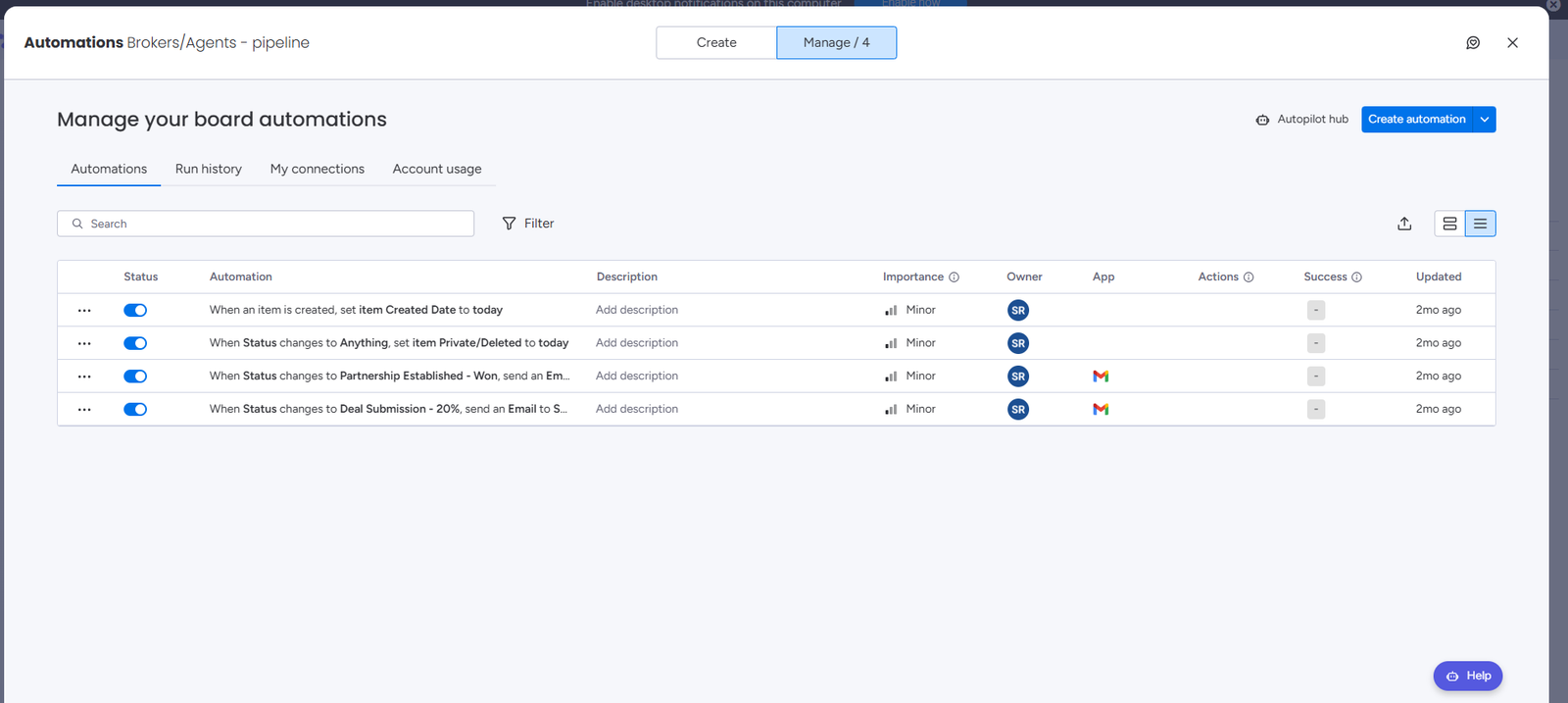
Automated rules manage routine updates, notifications and workflow actions across the workspace.
MICROSOFT AUTOMATION
Advanced Microsoft Power Automate workflows for processing business data, handling documents, automating email communication and connecting Microsoft services.
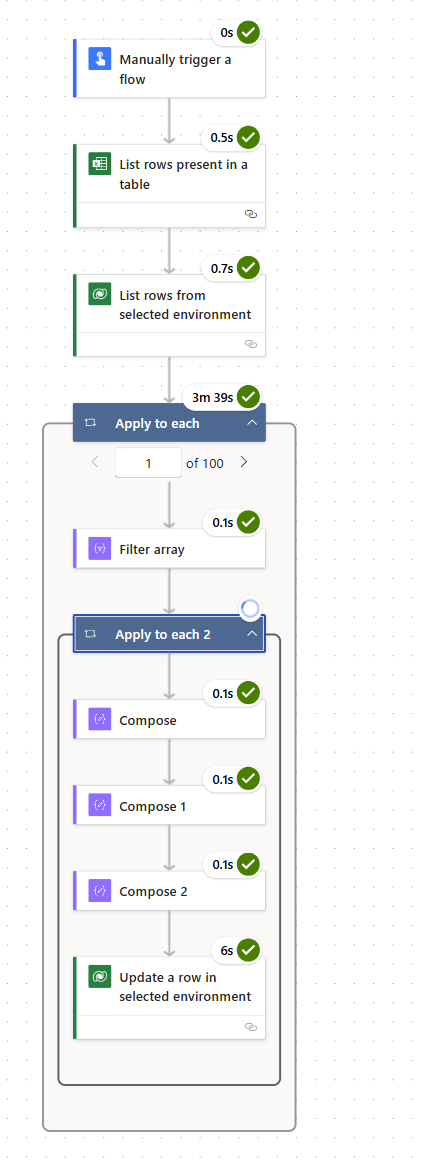
A multi-step automation that connects triggers, conditions and business actions in one complete workflow.
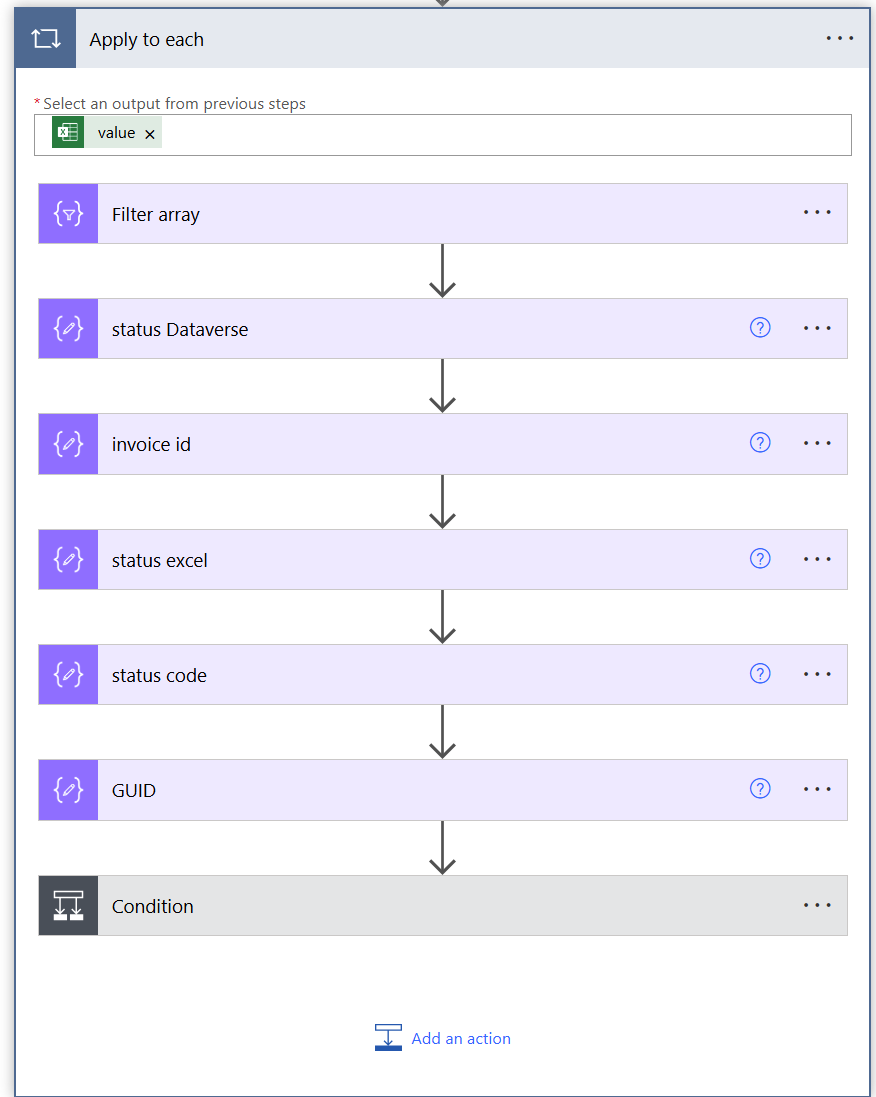
Variables, data fields and conditions are processed automatically before information moves to the next action.
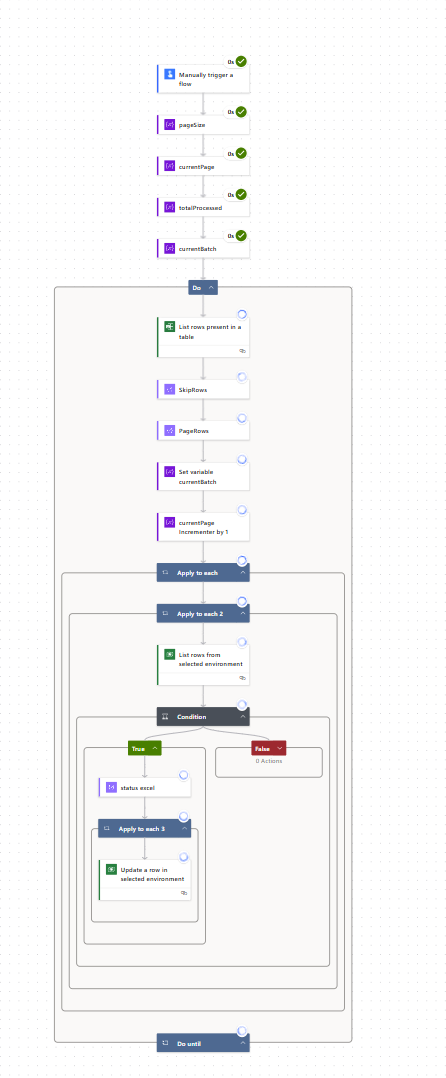
A structured automation using multiple actions, conditions and process stages to manage complex business requirements.
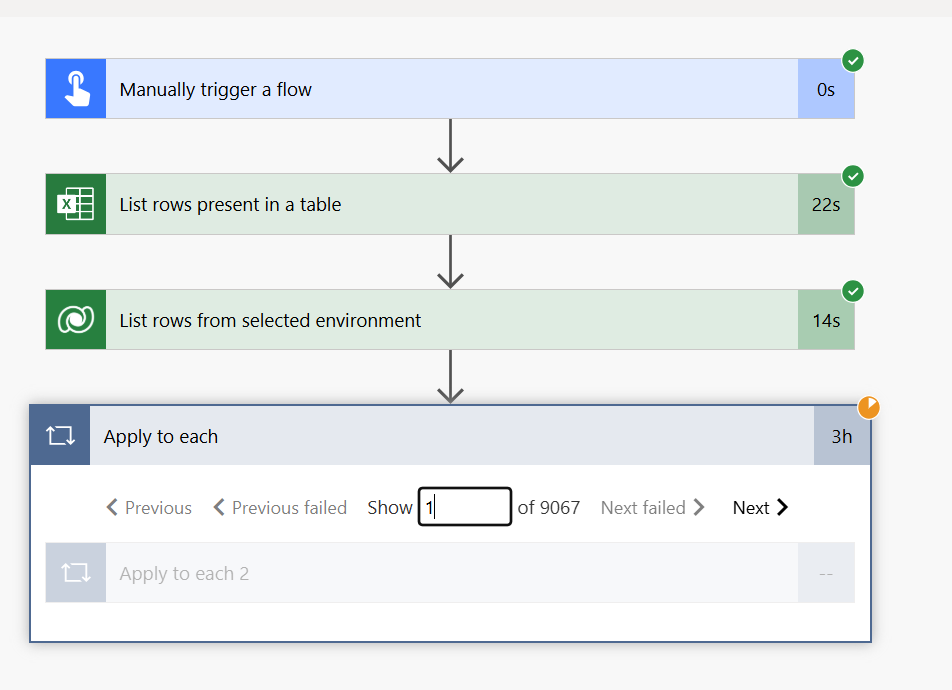
Excel records are retrieved and processed automatically through connected workflow actions.
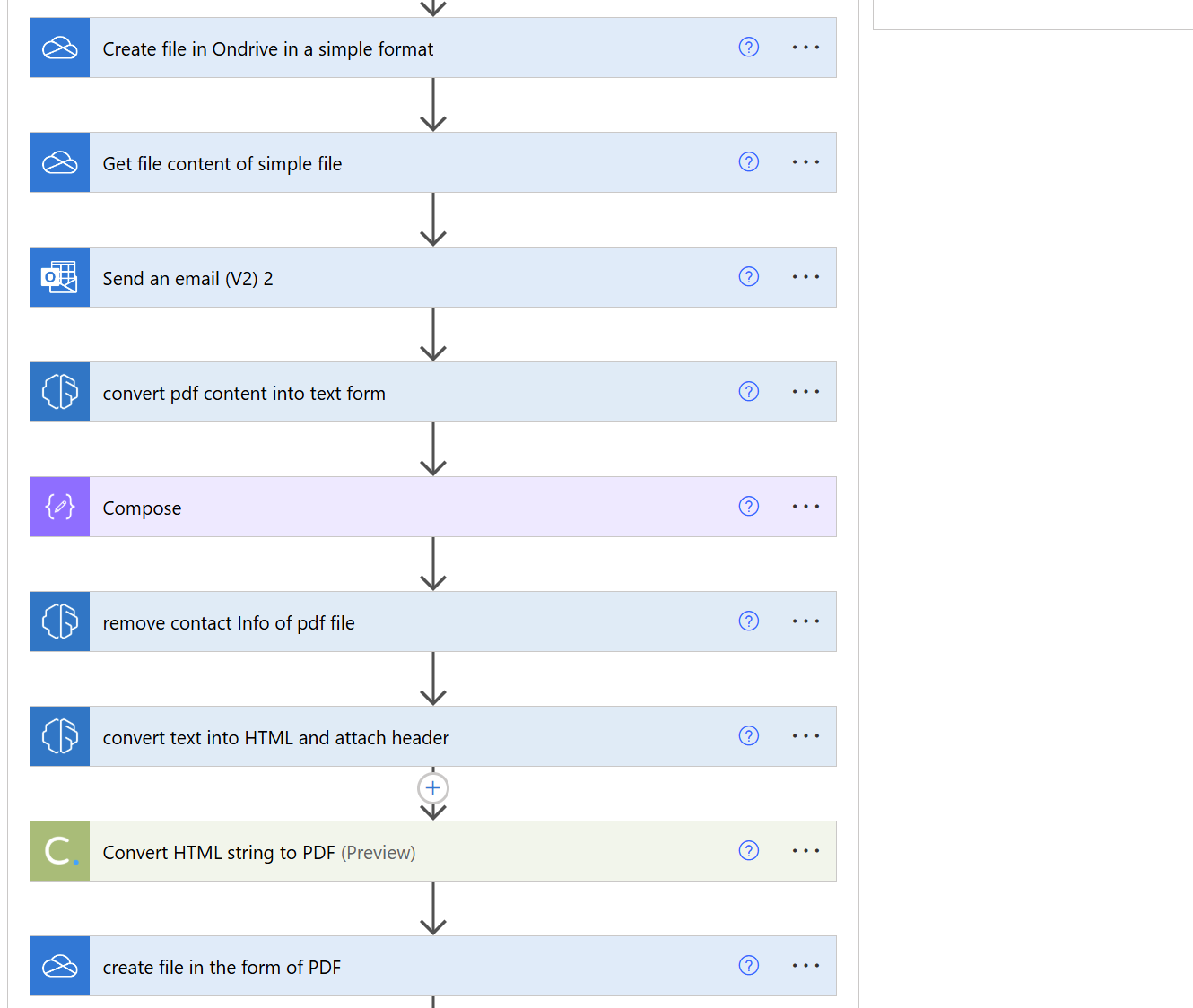
Files are created, converted and delivered automatically through connected Microsoft services.
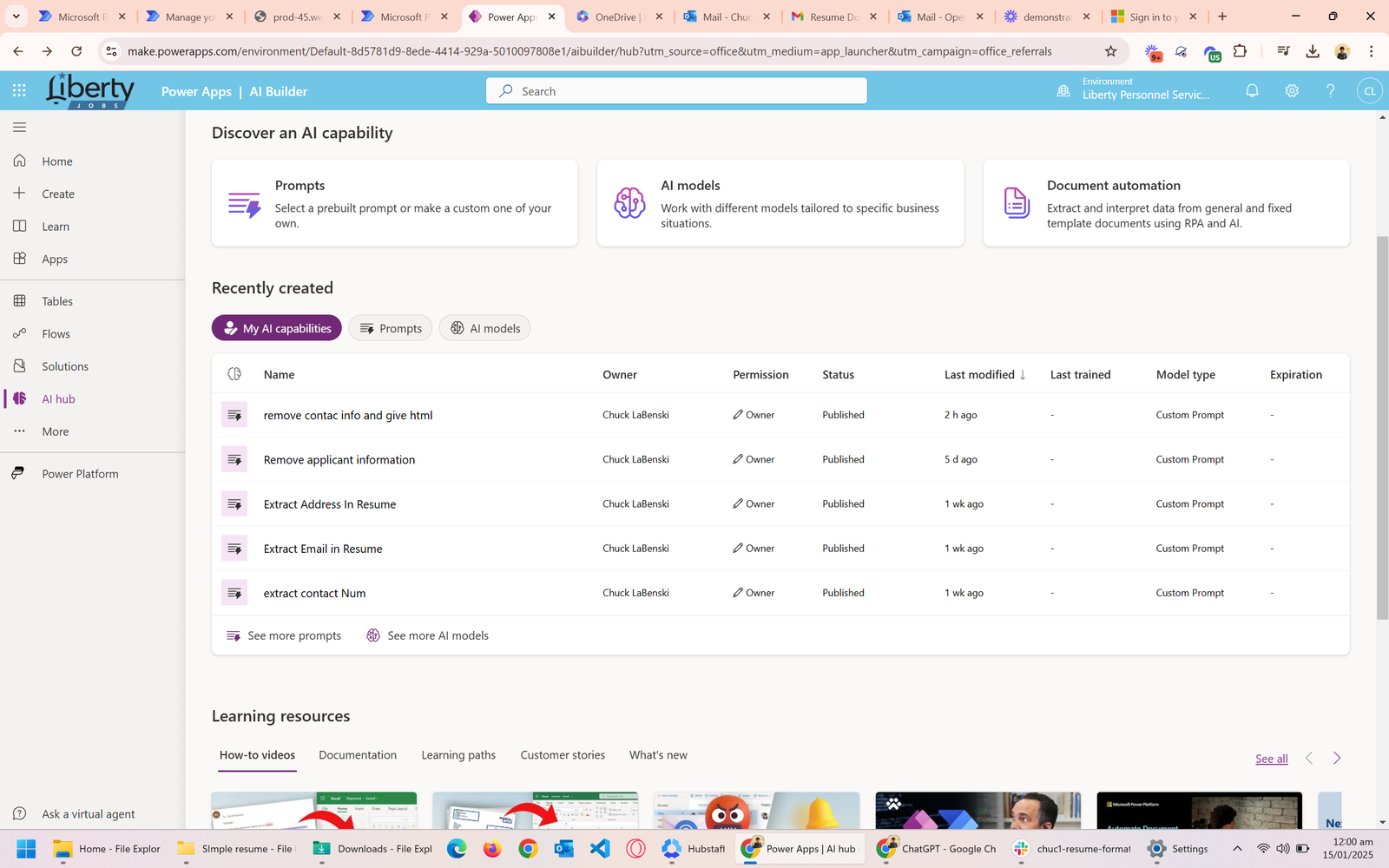
Workflow activity and automation performance are monitored from one centralized management view.
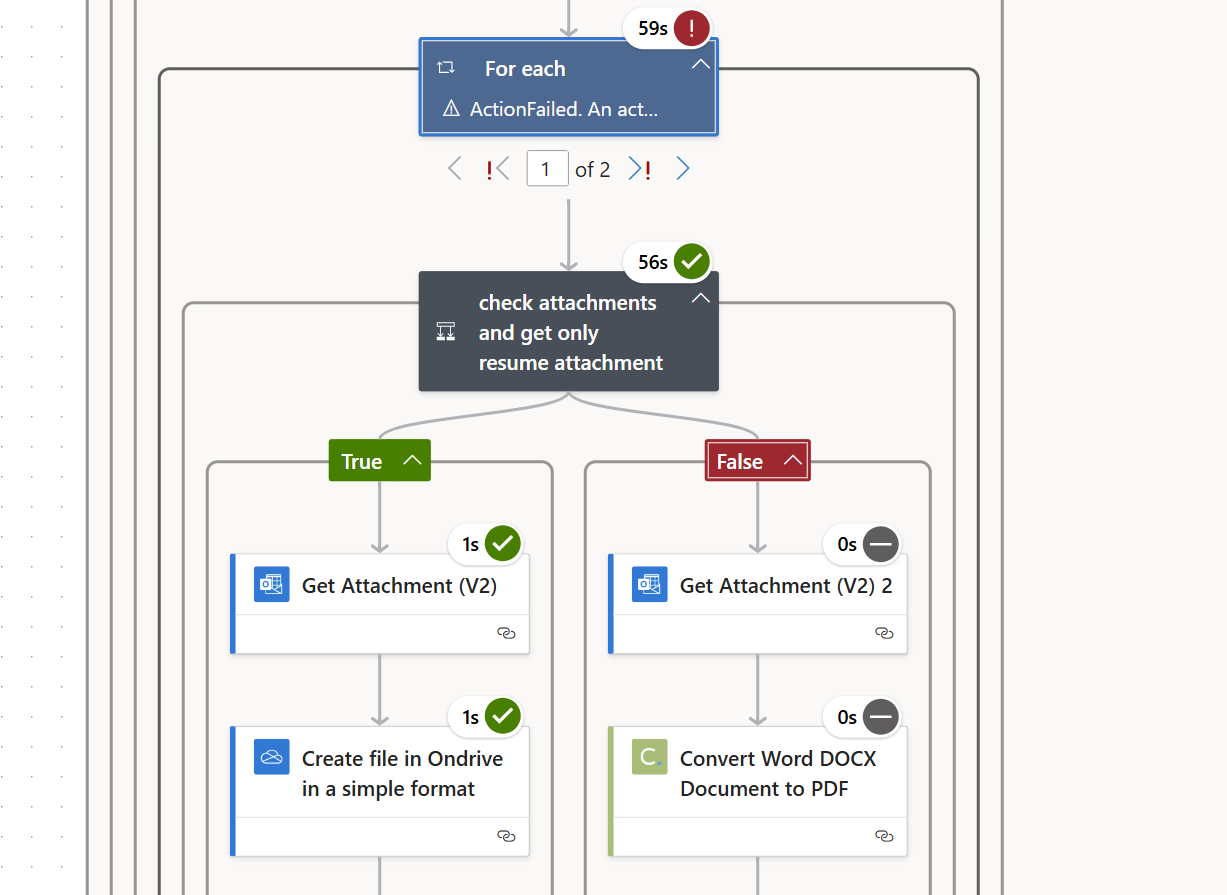
Records follow different automation paths according to conditions and available business data.
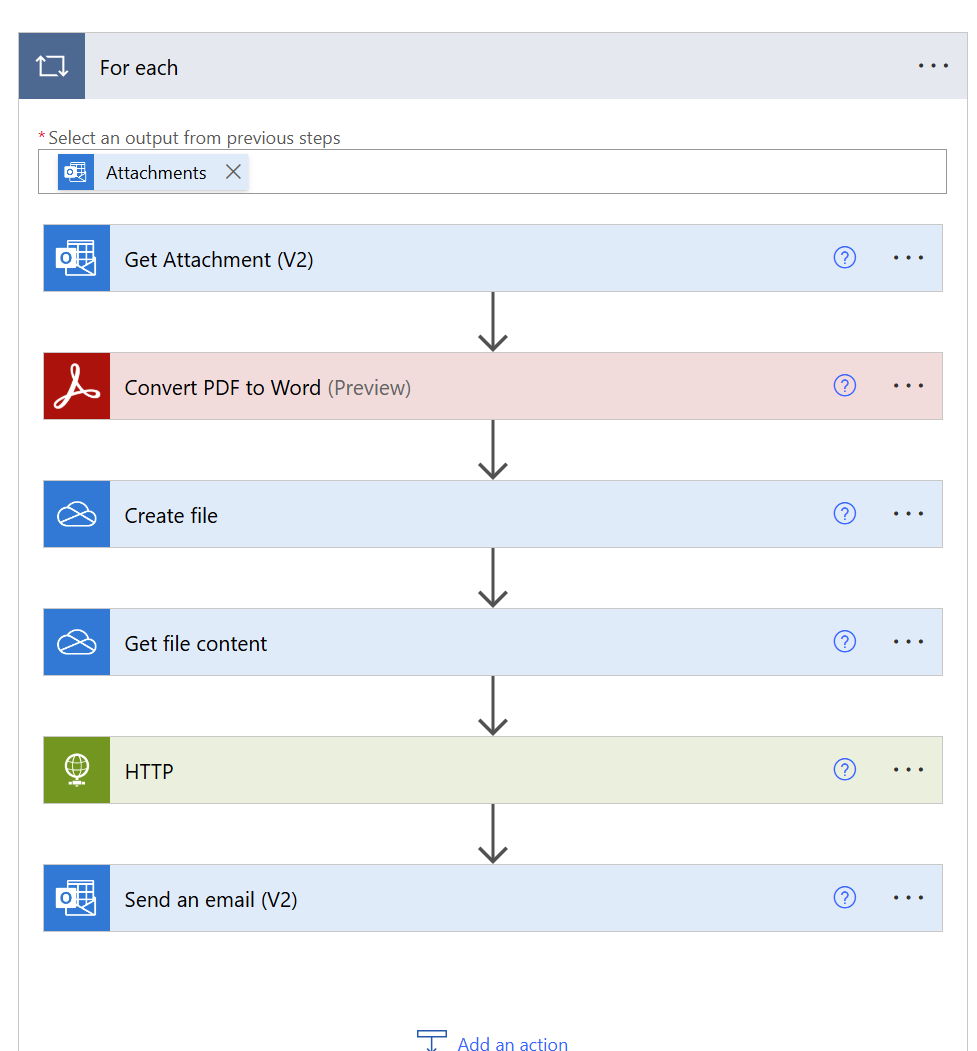
Email attachments are retrieved, converted, stored and delivered through an automated workflow.
NO-CODE AUTOMATION
Advanced Zapier workflows connecting CRM platforms, webhooks, cloud storage and business applications through automated processes.
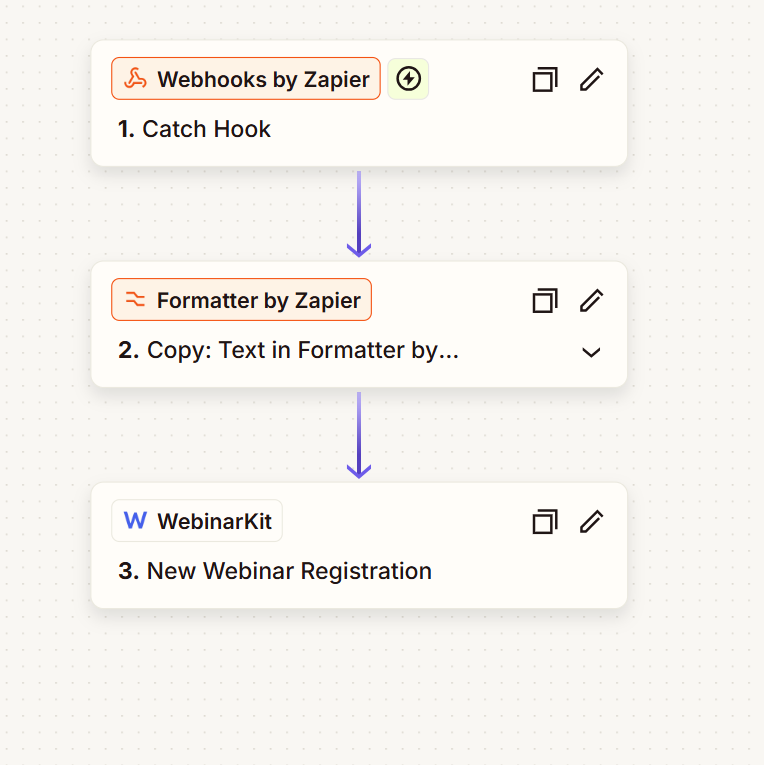
Webhook data is processed and automatically sent to WebinarKit to create new webinar registrations.
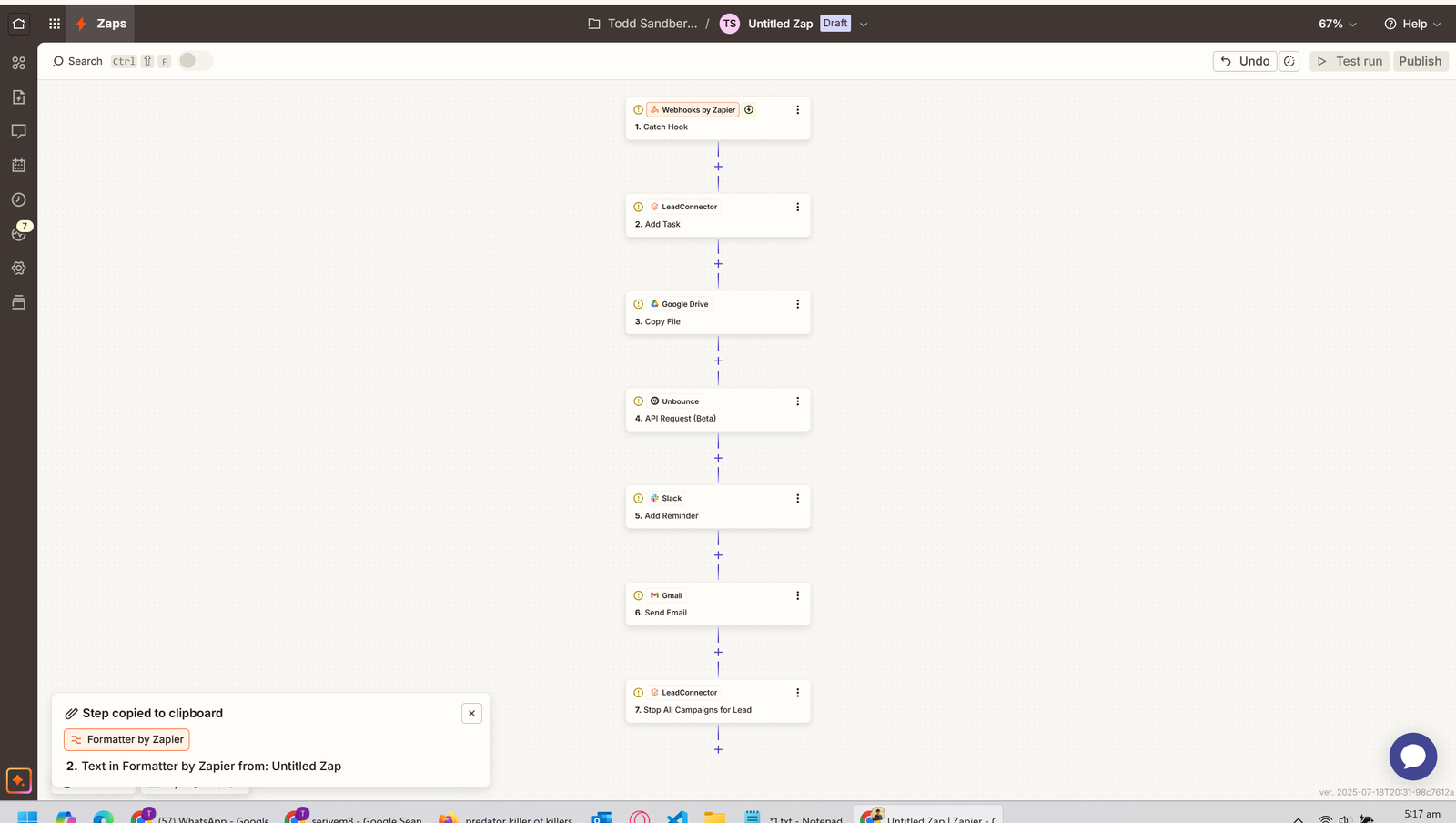
A multi-step Zapier workflow connecting business data with GoHighLevel for automated CRM updates and actions.
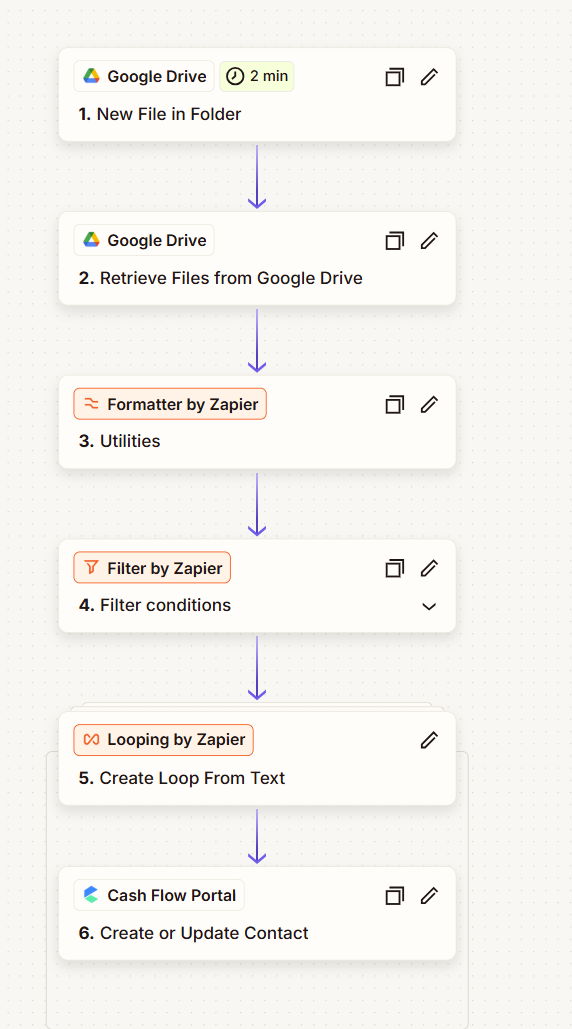
Google Drive files are processed, filtered and converted into structured CRM contact records automatically.
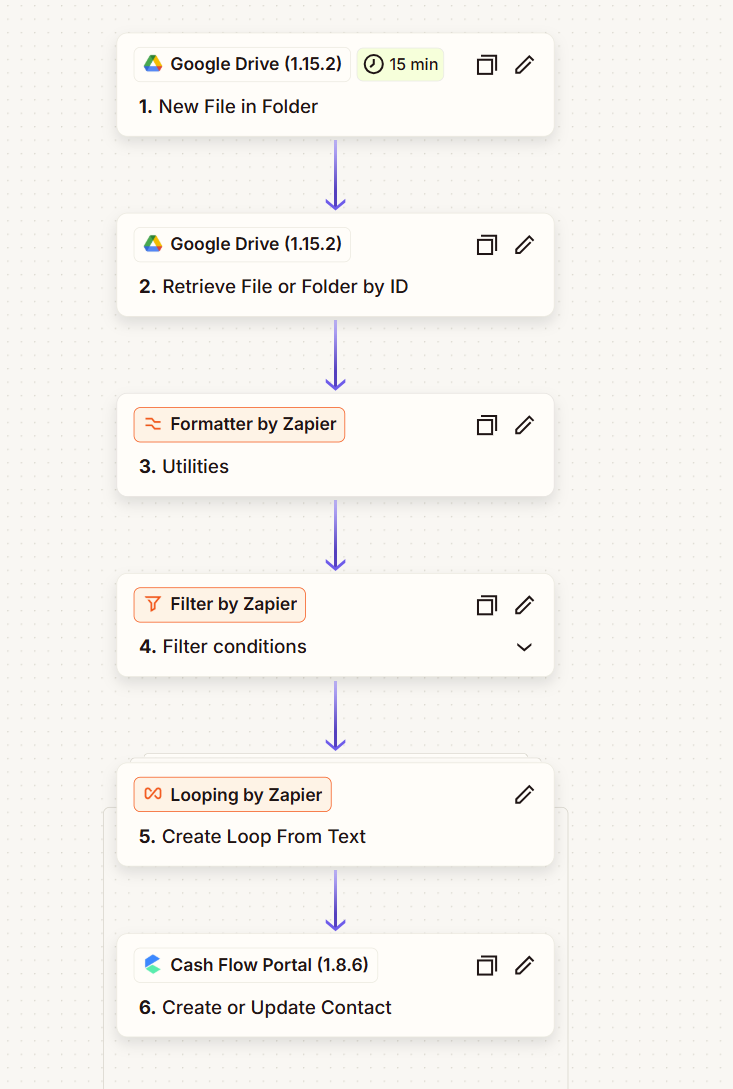
File data is retrieved, formatted and filtered before new records are created in the connected CRM.
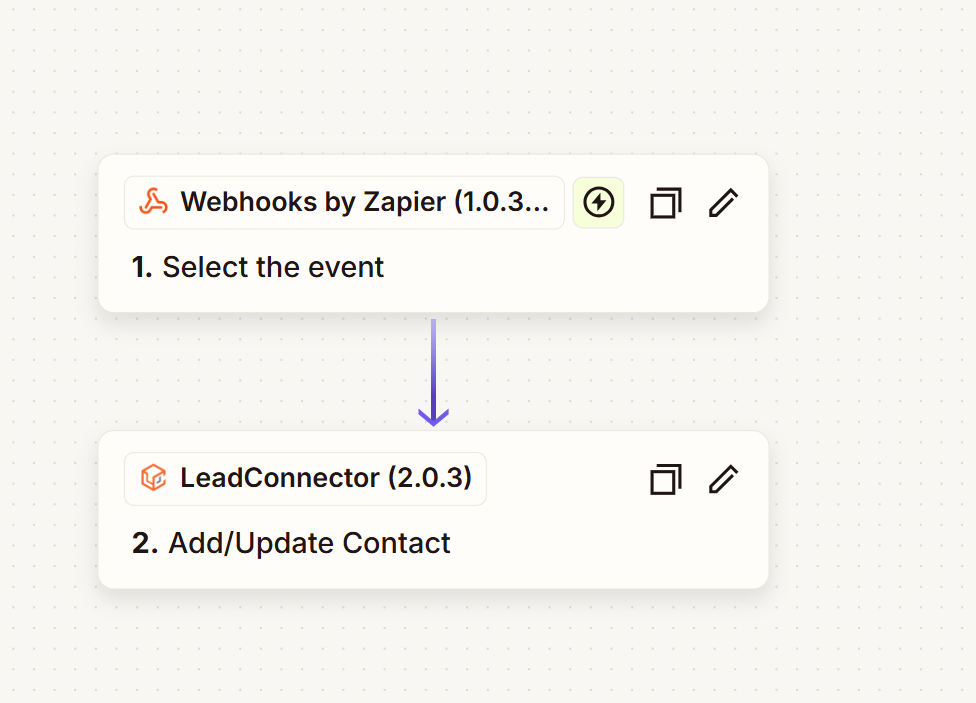
Incoming webhook information automatically creates or updates contact records inside the connected CRM.
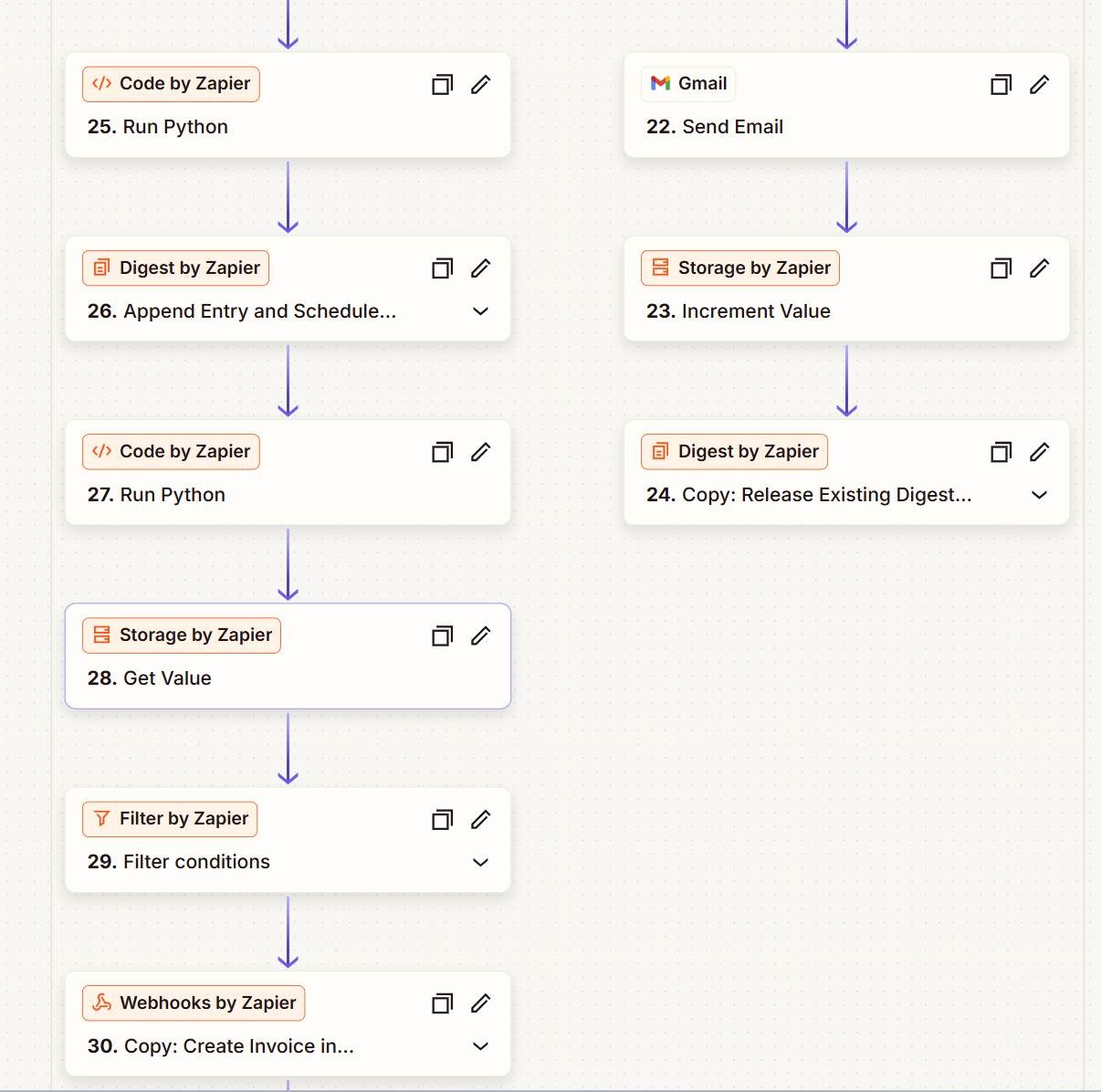
Code, formatting, filters and storage actions work together to process complex data automatically.
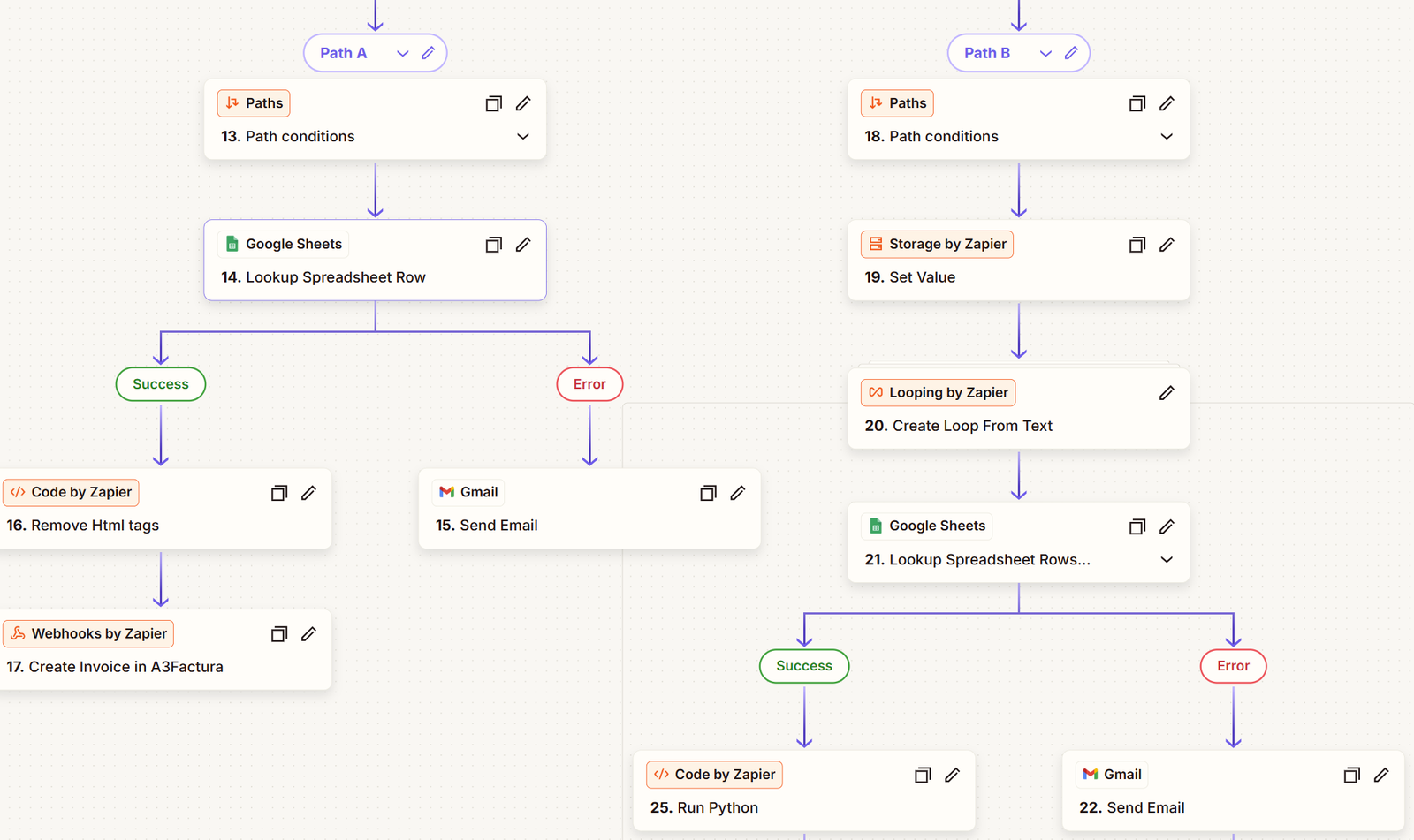
Automated paths route each record to the correct actions based on workflow conditions.
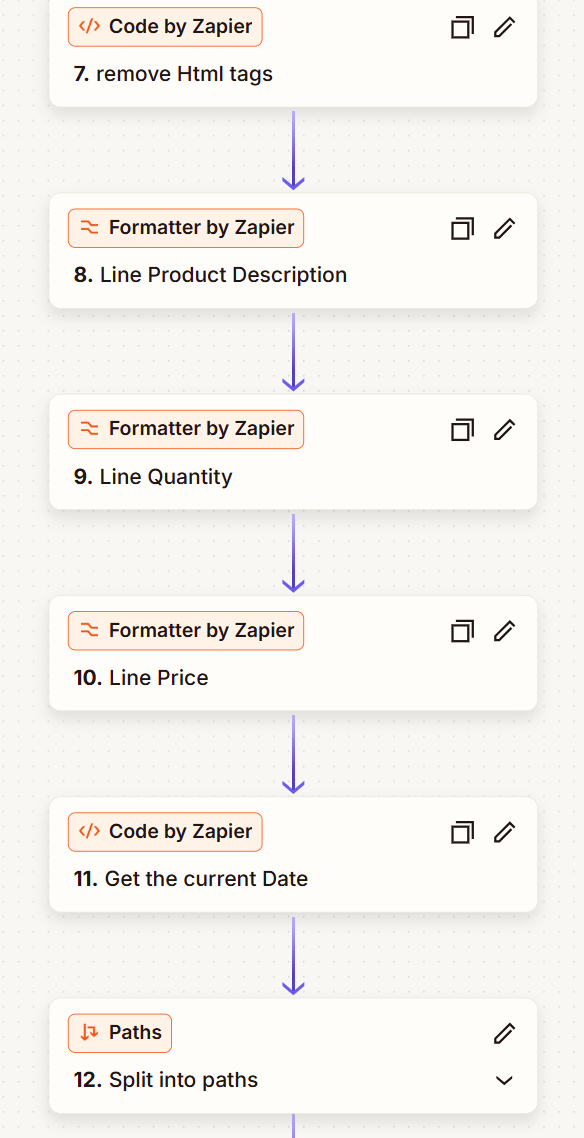
Incoming information is cleaned, formatted and organized before moving through the remaining workflow actions.
LOW-CODE APPLICATION
A customized low-code application for managing customer records, collecting structured information and organizing operational business data.
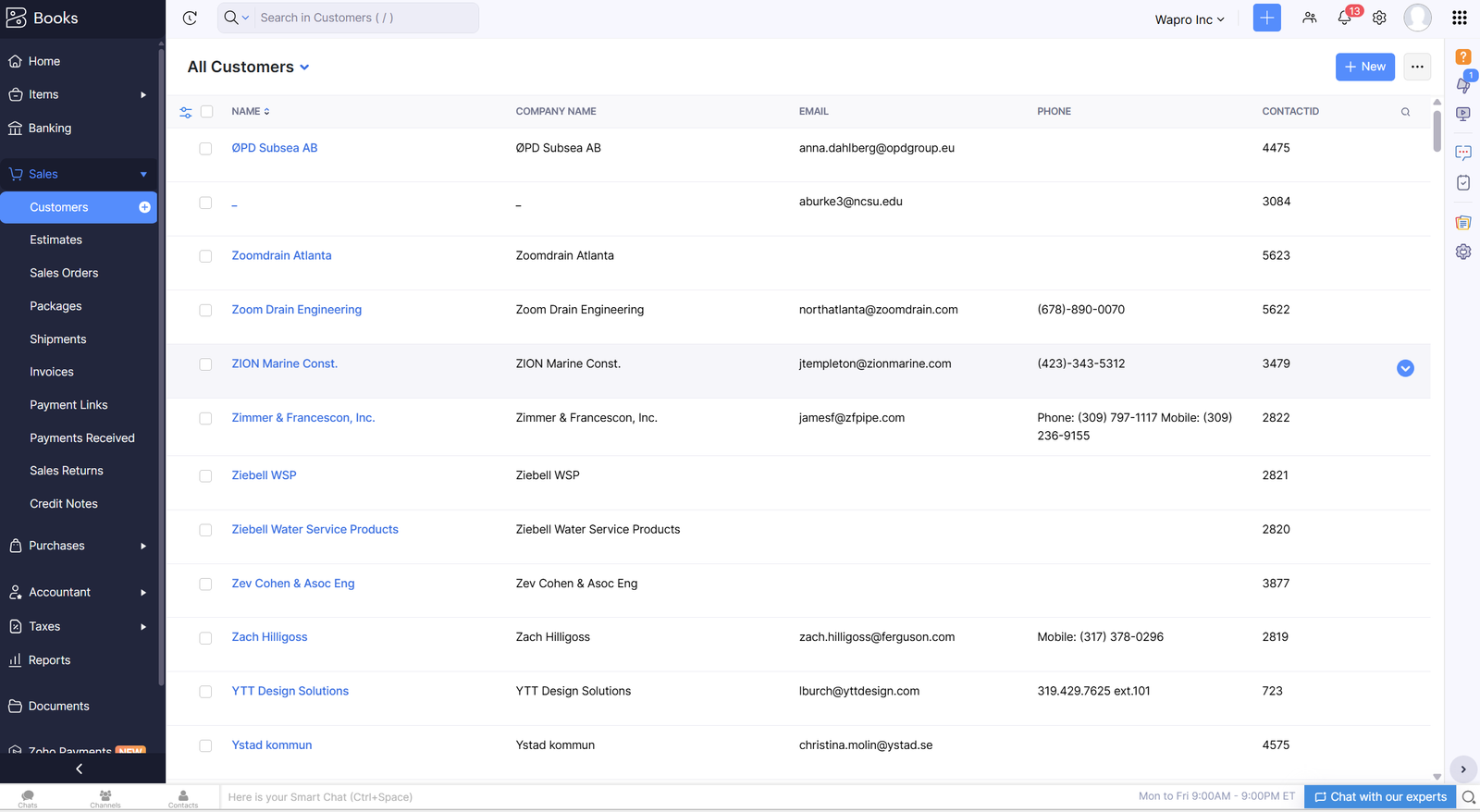
Customer information and important business details are organized in one structured and searchable application.
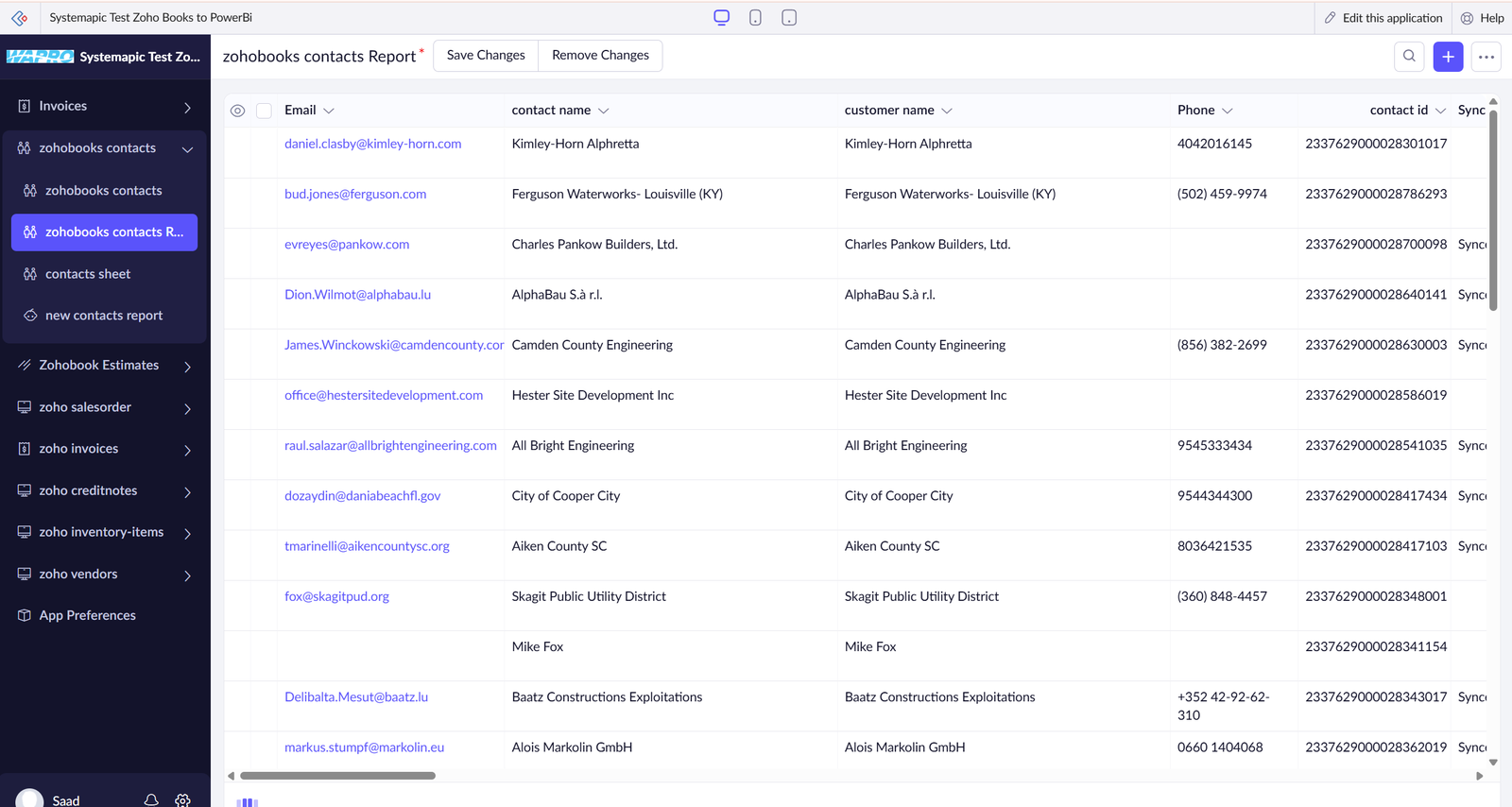
Business records are displayed with organized contact information, ownership details and operational data.
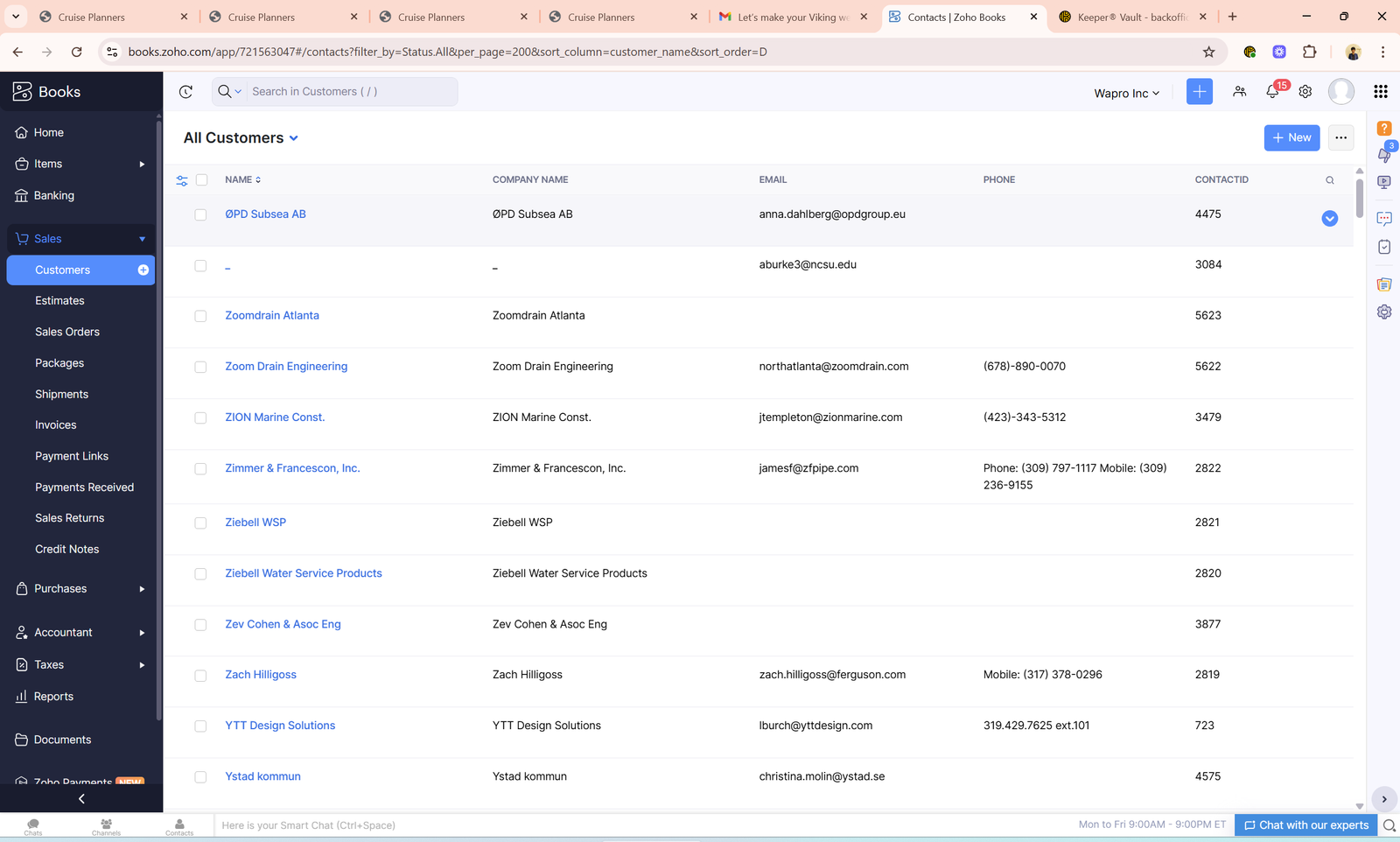
Customer records are managed through a clear table with structured fields and accessible business information.
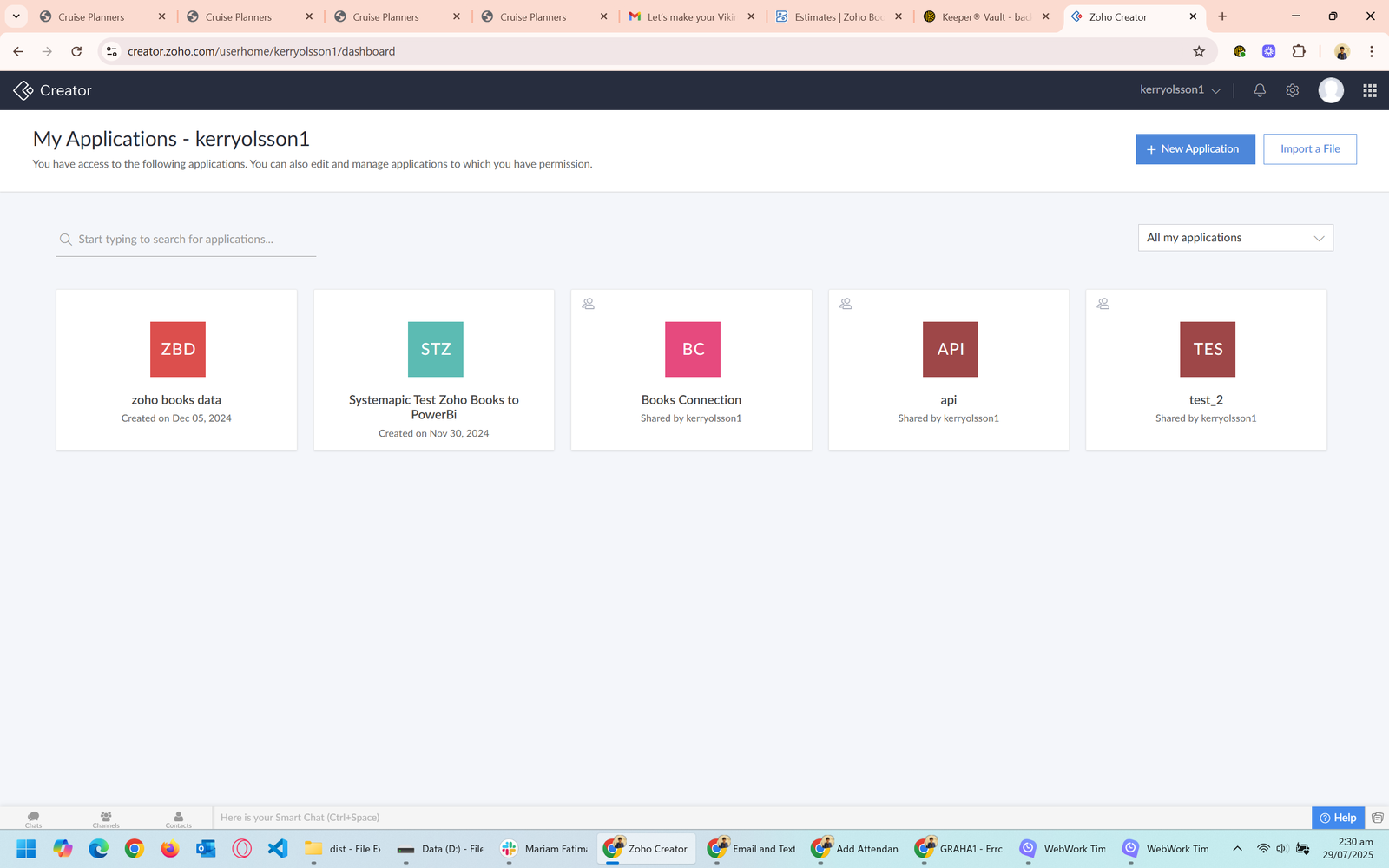
A centralized application dashboard provides quick access to important business modules and operational information.
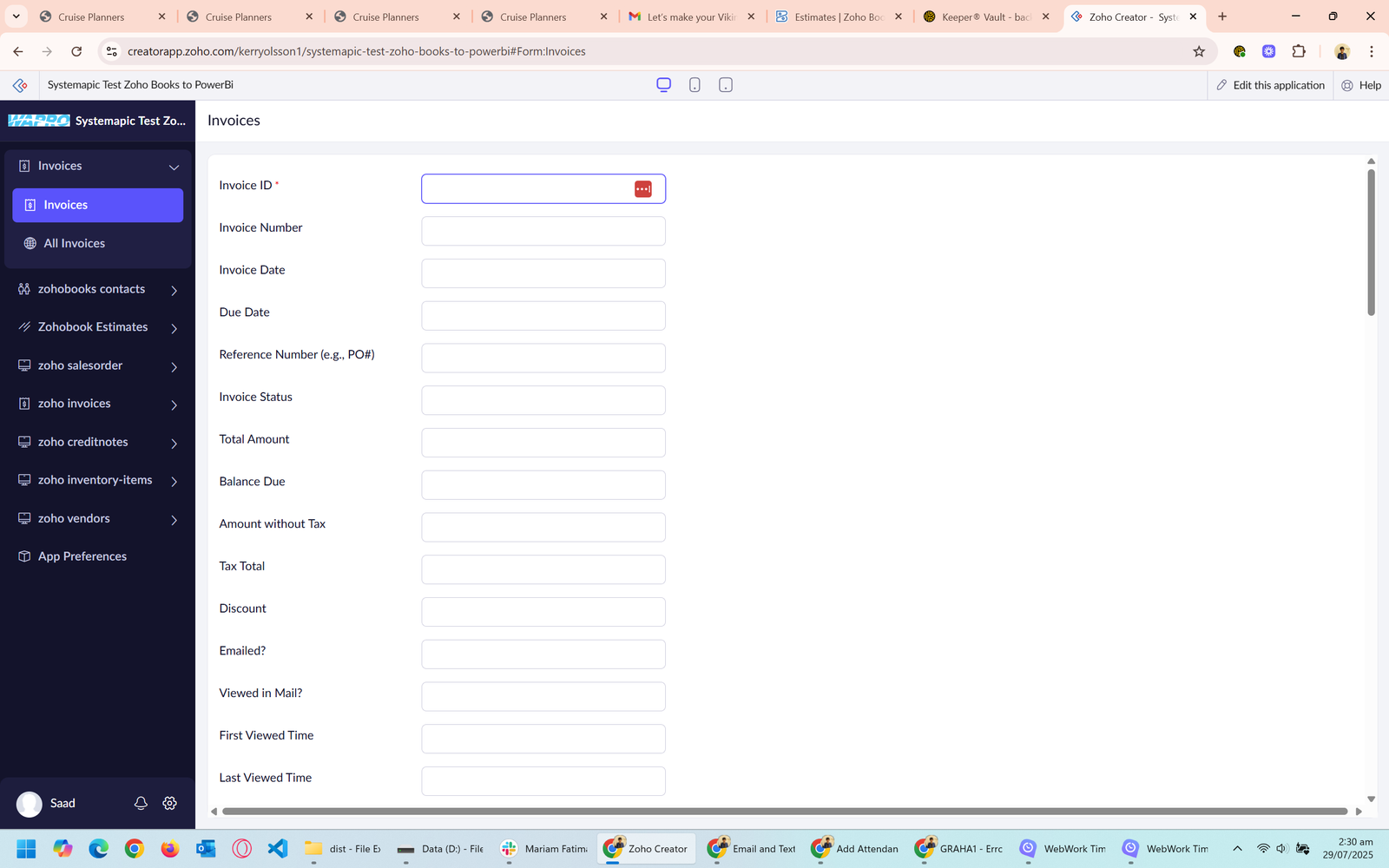
A customized form collects business information through structured fields and consistent data entry.
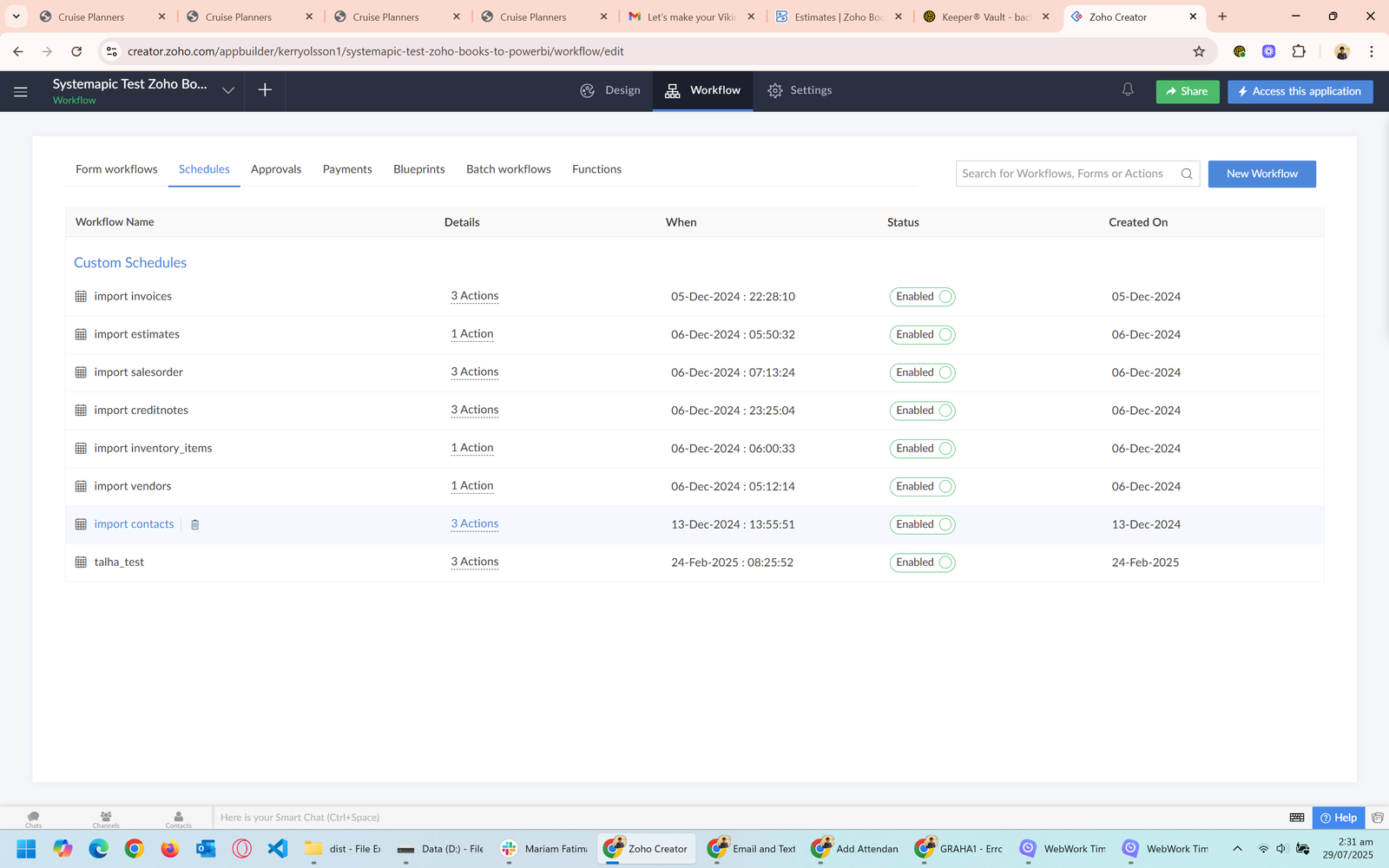
Business records are displayed in an organized report for easier monitoring, review and operational management.
INTEGRATION AUTOMATION
A connected Zoho Flow system for automating business processes, moving data between applications and monitoring integration performance.
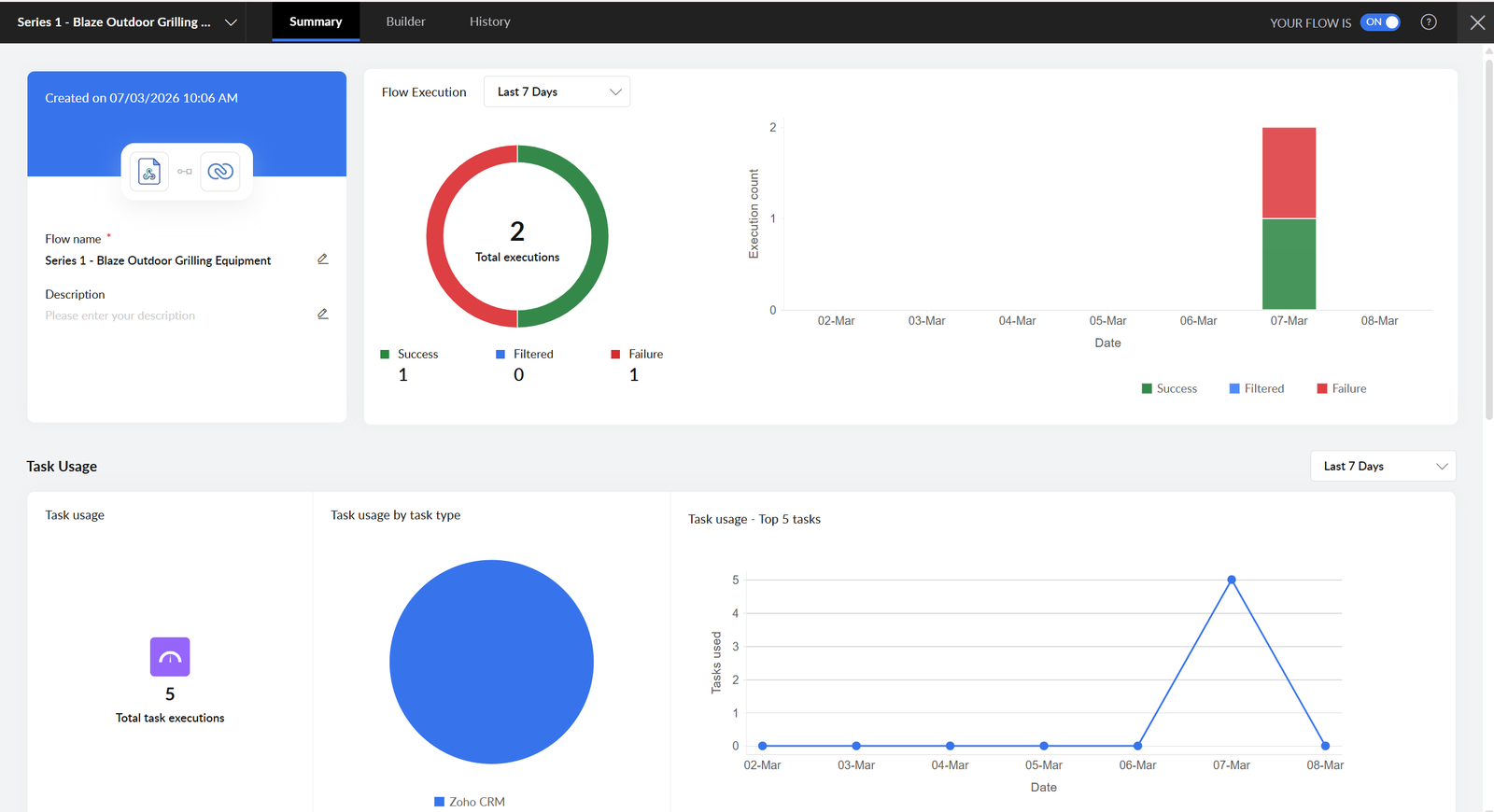
A visual analytics dashboard for monitoring workflow activity, execution results and integration performance.
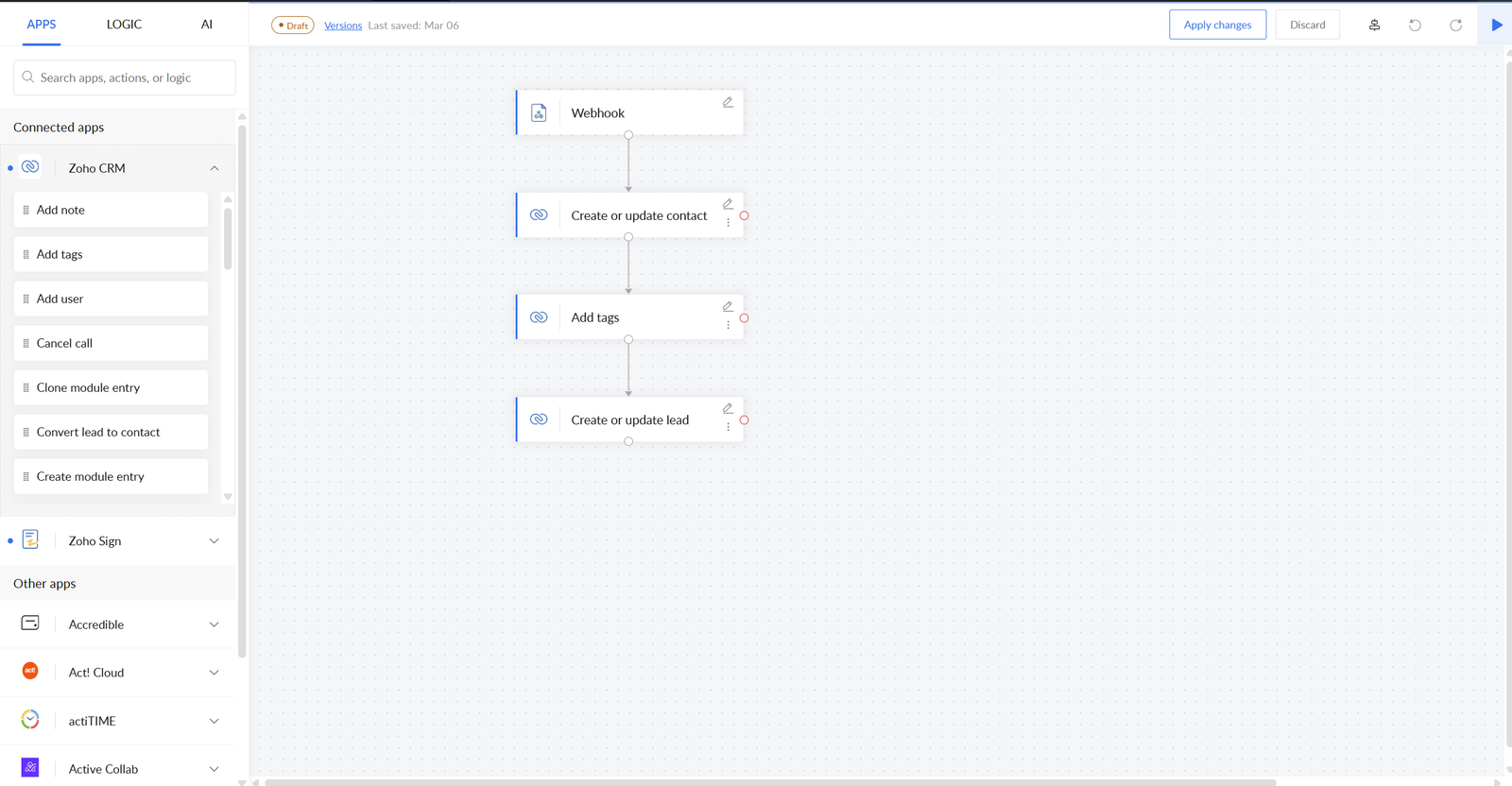
Applications and actions are connected in a clear sequence to automate the movement of business data.
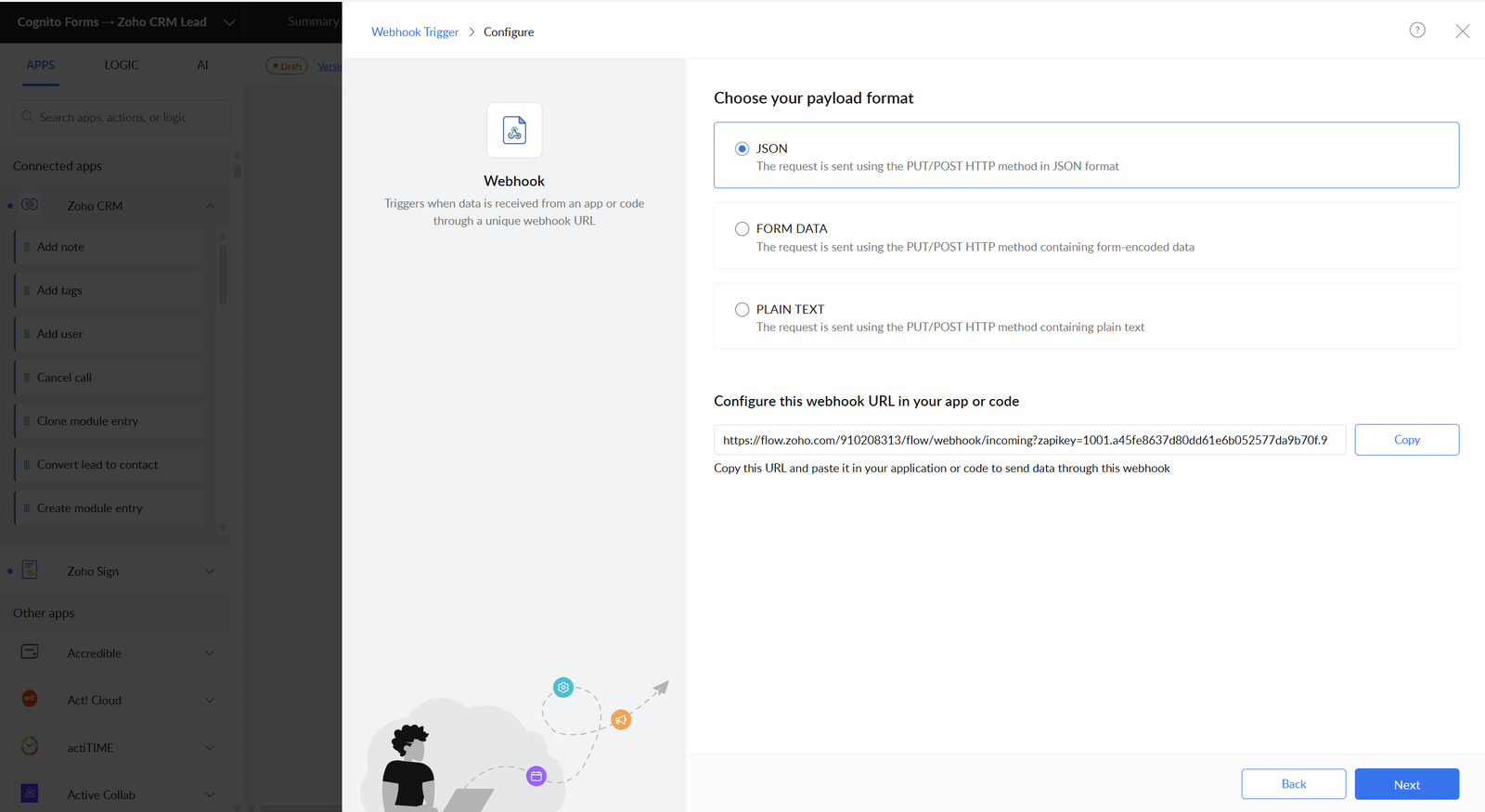
Business applications are connected and configured to exchange information through automated workflows.
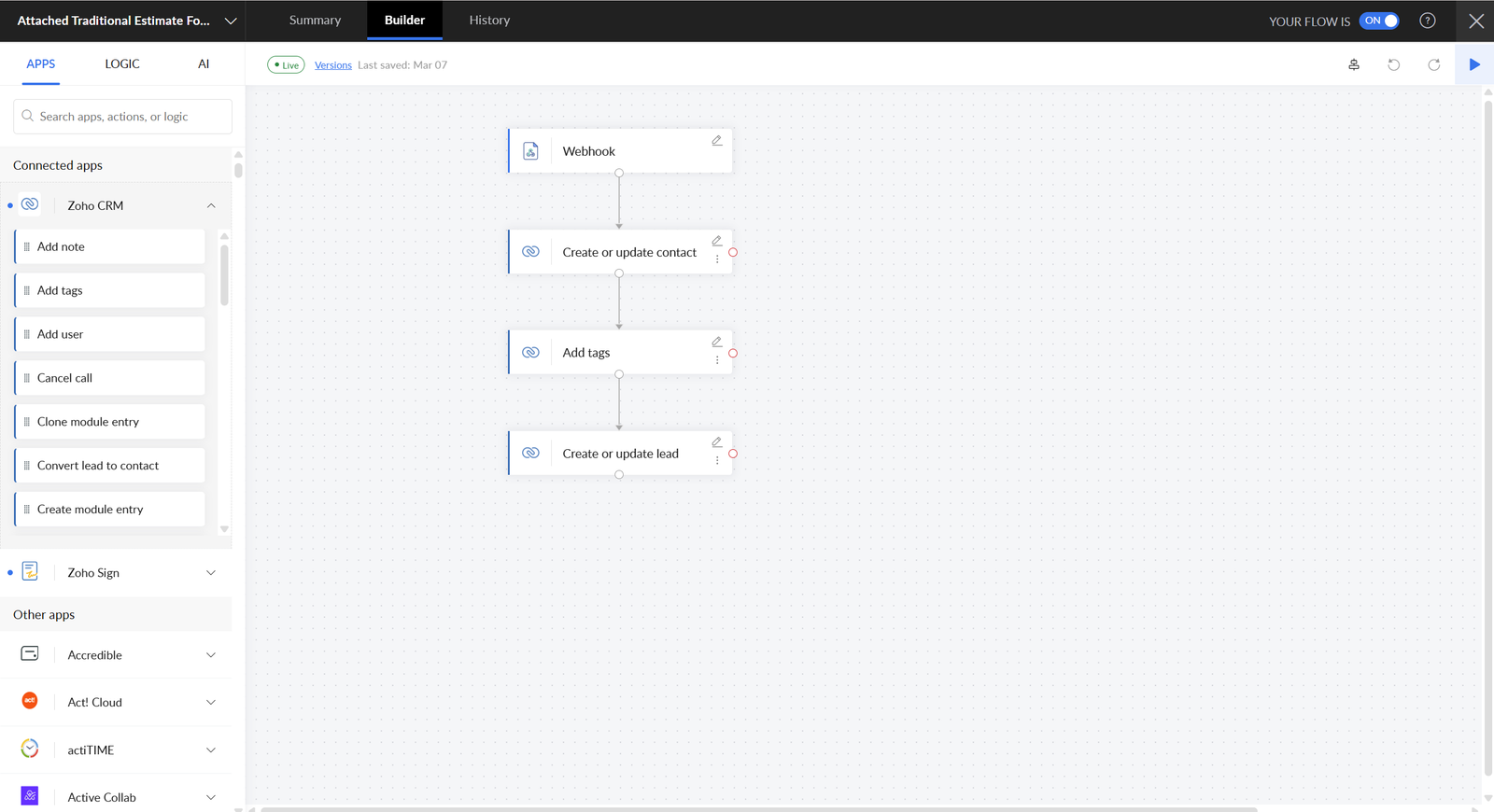
A structured automation connects multiple steps and transfers data between integrated business tools.
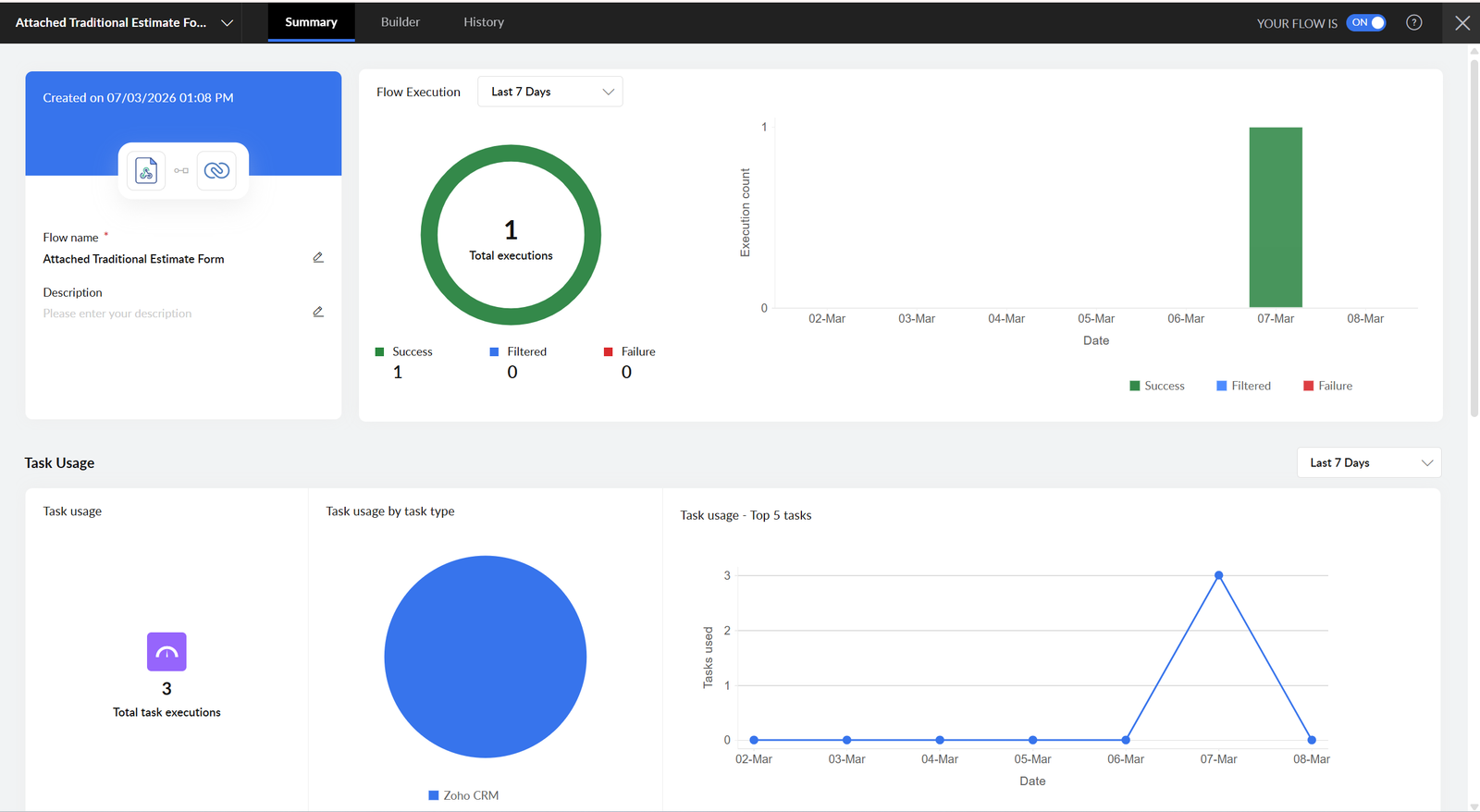
Workflow executions and integration results are monitored through a centralized performance dashboard.
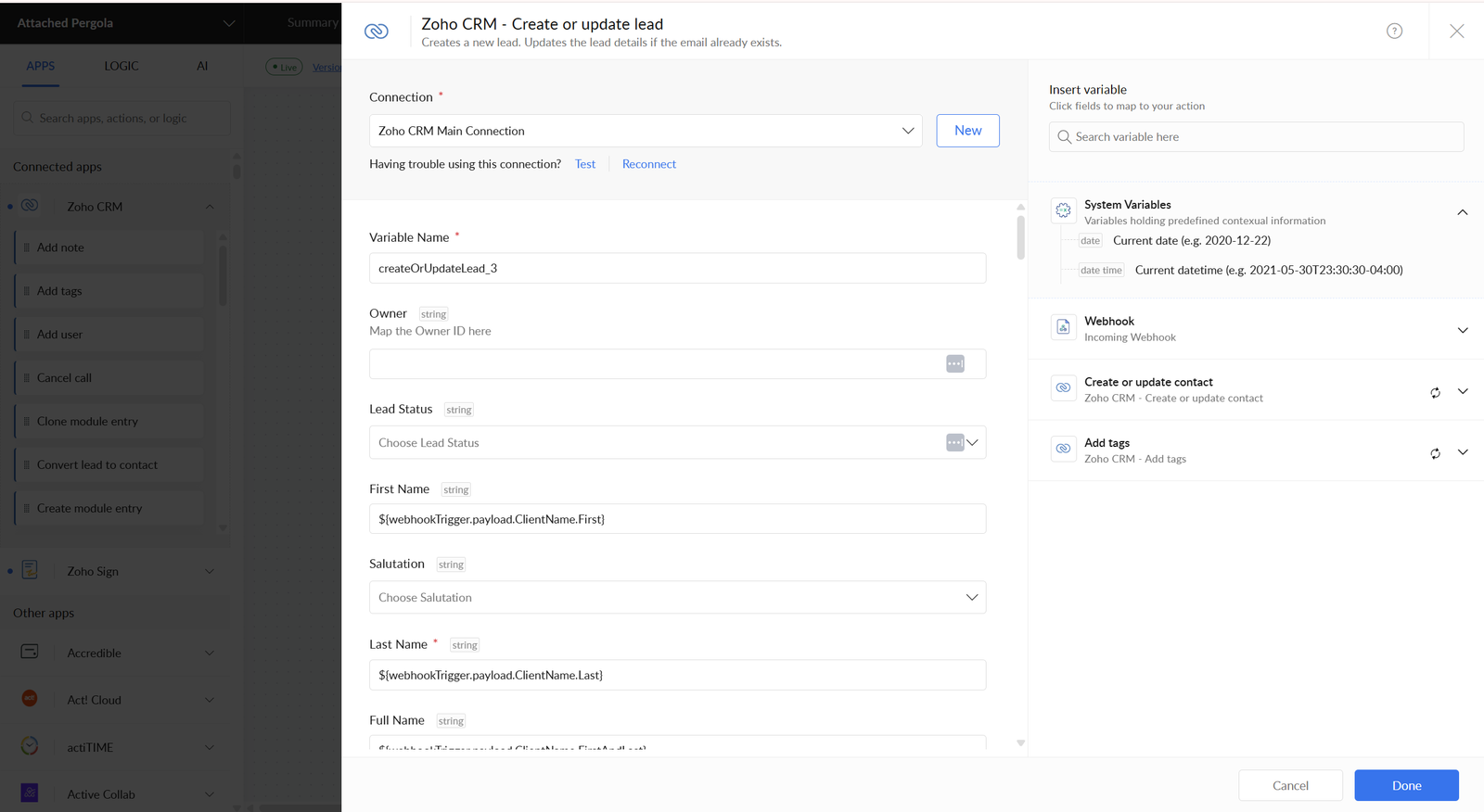
Workflow triggers are configured to start the correct automation when a business event occurs.
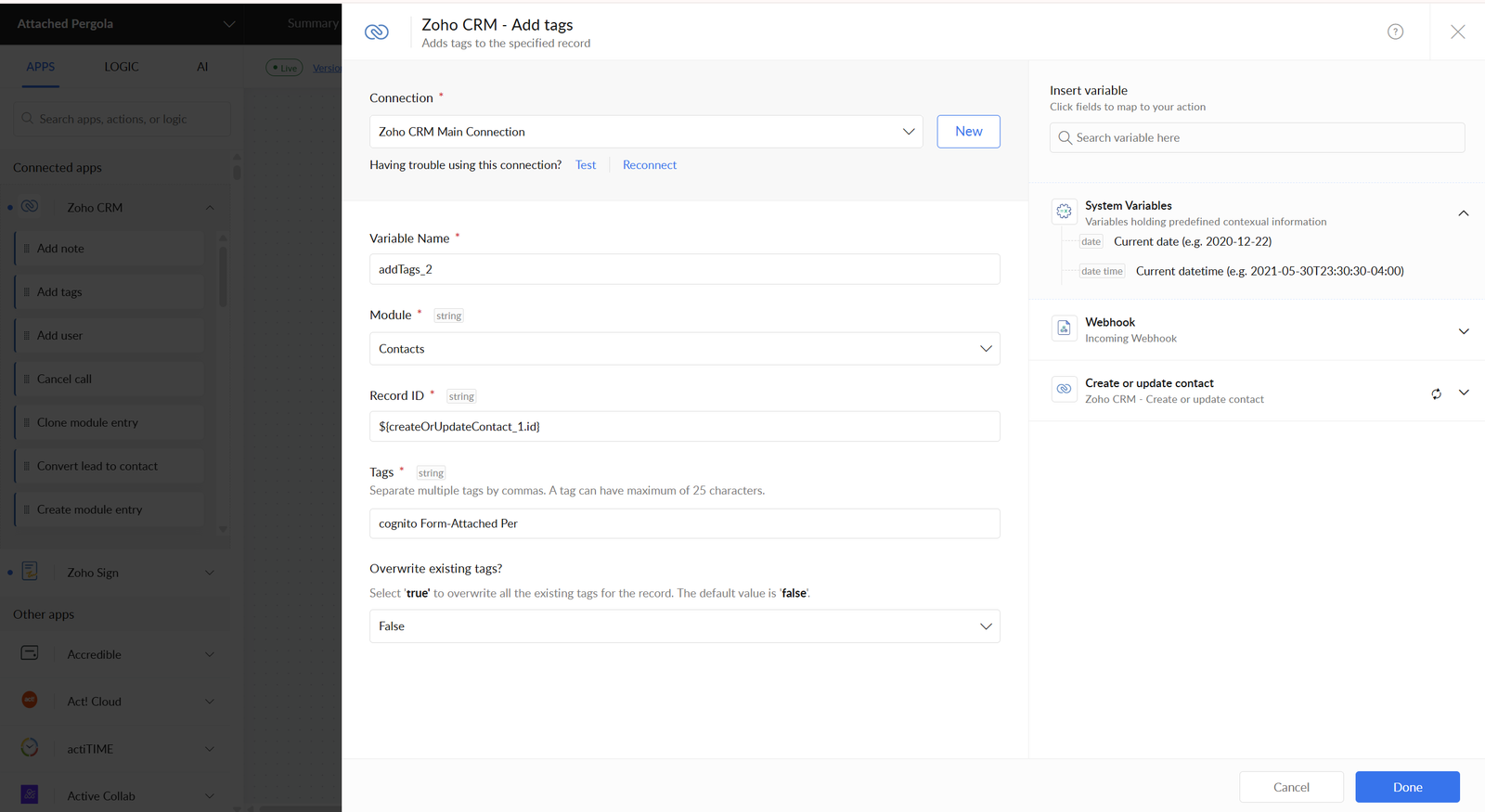
Workflow actions are configured with mapped fields to update the connected destination application.
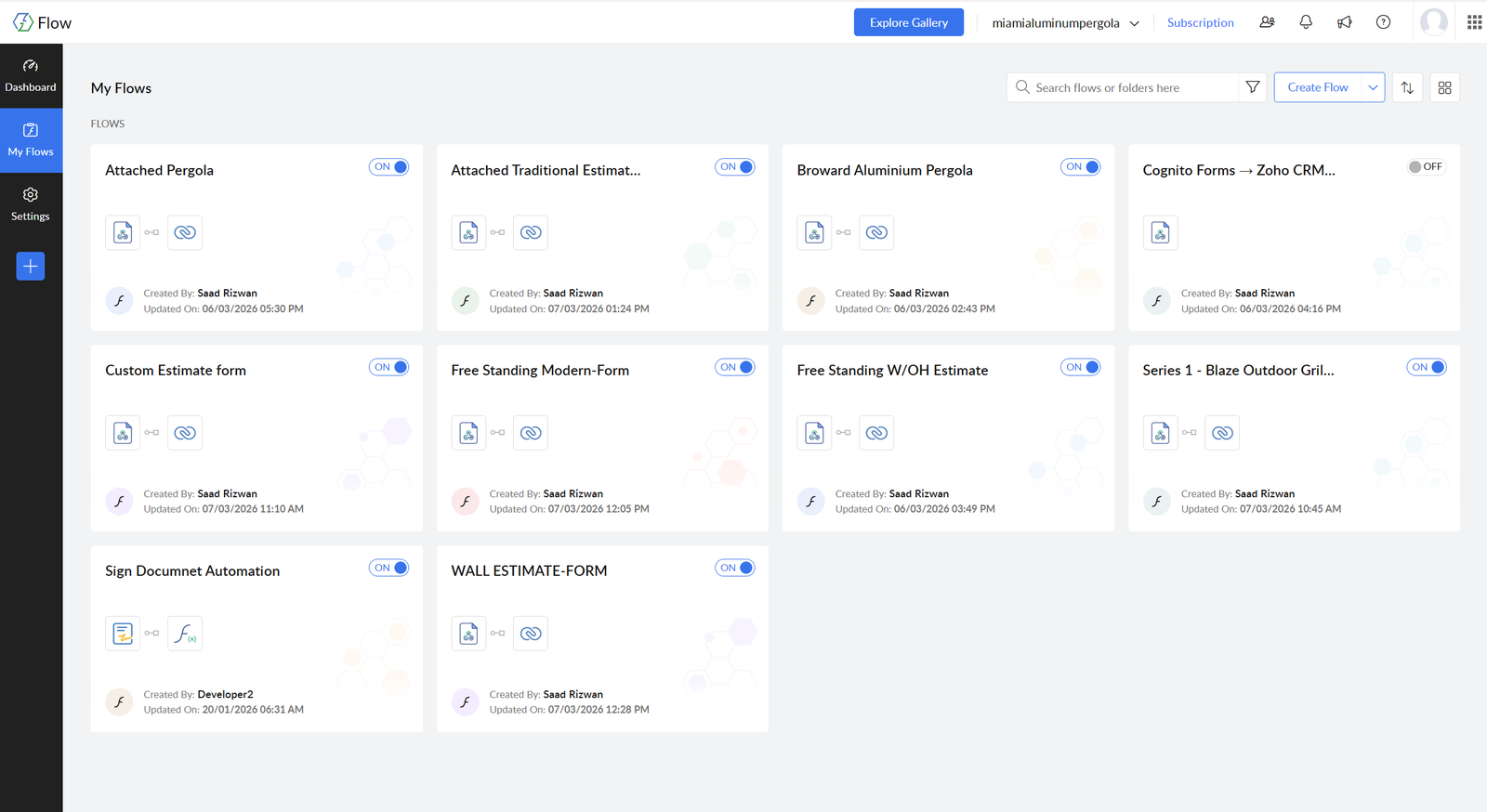
A centralized workspace for accessing integrations, managing workflows and reviewing connected applications.
This is a fully static website. Open the portfolio page and click any project card to display its project gallery here.
View all projects